User’s Manual
82 Software Configuration
control over the maximum value the channel will reach when the group is at 100% and provides access to intelligent
fixture attributes.
This window has five tabs down the left hand edge that correspond to the different information you may want to edit.
In channel groups the attributes can have an "Off" value. Cells that are in this state will also be greyed out to make
them easily identifiable. To set a value to the "Off" state simply types an O into the cell or any non-valid character.
"Off" values will be ignored when the channel group applied.
The values set in the overview and DMX tabs will determine the maximum value that the attribute will reach when
the group is at 100%. For example if a channels dimmer value is set to 50% in the channel group detail window then
when the group is at 100% the channels dimmer will be set to 50%. If the group is set to 25% then the channels value
will be set to 12.5% (25% of 50%).
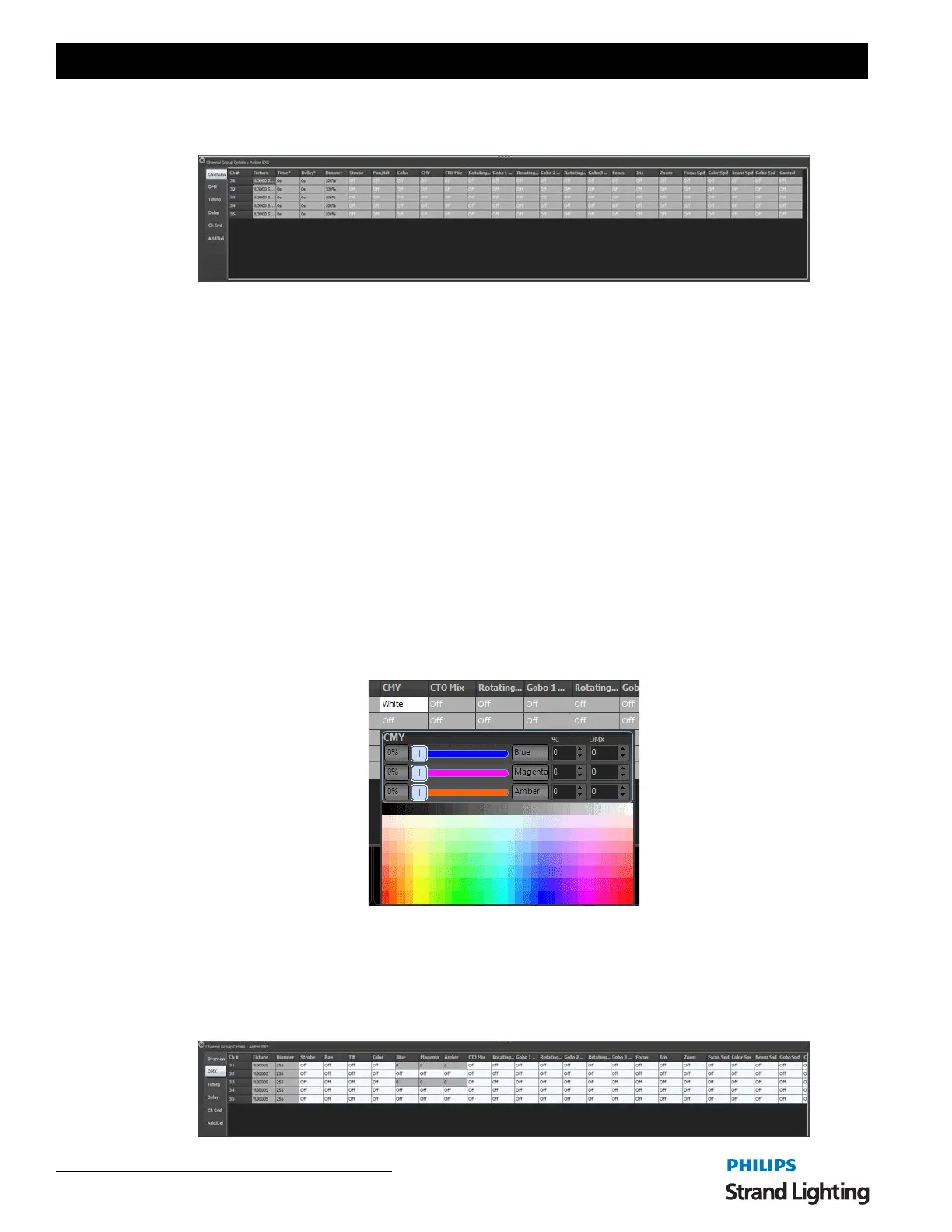
Overview
The overview tab will show the attributes values as real world information. Most values will be shown as percentage
information but some values may show other data. A gobo control for example will show an image of the gobo
selected and the color controls will show the color that is currently assigned.
This tab also provides optional time and delay for the individual channels. For attribute level timing see the "timing"
and "delay" tabs.
Each of the attribute tabs also provide helper controls that can be accessed by double clicking on the cell. For the
color cells the standard NEO color picker will appear. Once you have finished modifying the value with the helper
control click anywhere in the previous window to close it.
DMX
The DMX tab will show all of the same information as the over view tab but all of the values will be shown as DMX
values. This provides the maximum resolution when modifying the data in the group. For example in the overview
tab the dimmer is shown as a percentage giving 100 possible values but the underlying DMX associated with the
dimmer has 255 possible values. When the percentage is changed is converted to a DMX value for storage in NEO.



 To Next Page