User’s Manual
92 Software Configuration
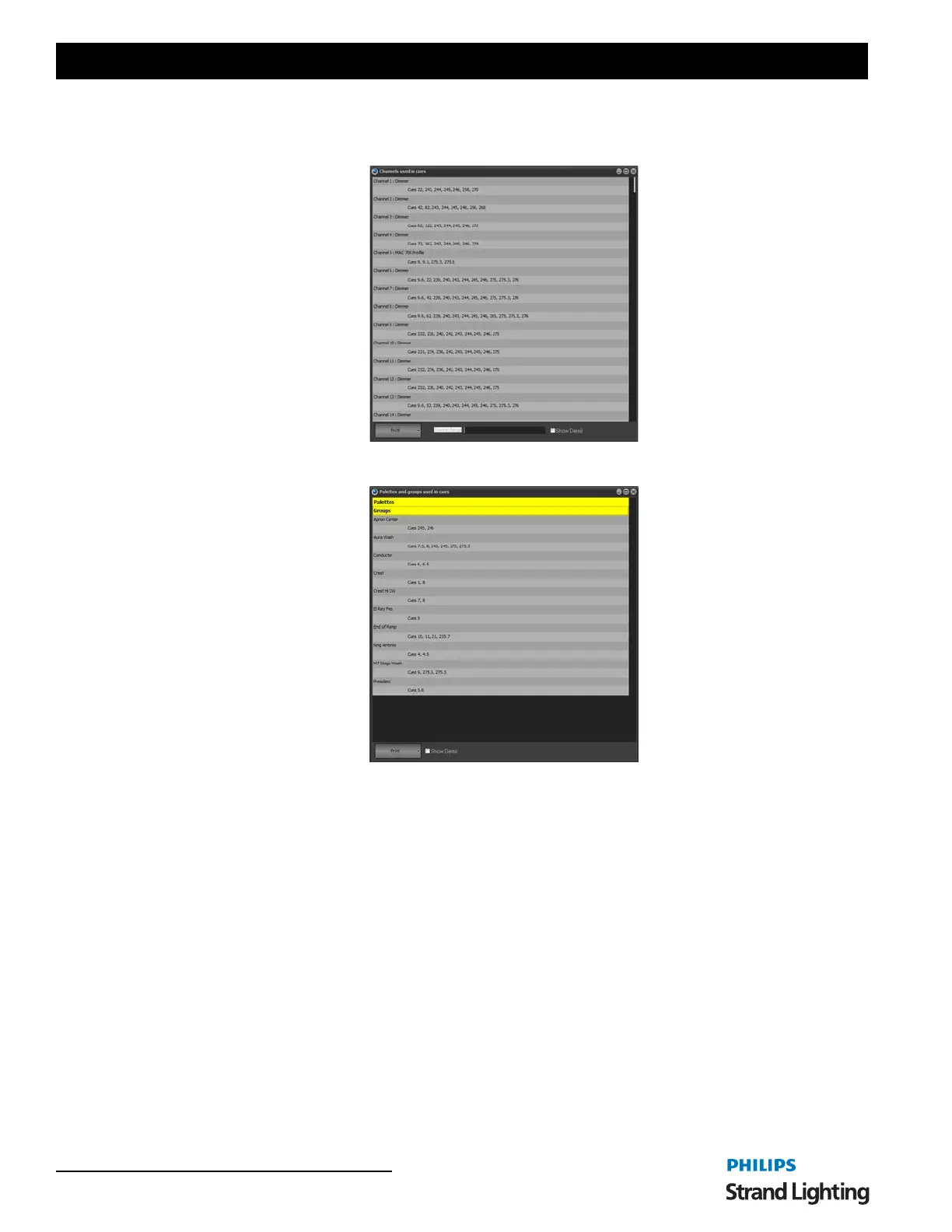
Report
Channels Used In Cues - shows a list of cues and the channels stored in them.
Palettes / Groups Used In Cues - shows a list of Palette and then Groups with the cues that reference them.
Use Primary Playback
Check this option if you want that master playback on the external playback wing to be used to control the master cue
list playback.
You can also access this using a programmable keyboard in the same way as shortcuts. The key sequence to run this
special playback:
• Cue Go: control - q followed by "A1"
• Cue Back: control - q followed by "Z1"
Safety Playback Mode
Safety playback mode is designed to prevent accidental triggering of cues during your show. When this option is
checked the "GO" button will not immediately execute the next cue when an existing cue is running or the cue is set
to follow on.
If the previous cue is still running or the next cue is setup to be a follow on cue the "GO" button will be re-labeled
"Enable". Clicking on the "Enable" will change it to "GO" and a second press will force the cue to be executed.
This mode ensures that the button must be pressed twice if the use wants to skip over the normal execution rate
programmed.



 To Next Page