Patch 147
NEO Lighting Control Console
Revert to last Saved Patch
This will allow you to ignore the patch changes made since the last patch save.
Close Window without Saving
This will allow you to ignore the patch changes made since the last patch save AND close the patch window taking
you back to the Live screen.
Standard Dimmer Patching
By default the "Standard Dimmer" fixture is selected. Standard dimmers use only one dimmer to control the
luminaire.
To change the dimmer associated with a channel:
1) In the dimmer view, click on the desired dimmer number and hold the left mouse button down.
2) Drag the dimmer over the channel in the channel view area. When you release the mouse the channel will
automatically be patched to the new value.
Multiple dimmers can be patched to a single channel by clicking in the "Detail" field and entering a list of channels
separated by a comma (,).
Command Line Patch
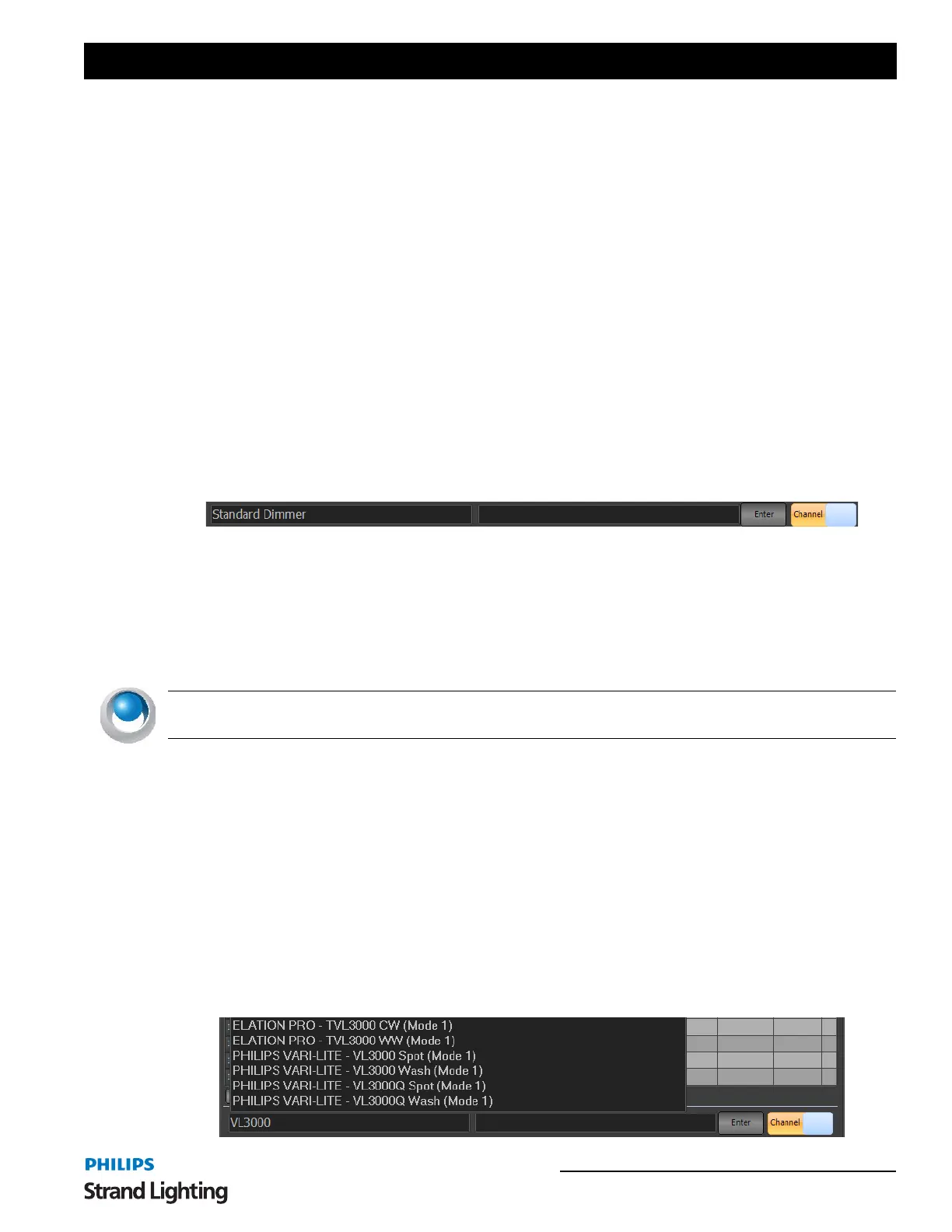
At the bottom of the Patch display, there are two entry boxes an Enter button and a Channel/Dimmer switch.
The left box determines "what" gets patched. Standard Dimmer is the default for conventional dimmer patching. The
right box determines "where" the patching occurs for channels/fixtures and dimmers/outputs.
The Channel/Dimmer switch determines the order of the info for Command Line patch.
For example, to patch a standard dimmer of 12 to fixture 2, type [2][@][1][2][ENTER]. This will assign dimmer 12
to fixture 2.
You can flip the Channel/Dimmer switch and type this output first. [1][2][@][2][ENTER].
NEO NOTES & TIPS: Multiple dimmers connected to a channel will output the same value dependent on the
channel value and the channel profile curve (for more on profiles, see "Profiles".
Intelligent Fixtures
Intelligent fixtures use more than one physical output to control various aspects or attributes of the luminaire. A
channel can only be patched to one intelligent fixture and can be identified by the name of the fixture in the detail
column of the channel view.
To patch an intelligent fixture to a fixture:
1) Select the desired luminaire from the tree view under the title "Available Fixtures".
Command Line Patch
At the bottom of the Patch display, there are two entry boxes an Enter button and a Channel/Dimmer switch.
To patch an automated luminaire, start typing the fixture name in the left field. Once you have typed 3 digits, the
NEO software will attempt to find it. I've typed in VARI*LITE VL3000 as an example. From here, ARROW Up/
Down or click with the mouse pointer to select.



 To Next Page