Show Defaults 179
NEO Lighting Control Console
FX Delay Time - default delay time used when a cue triggers an effect.
Mark Time - default Mark time set for a cue that is recorded.
GOTO Time - default time used with the GOTO command.
Full Tracking Mode / Hybrid Tracking Mode Switch (Important)
This is a systemic switch that determines how the NEO console records cues.
NEO NOTES & TIPS: This is an important option, please read below prior to selecting.
Hybrid Mode - In hybrid mode all active channels are recorded into the cue. An active channel is any channel
currently "on". If a channel was on in a previous cue and not recorded into the next cue it will be turned off when the
cue runs. All other attributes (pan, tilt, color etc) will not change until a new cue instructs them to change.
When running cues, NEO will only apply changes to the cue state. If an attribute does not change between cues then
the value will not be applied even if the output value has been changed by another control element in the software
(group, effect etc.).
Full Tracking Mode - In full tracking mode only changes are recorded into each cue however any channel that is
currently on will stay at that level. When a cue is recorded or updated NEO will work out what has changed and
record only that information. If a channel is not in a cue then it will maintain any state it was set to by a previous cue.
To turn a light off in a cue the channel will be added with its value at zero.
When the cue is played back only the changes specified in the cue will be applied. If you play back a cue out of order
NEO will track back through the cue list and calculate the correct lighting state at that point based on the previous
cues.
Tracking is a playback function in NEO but there are some important recording options that will assist you to
program your show. Tracking behavior will be applied regardless of if the cues are run sequentially or out of order.
The tracking mode is set per show in NEO and can be changed at any time in the system properties. The tracking
switch will be stored with the show to avoid the chance of a hybrid show running on a tracking setup or the other way
around.
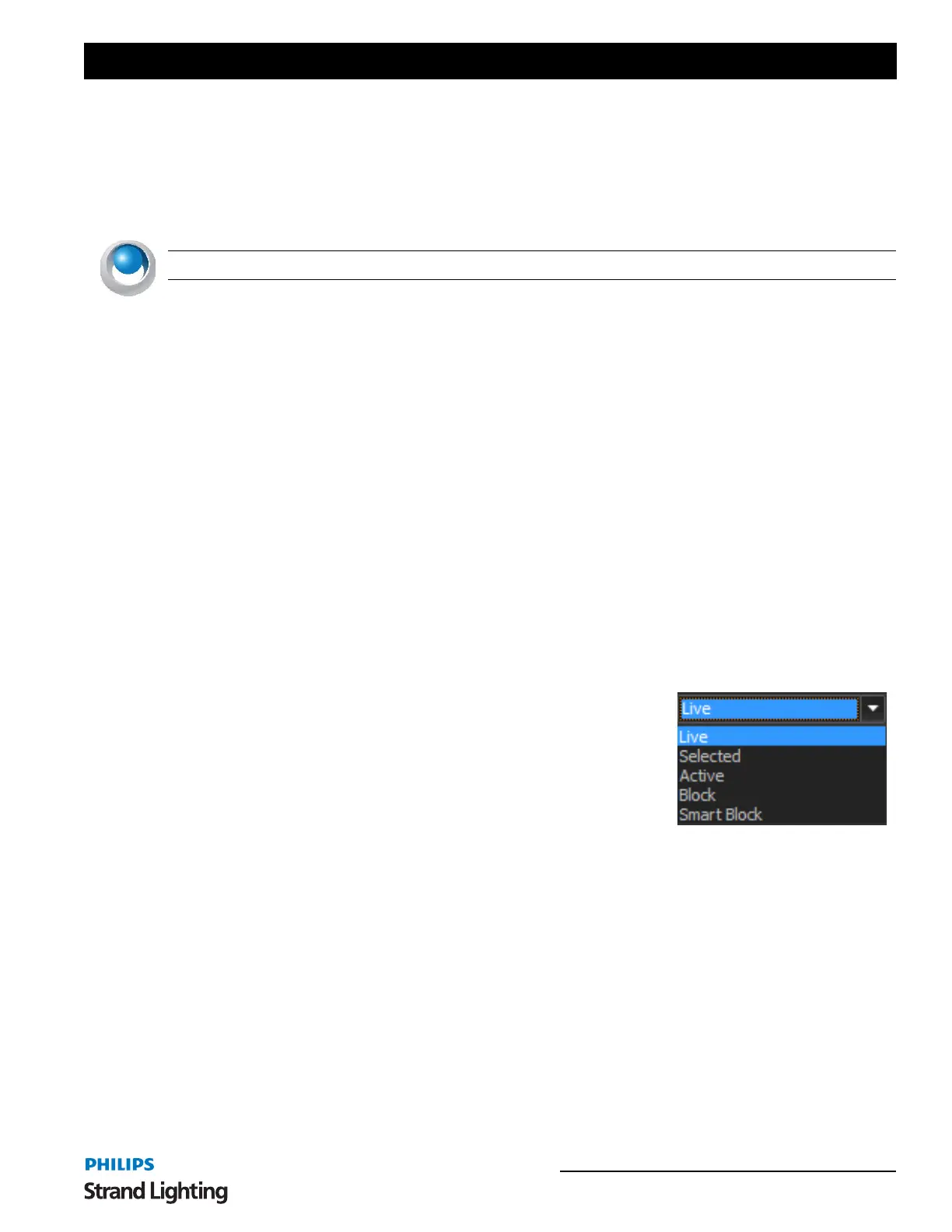
Default Record Mode
When a cue is recorded, what channels/fixtures does it take into account?
The options are…
Live - this stores everything the desk is outputting with the exception of
running effect and submasters (depending on how the "Include Submasters"
option is set. This is the NEO default option as its most common in a theatrical
environment.
Selected - this stored only channels that are currently selected (in the red box).
Active - this stores only channels that have an intensity above zero.
Changed Only - this stores only changed values (shown in red).
Block - this will force an instruction for every channel/attribute in the system.
Smart Block - this will force an instruction for every channel that has a level.
Default Tracking Record Mode
Determines what data gets recorded and tracked.
The options are…
Cue Only - will store the information normally (instruction or tracked value) in this "cue only". Information will not
track beyond the current cue.



 To Next Page