User’s Manual
244 Reference / Window Overview
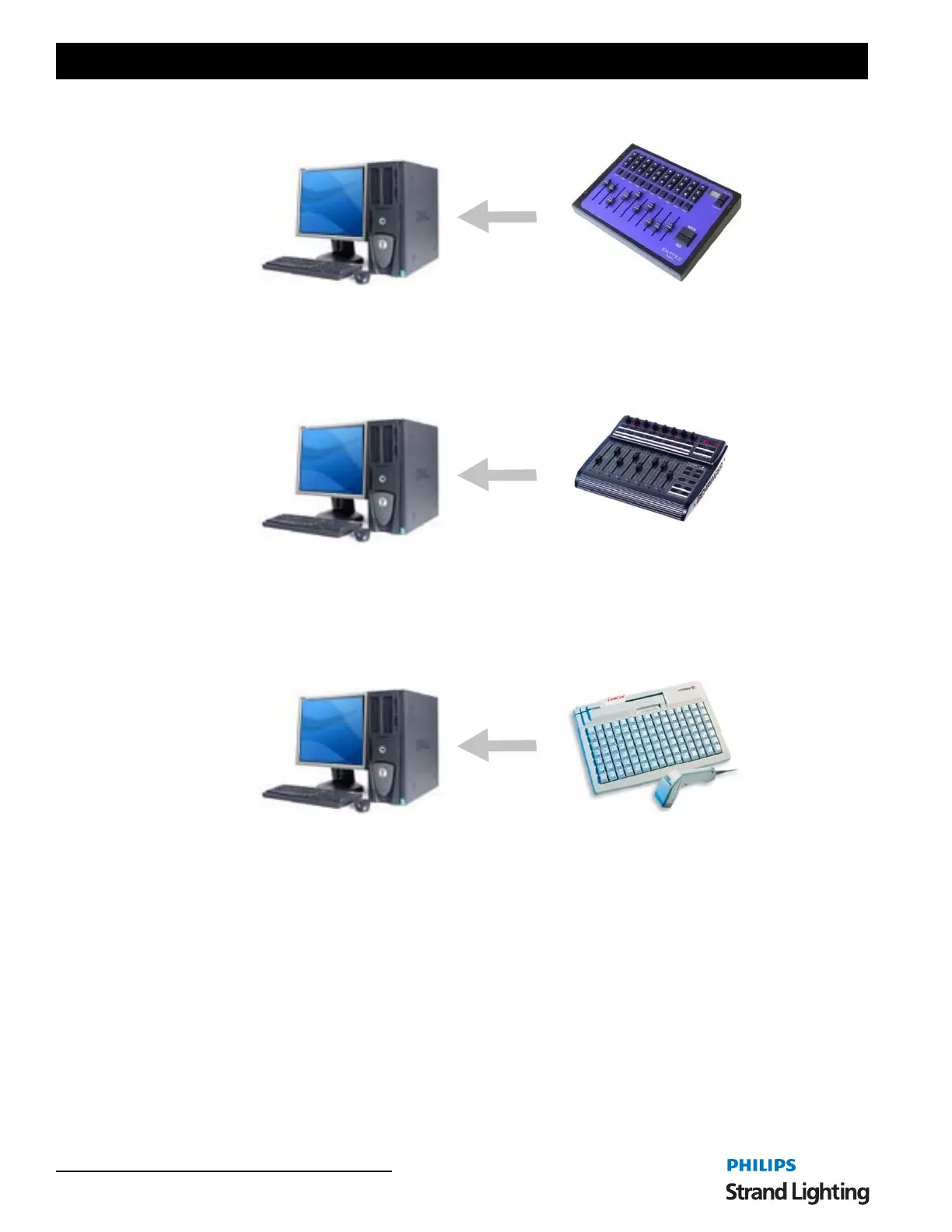
You can also use the Enttec playback wing as an external submaster board without needing to assign any playbacks.
See “Hardware Setup” on page 21 for more information about connecting the playback wing to your system.
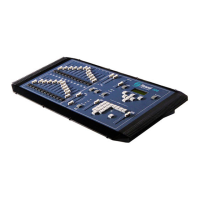
NEO can also read fader levels from a standard MIDI controller using the "Control Change" messages. If the MIDI
device supports motorized faders then NEO will also send MIDI messages when changing page or setting the on-
screen submasters. This will allow the physical submaster to reflect the current value.
3. Hardware Shortcuts
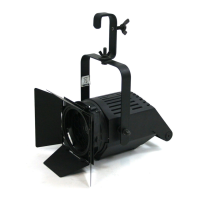
Programmable keyboards can be connected to the NEO system to provide physical shortcut buttons. Programmable
keyboards are most commonly used in point-of-sale environments but are perfect for this application. Each key can
be assigned a sequence of characters to send to the computer and are generally designed for heavy continuous use.
NEO has a built-in command sequence that will trigger shortcuts from programmable keyboards. Each shortcut can
be triggered by the key sequence control-Q {digit 1} {digit 2}. For example to trigger shortcut 21 from an external
keyboard you would need to program the key sequence control-Q 21.
If you are using the Enttec shortcut wing no programming is required as the system will immediately associate the
keys with the shortcuts in the system.
For more information on shortcut hardware, please visit our web site. www.strandlighting.com.
4. Window Layout Options
When NEO is shutdown and restarted the position and size of the windows are remembered. The next time you use
the software you will notice that the windows will re-open in the same state as they were last left.
In the Extras menu are two options that allow the positions (and settings) to be saved and re-loaded. This allows for
multiple layouts to be used for different environments. You may, for example, have one layout for programming a
show and one for playback.


 To Next Page