User’s Manual
94 Software Configuration
NEO NOTES & TIPS: Point cues cannot be exported to a CSD file. Use the option in the cue menu to renumber as
whole cues before proceeding with export.
Reset Grid Layout to Default
If you have resized or moved columns in the cue list grid you can restore the default positions and size by selecting
this option.
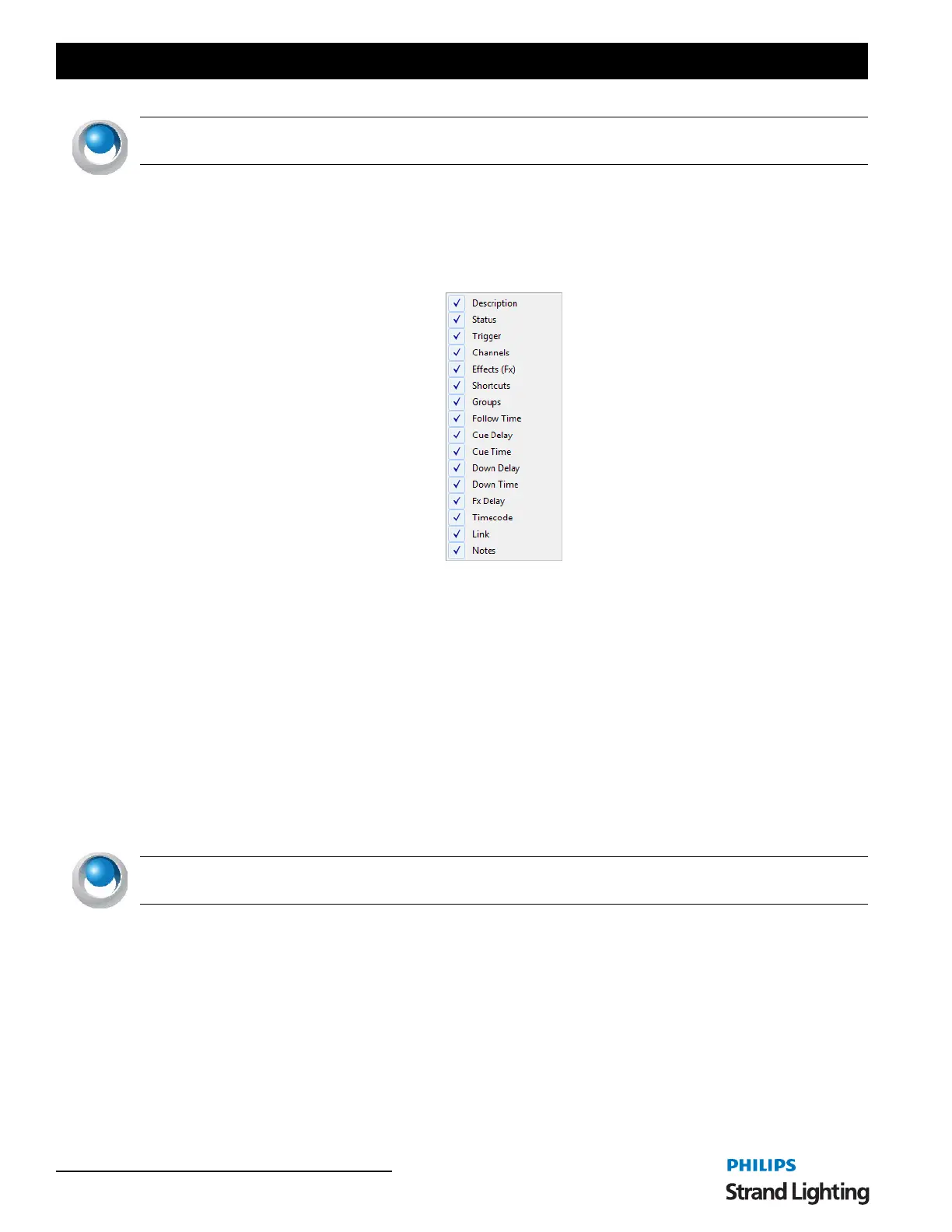
Visible Columns
Selecting the "Visible Columns" option in the menu will open up the submenu that will list all of the columns in the
cue list window. Select each one to turn the column on or off in the grid.
Cue List
The "cue list" is a series of cues each numbered between 0.000 and 999999.999. The cue number determines the
default order that cue will be run; however, the strict order is determined by the "next cue" field.
To create a new cue:
1) Click the "Add Cue" button below the cue list editor.
2) The newly created cue will be added to the end of the list with a cue number one integer value above the last
cue e.g., if the last cue number was 2.35 then the newly created cue will be 3.00.
3) NEO will assign the "next cue" field to the first cue, thus creating a show that will automatically wrap
around. As the new cue is the last one in the sequence, NEO will also change the previous cue and set its
"next cue" value to the newly created cue.
NEO NOTES & TIPS: Double clicking on a cue will automatically make it the currently active cue and make this
cue list the currently active cue list. If a cue within this cue list is active then it will appear highlighted light green.
To remove a cue:
1) Select the cue from the cue list.
2) Click on the "Delete Cue" button.
3) A confirmation dialog will prompt you to confirm this operation.



 To Next Page