User’s Manual
194 NEO Console & Software
Edit Color Filters
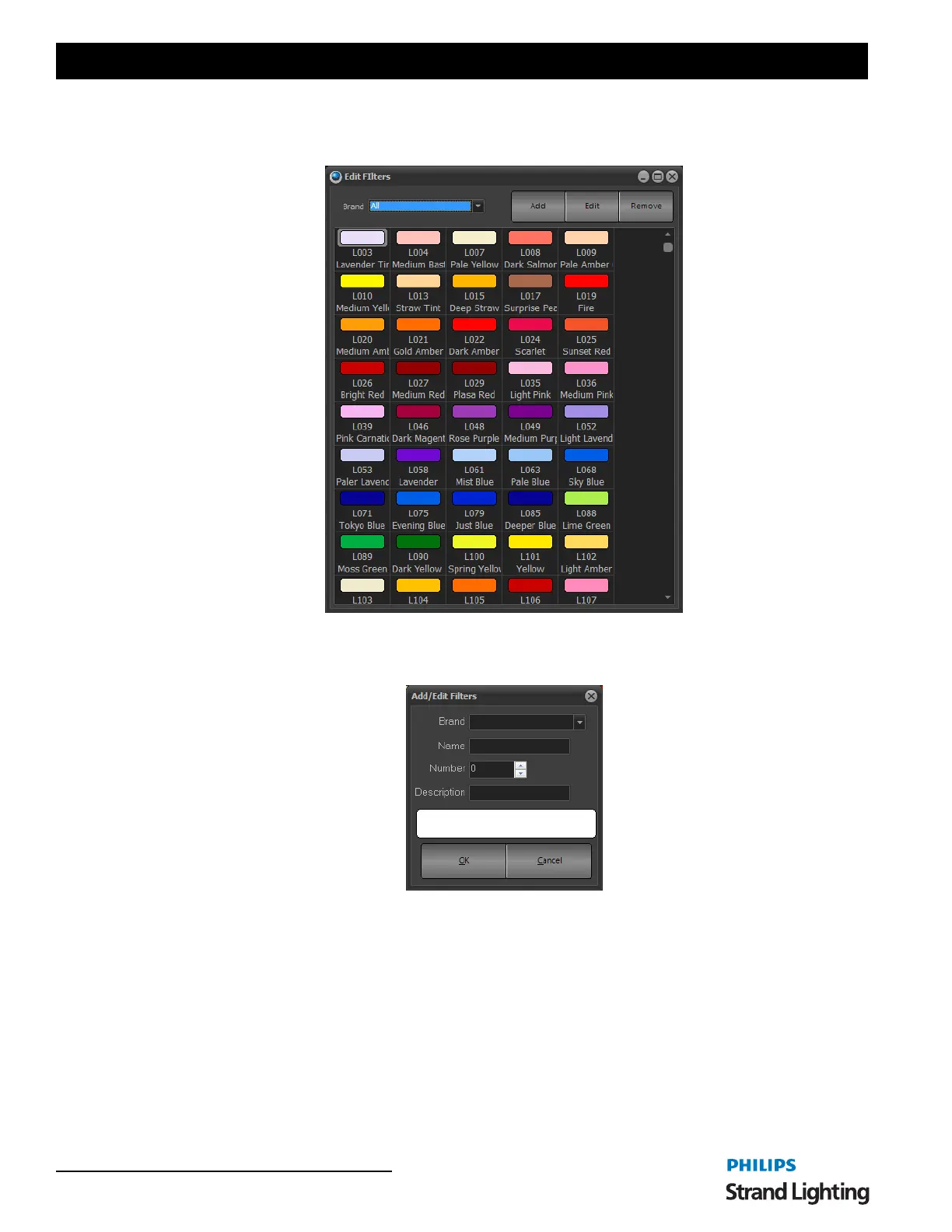
Opens the Edit Filters dialogue box.
Allows the user to add/edit filters in the color filter library.
ADD
Allows the user to add a filter by Brand, Name, Number, Description and allows you to pick the color. (click the
white box).
EDIT
This allows the user to edit an existing color filter in the library much like ADD works.
REMOVE
This allows the user to remove a color from the library.
7. Layout Setting
Save Layout and Settings
This allows the user to save their NEO window layout. The layout is saved as a separate file.



 To Next Page