User’s Manual
188 NEO Console & Software
5. Special Shortcuts
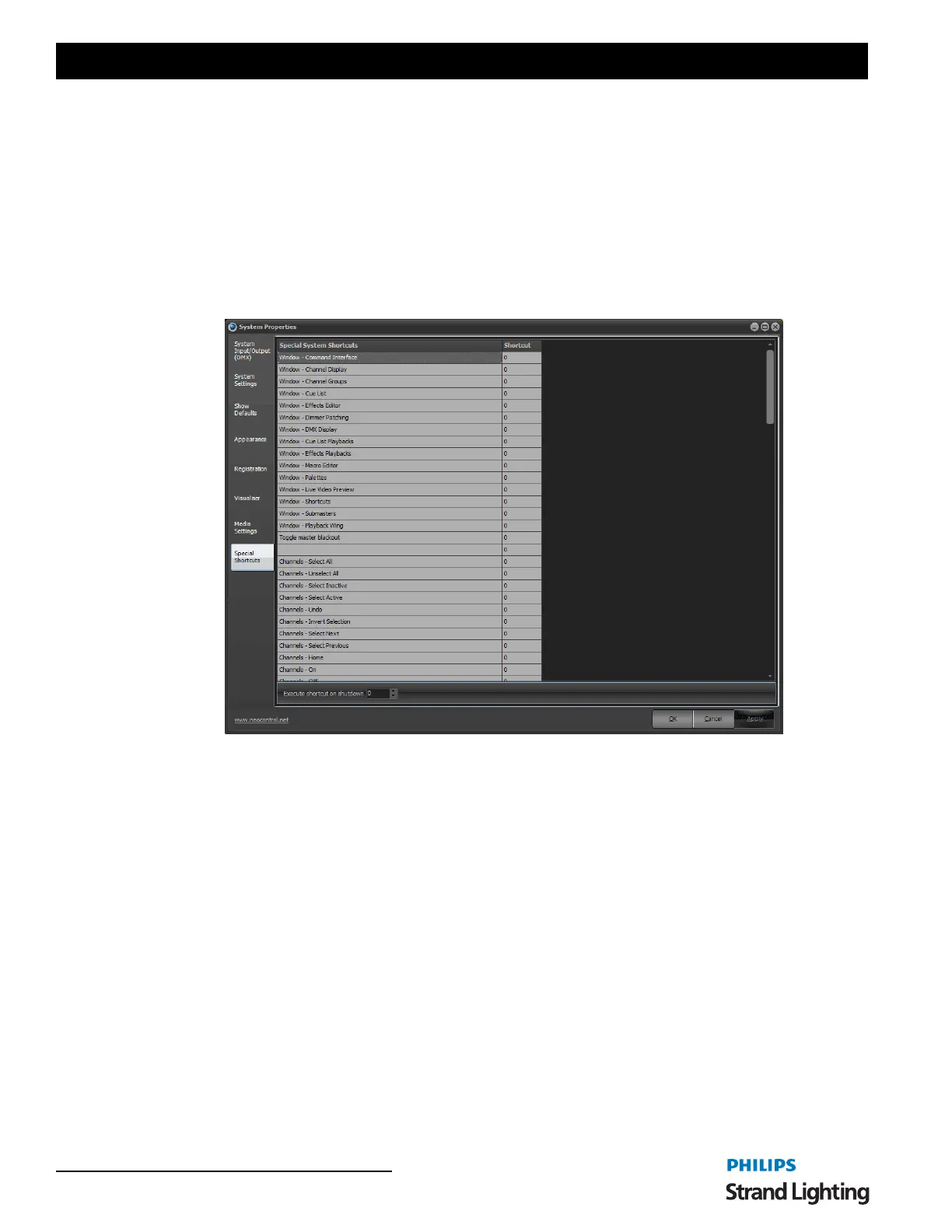
Special system shortcuts are miscellaneous functions in the software that you may want to put onto a shortcut. Most
of these functions are related to the channel view such as the options in the right click menu and at the bottom of the
window.
The special shortcuts also allow you to set shortcuts to open various windows.
The attribute shortcuts also serve a dual purpose depending on the window that currently has focus. If you are in the
channel display and have an intelligent fixture selected then the attribute shortcuts will shift focus to the control
appropriate for the attribute. Pressing the shortcut while in the Command Line interface will bring up the appropriate
word to use in the command line.
Execute shortcut on shutdown - a Shortcut configured here will run on shutdown.
System Properties, Special Shortcuts



 To Next Page