User’s Manual
114 Software Configuration
Media Playback Effect
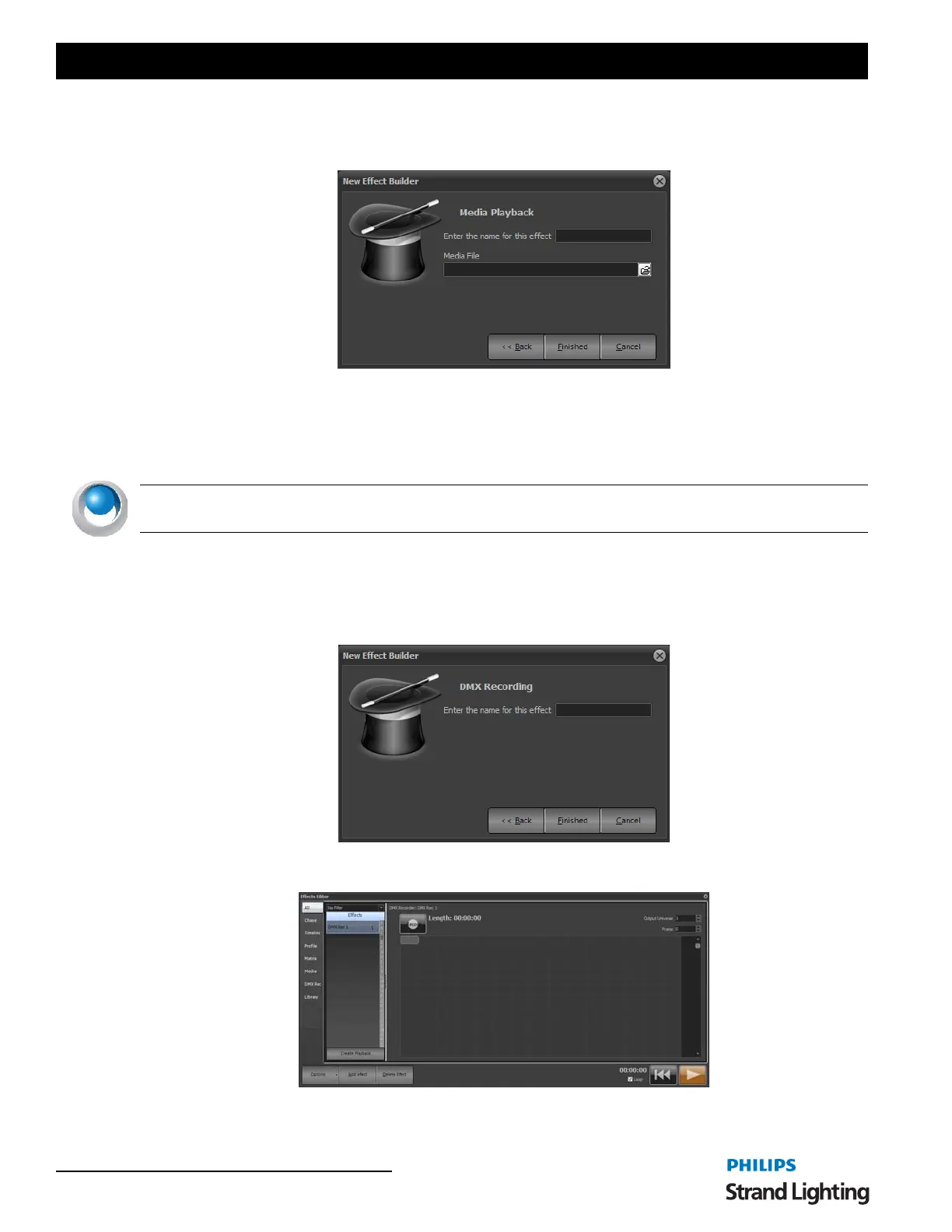
Use the media playback effect to play simple video and auto files directly from with NEO.
To complete the creation of an effect enter the name to identify the effect and set the media type that you want to use.
Click on "Finished" to create the new effect and open the effect editor. The newly created effect will immediately
become visible in the right-hand side of the effects editor.
NEO NOTES & TIPS: This effect type requires the latest version of Microsoft DirectX runtime. Please visit http://
www.microsoft.com/windows/directx/default.mspx for more information.
DMX Recorder
The DMX recorder will perform a real-time read of the incoming DMX channels and record this into the software.
The record DMX stream can then be played back to any DMX universe on an LTP bases. Only DMX channels that
have changed will be applied meaning that you can mix a recorded DMX stream with other NEO functionality.
New Effect Builder, Media Effect
DMX Recorder



 To Next Page