External Triggers 69
NEO Lighting Control Console
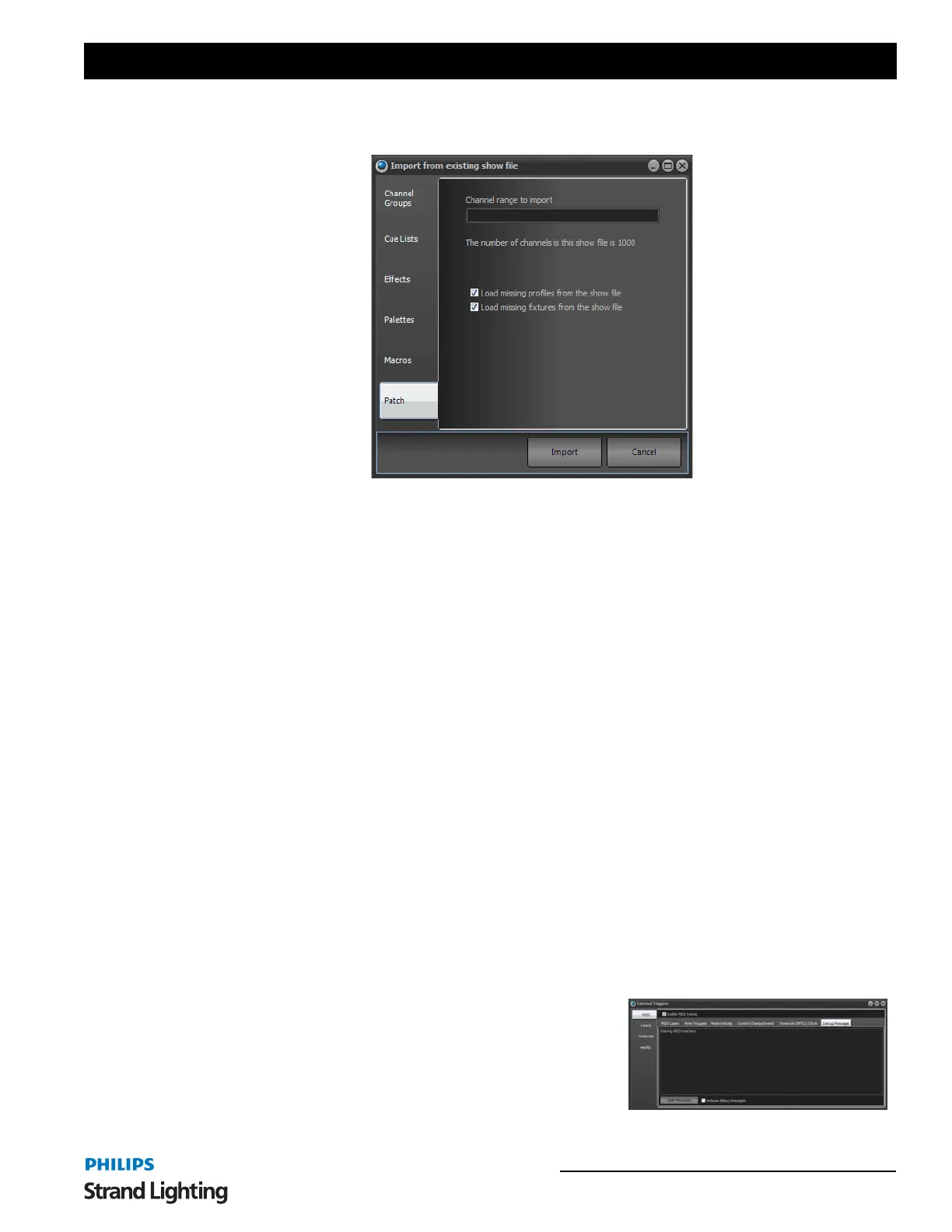
Once opened NEO will read all of the information about the show and allow you to select what elements you want to
import. You can select to import Channel Groups, Cue Lists, Effects, Palettes, Macros and Patch information.
To select the elements of the show you want to import use the check box on the right of each line. There are 6 tabs on
the left that separate out the different parts of a NEO show.
If a name conflict is detected when importing any part of the show the imported element will be renamed as "Copy of
previous name".
Once you have selected the elements you want to import click on the "Import" button to proceed.
Import from USITT ASCII Cue Format - imports an ASCII file and places it into current memory.
Show Backups - allows current backup or restore from backup.
System Properties - a series of options allowing you to configure hardware, database, default settings, and change
your licensing information.
More information on System Properties will be outlined in the "Display Options" on page 67.
6. External Triggers
NEO provides the ability to connect external triggering devices to control the running of shows. This feature allows
you to set up shows that run without user interaction.
External triggering is designed to trigger the "Cue Go" function in shows, however NEO can also use the MIDI and
Timecode triggers to execute any shortcut.
Configuration of the external triggers can be found in the file menu.
MIDI Control
MIDI is a flexible musical instrument-to-PC protocol that provides a number of different messages in the form of
notes.
To enable the MIDI functions you must turn on the "Enable MIDI Events" option.
The "Debug Messages" tab can be used to help identify any problems
with receiving MIDI messages. To display more information about
incoming MIDI data turn on the "Verbose debug messages" option at
the bottom of the window.



 To Next Page