User’s Manual
72 Software Configuration
Ignore shortcut up messages (127) - Some external MIDI devices send 2 messages for a button press. One message
for down and one for up. This can trigger the shortcut twice and is undesirable. If you experience this problem turn
this option on to ignore all message except 127.
Wide Mode - Wide mode will automatically map the maximum number of incoming MIDI control change messages
to submasters.
Control Change mapping - Below the primary options is a grid that can be used to map control change message
directly to shortcuts, submasters or encoders. Use the Add button to create a new event listener and set the channel,
device and control change number to listen for.
Use the action field to set what will happen when the CC message is received. The options for this field are Shortcut,
Submaster, Command or Encoder.
As with the MIDI note message the Import and Export options can be used to save and load the setting to and from a
CSV file.
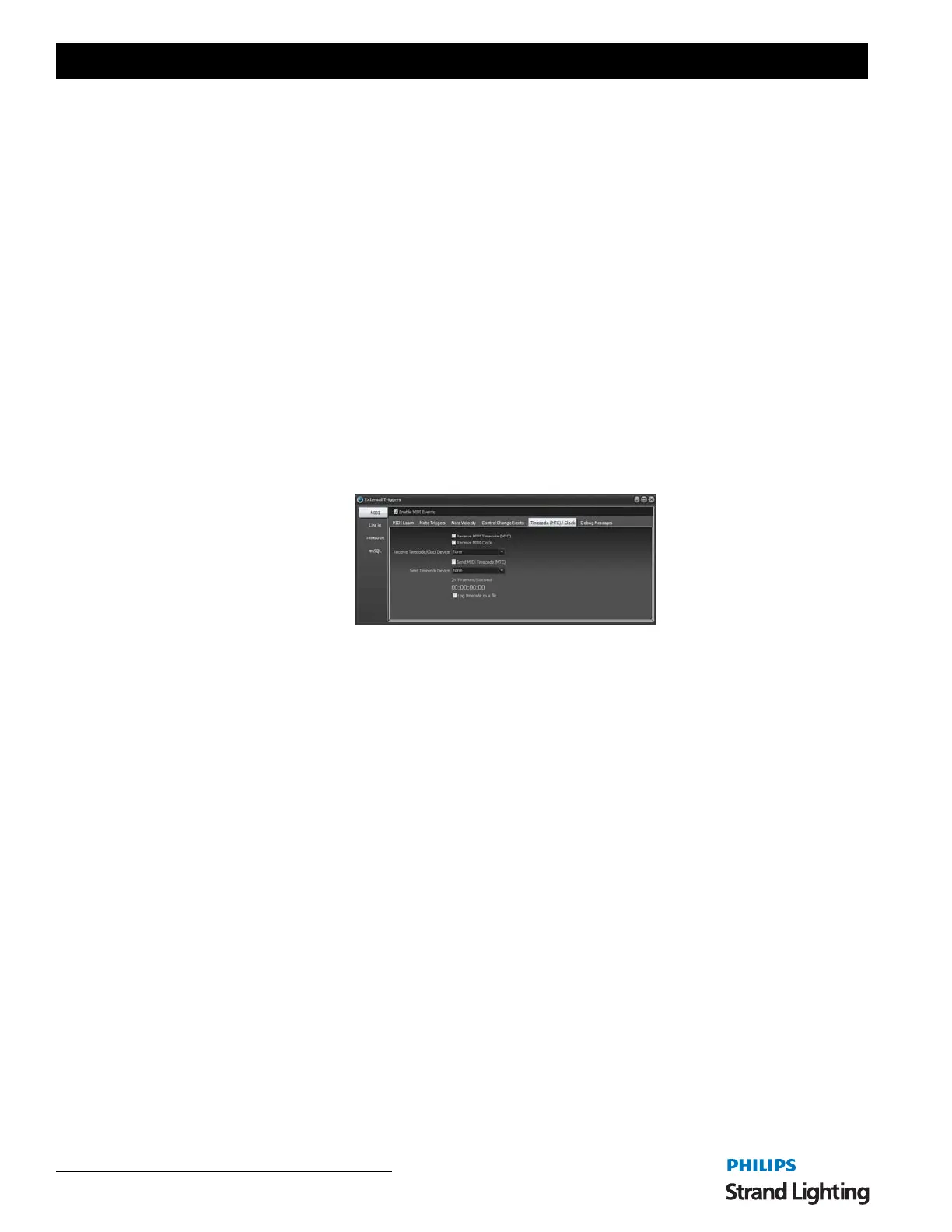
Timecode (MTC) / Clock
The "Timecode (MTC) / Clock" tab allows you to setup NEO to listen to incoming MIDI timecode data and MIDI
clock signals. The MIDI timecode read by NEO can be used to trigger timecode events.
The MIDI clock signal can be used to setup the tap tempo function in the software and synchronize your show to a
common tempo.
Timecode Device - Select the device that timecode data will be read from or sent to. A separate device can be
selected for input and output.
Receive MIDI Timecode (MTC) - Enable this check box to begin receiving MIDI timecode form the selected
device. When turned on the Send option below it will automatically be turned off.
Receive MIDI Clock - Enable this check box to begin processing of MIDI clock data. The incoming clock messages
will be used to set the timing of the tap tempo within NEO. If the timing of the incoming clock changes the tap tempo
will automatically be updated.
MIDI Clock Divisor - The value of the MIDI clock divisor is used to slow down the internal tempo relative to the
incoming clock signals. The incoming beats per minute will be divided by this number when calculating the actual
Tap Tempo. For example if the incoming clock is running at 120 beats per second and the divisor is set to 2 then the
Tap Tempo will register 60 beats per minute.
Send MIDI Timecode (MTC) - If this option is turned on then the receive option will be turned off. When using any
of the other four timecode options (found in the timecode tab) the timecode will be sent to the selected MIDI device
to allow other systems to synchronize with NEO.
Sending MTC Type - If you are sending MIDI timecode from NEO you will need to set the frame rate that you want
to generate. This is typically defined by the application (film, NTSC/PAL television) but if you are unsure set this to
25 fps.
Changes to the frame type will apply immediately so you can try different setting to see how it effects other
equipment that might be reading the timecode NEO is generating.
PC Line-In
The Line-in triggers can use any audio source to control NEO. An audio event can trigger a cue GO, fire a shortcut,
flash a submaster or run a command.



 To Next Page