User’s Manual
90 Software Configuration
Open Tracking Sheet
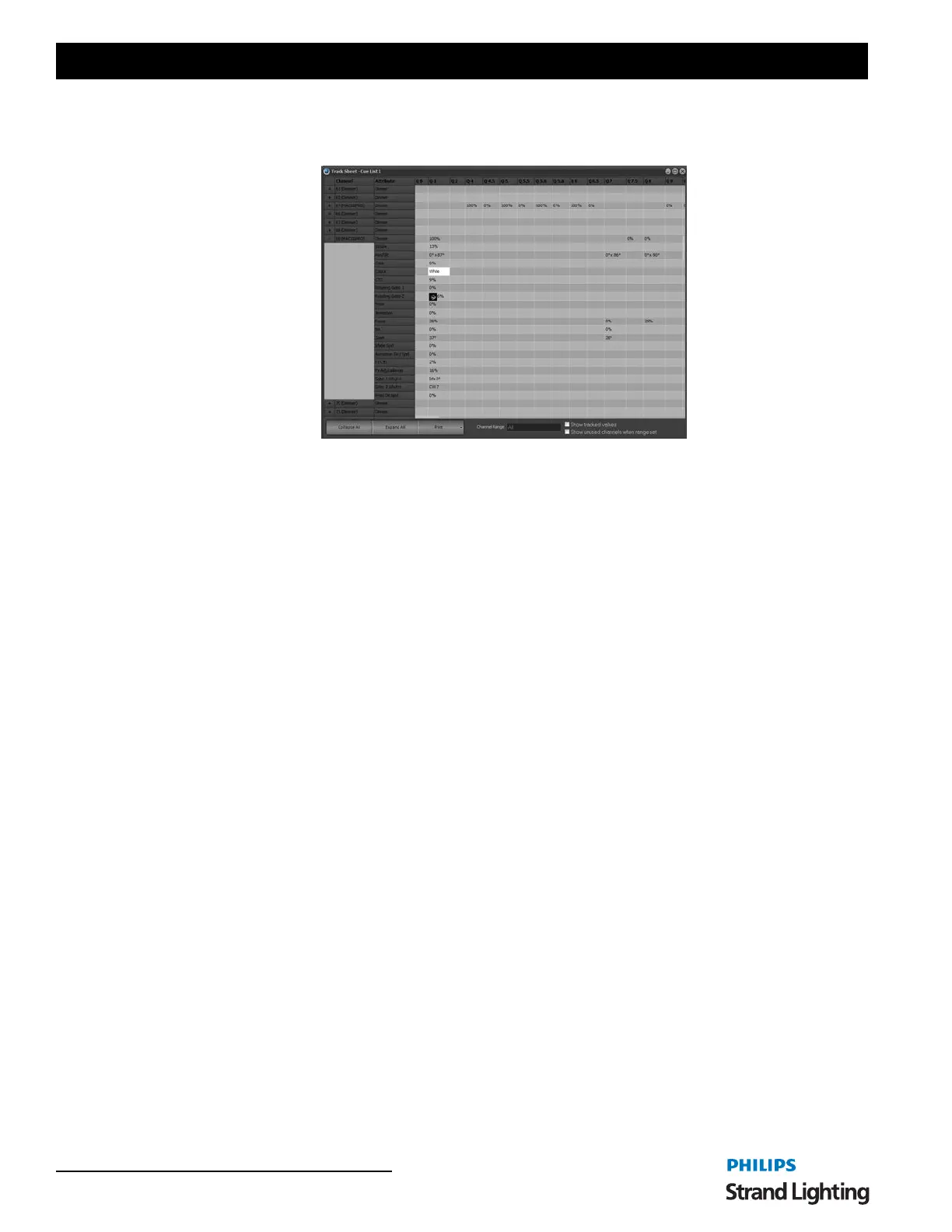
The tracking sheet is a convenient way to view how channels are changing between cues.
The view consists of a channels vs. cue grid. The channels used in the entire cue list are listed in each row while the
cues travel across the columns of the grid as above.
If you have intelligent fixtures recorded into cue you will see a small "+" sign at the start of the row. This indicates
that there is more information about the channel available. When you click on the "+" symbol the rows will expand to
show all of the attributes for that fixture and what values are set for each cue. After clicking on this the "+" will
become a "-" and can be used to collapse the view back down to the dimmer only.
The "Collapse All" and "Expand All" buttons at the bottom of the window can be used to open and close all if the
intelligent fixtures listed.
The "Channel Range" edit box can be used to enter a range of channels that will filter the view. You can use the
standard channel select syntax to filter the channels shown.
For example, 1/20-7 this will show only channels 1 thought to 20 except 7.
Check the "Show tracked values" to view what the channels will be in each cue if full tracking is turned on in the
system properties.
Use the "Show unused channels when range set" to view all of the channels regardless of if they are used by the cue
list. By default the track sheet will only display the channels that are used in the cue list to help minimize the
information presented. This however limits the ability to add channels that are not used. By trying this option on and
applying a "Channel range" you can add a channel to the cue list by simply entering a value into the appropriate
column.
Printing & Exporting - Pressing the print button will print the track sheet to the selected printer. Use the drop down
menu to the right of this button to change the print settings or preview the output. An Export option will save the
contents of the track sheet to a comma separated file format (CSV).



 To Next Page