User’s Manual
160 Software Configuration
Profile Effect Options
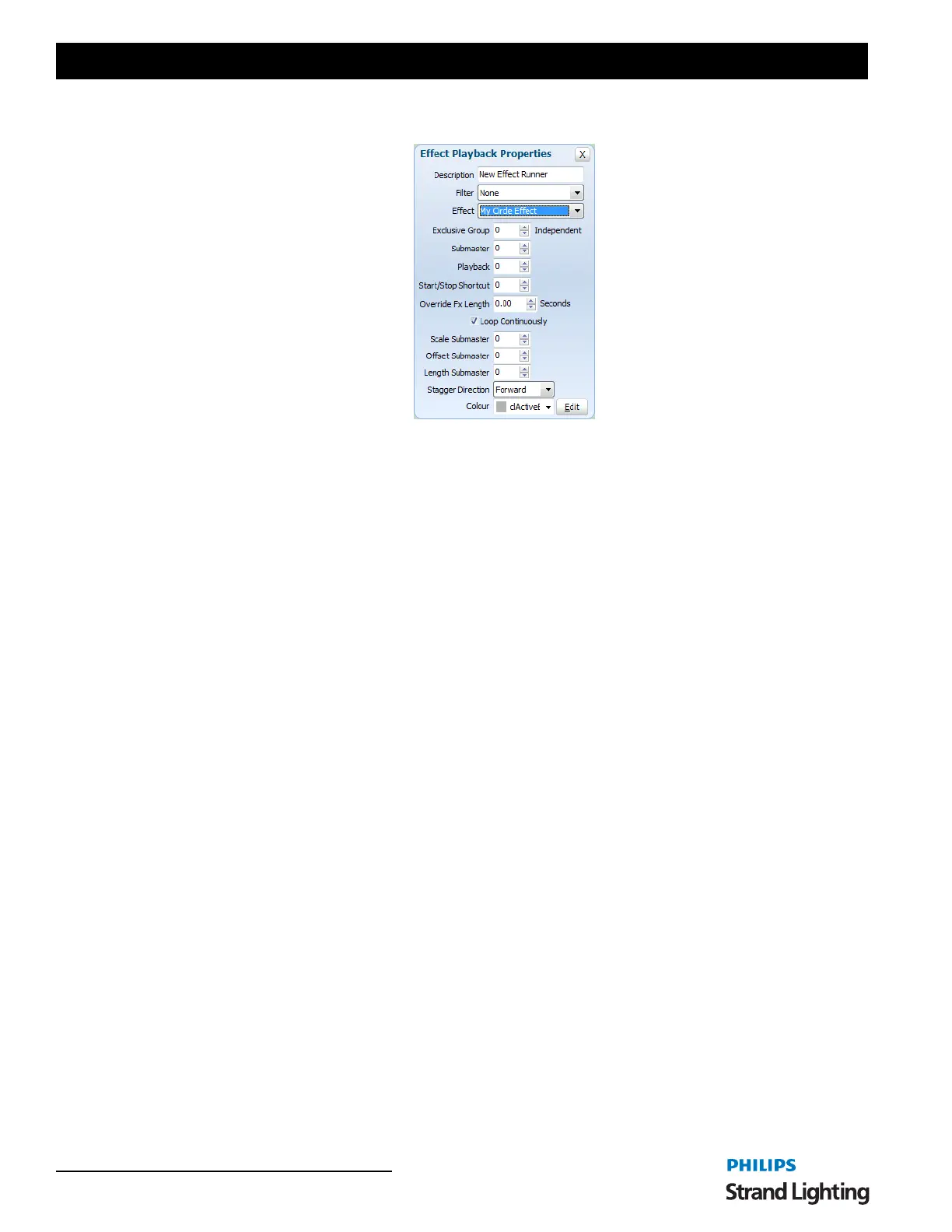
Submaster - Assigning a submaster to the playback will override the dimmer of the fixtures contained in the effect.
As the effect runs the position of the submaster will determine output of the fixtures.
Playback - Assigning a playback will disable the submaster edit as only one can be assigned to the FX playback at a
time. A playback relates to the Enttec Playback wing. Assigning a playback does more than just utilize the fader on
the wing but also allows you to use the play, back and pause buttons to run the effect.
Start/Stop Shortcut - Set a shortcut number to assign to the playback controls for this playback. Pressing the shortcut
will start the effect running. Pressing the shortcut while the effect is running will pause the effect and pressing it twice
within 2 seconds will rewind the effect to the start.
Override Effect Length - Set this field to change the length that the effect will run for. If this value is set to 0, the
default length (Set during creation of the effect) will be used.
Loop Continuously - Check this option to make the effect loop back to the start when it finishes. If this option is not
checked then it will stop as soon as the effect ends.
Scale Submaster - Assign a submaster to this field to manually adjust the scale parameter of the effect while it is
running. This can provide a dynamic way to vary the effect.
Offset Submaster - Assign a submaster to this field to manually adjust the offset parameter of the effect.
Stagger Direction - Use this drop down option to specify how stagger will operate on the list of fixtures.
• Forward - The stagger will be spread across the fixtures starting at the first fixture.
• Backward - This is the opposite of the forward stagger as the fixtures will be staggered from the last one through
to the first.
• Bounce - Each time the effect runs the direction of the stagger will alternate between forward and backward
behavior.
• Random - The fixtures in the effect will have a random order and the stagger applied over the new order.



 To Next Page