RDM 149
NEO Lighting Control Console
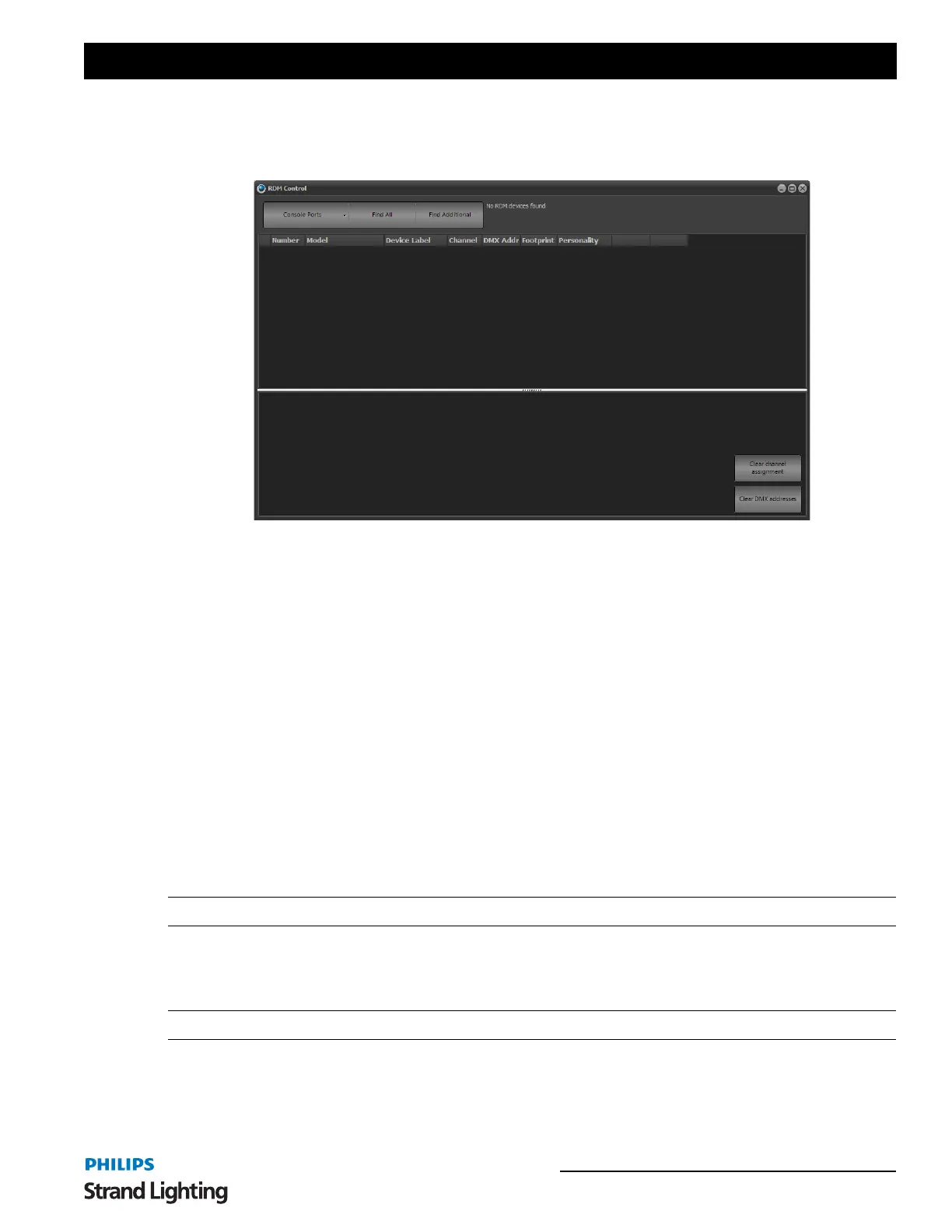
The RDM window can be used to find devices connected to the DMX network, change their label, set the start
address and personality. If the fixture supports identifying its attribute list NEO can also automatically build a fixture
and store it in the fixture library the first time it is patched.
To start the discovery process select the DMX universe form the menu in the in the top left corner and click on "Find
All". The discovery process may take some time to return and if possible NEO will notify you of its progress. This is
not always possible and it may appear as though nothing it happening. When the discovery process has finished the
"find al" button will become active again. If you add devices to the system you can use the "Find additional" button to
find only those not already found.
Once the devices have been found they will be listed in the grid as shown. If not all of the information is correctly
found you can use the small button to the right of the "Number" to attempt a second retrieve.
Model - The model field is a read only field that will typically tell you what the device is.
Device Label - The device label is a changeable field stored on the device. You can use this to store your own
information on the fixture itself. When the device is patched into NEO the label will automatically be placed into the
first generic data field.
Channel - When the devices are discovered NEO will work out what channel is currently assigned to the DMX start
address and display it in this field. If the channel number has an asterisk (*) attached to it then this indicates that the
fixture definition does not match the model and footprint. This simply means that while the start address is patched
the fixture is not.
Note: Any changes made to the channel field will not apply until the "patch" button is pressed.
DMX Address - The DMX start address is the first DMX channel number that the fixture or device will use for
control. Changing this field will automatically update the device with the new value. If the value returns to the
previous setting then the message has not reported a successful change.
Note: Changes to the DMX address field will automatically patch the fixture.
Footprint - The footprint is a read only field to indicate how many DMX channels the fixture uses for control.
Personality - Setting the personality will change how the fixture or device is controlled. Changing the personality by
selecting form the drop down list will automatically update the device/fixture. If the value returns to the previous
RDM Control Window



 To Next Page