Control Panel 201
NEO Lighting Control Console
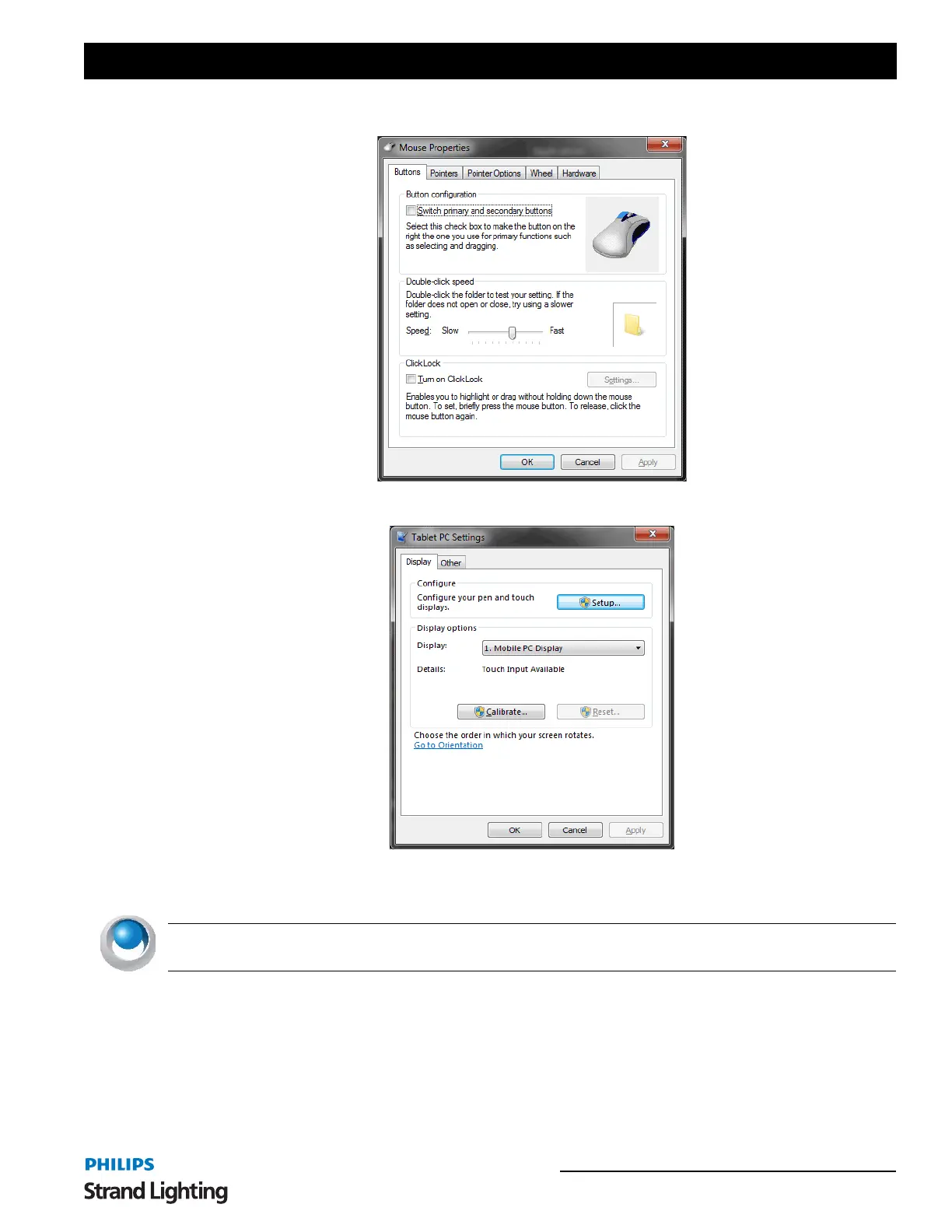
Mouse Options - allows the ability to change the pointer device options and settings.
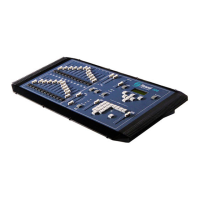
Touchscreen Calibration - allows the ability to configure and calibrate your touchscreens.
• If you touchscreen(s) are not functioning correctly, go to the Touchscreen Calibration option.
• Click on Setup and follow the on screen instructions to "Touch this screen to identify it as a touchscreen."
NEO NOTES & TIPS: You may need to touch the screen multiple times. It will change screens when it has enough
data.
If your touchscreen is not calibrated correctly, press the Calibrate button and follow the onscreen instructions to
calibrate your touchscreen(s).


 To Next Page