Command Pulldowns 45
NEO Lighting Control Console
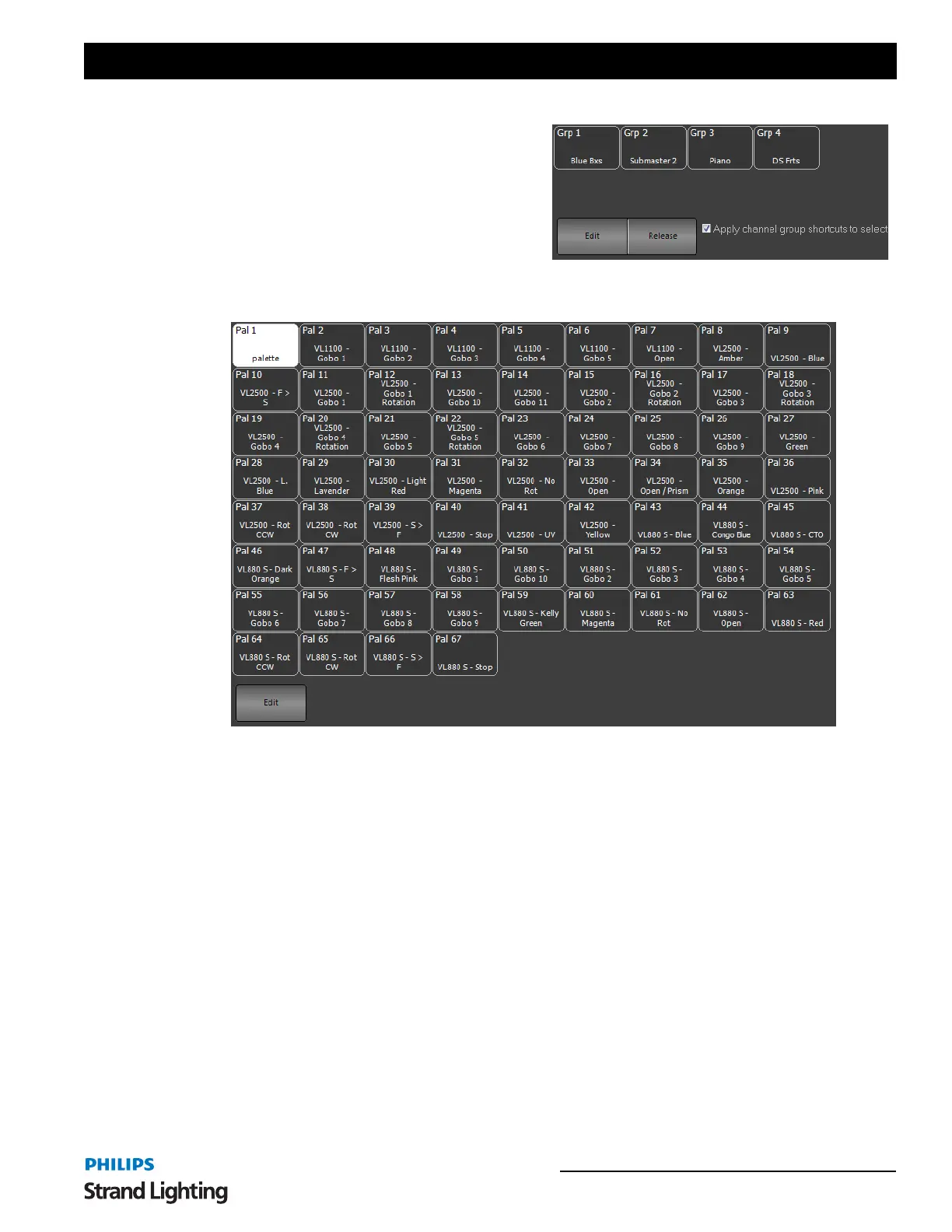
Channel Groups - opens the list of show built groups and
preset focus groups.
Press on any group displayed to select that group of
fixtures.
Edit - opens the Group Display window for editing
groups.
Release - releases selected channels from Build/HTP/LTP
behavior.
Palettes - opens the list of show built Generic Palettes.
These can be selected from this quick select palette window.
Edit - pressing Edit will open up the Palette display window for palette editing.



 To Next Page