Objet30 User Guide 5 Using Objet Studio
DOC-34025 Rev. I 5-59
Professional Mode Features
Some advanced features of Objet Studio are only accessible in Professional
Mode.
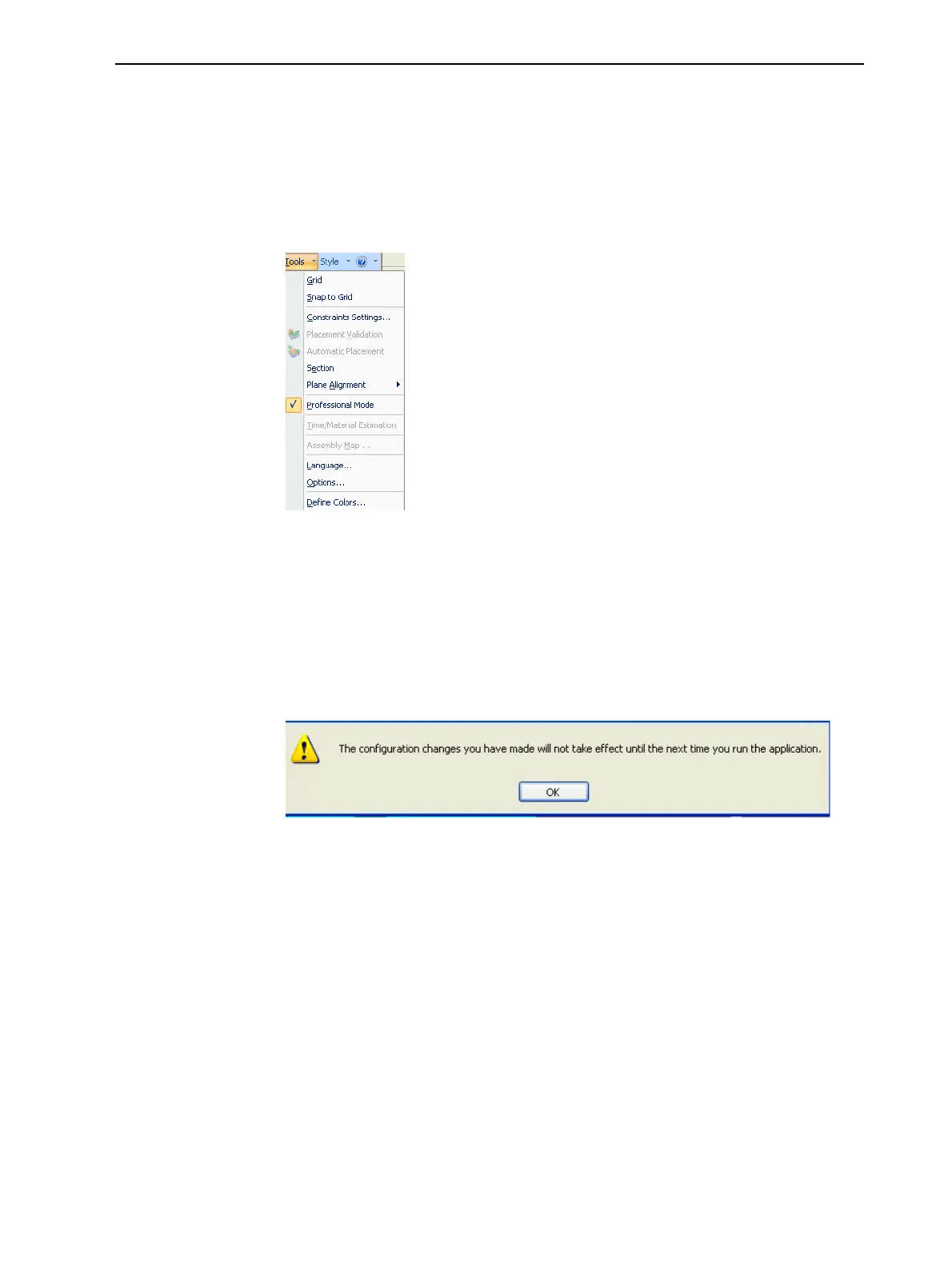
To see the current Objet Studio setting:
➢ Open the Tools menu.
Figure 5-69 Tools menu, showing Professional Mode selected
If Professional Mode is selected, advanced features are displayed.
To change the Professional Mode setting:
1. From the Tools menu, select Professional Mode.
The following message is displayed, reminding you that the change will
only take effect the next time you open Objet Studio—even though the
check mark next to the Professional Mode option appears immediately.
Figure 5-70 Configuration-change message
2. Close and re-open Objet Studio to use the Professional Mode features.













 To Next Page