Objet30 User Guide 5 Using Objet Studio
DOC-34025 Rev. I 5-37
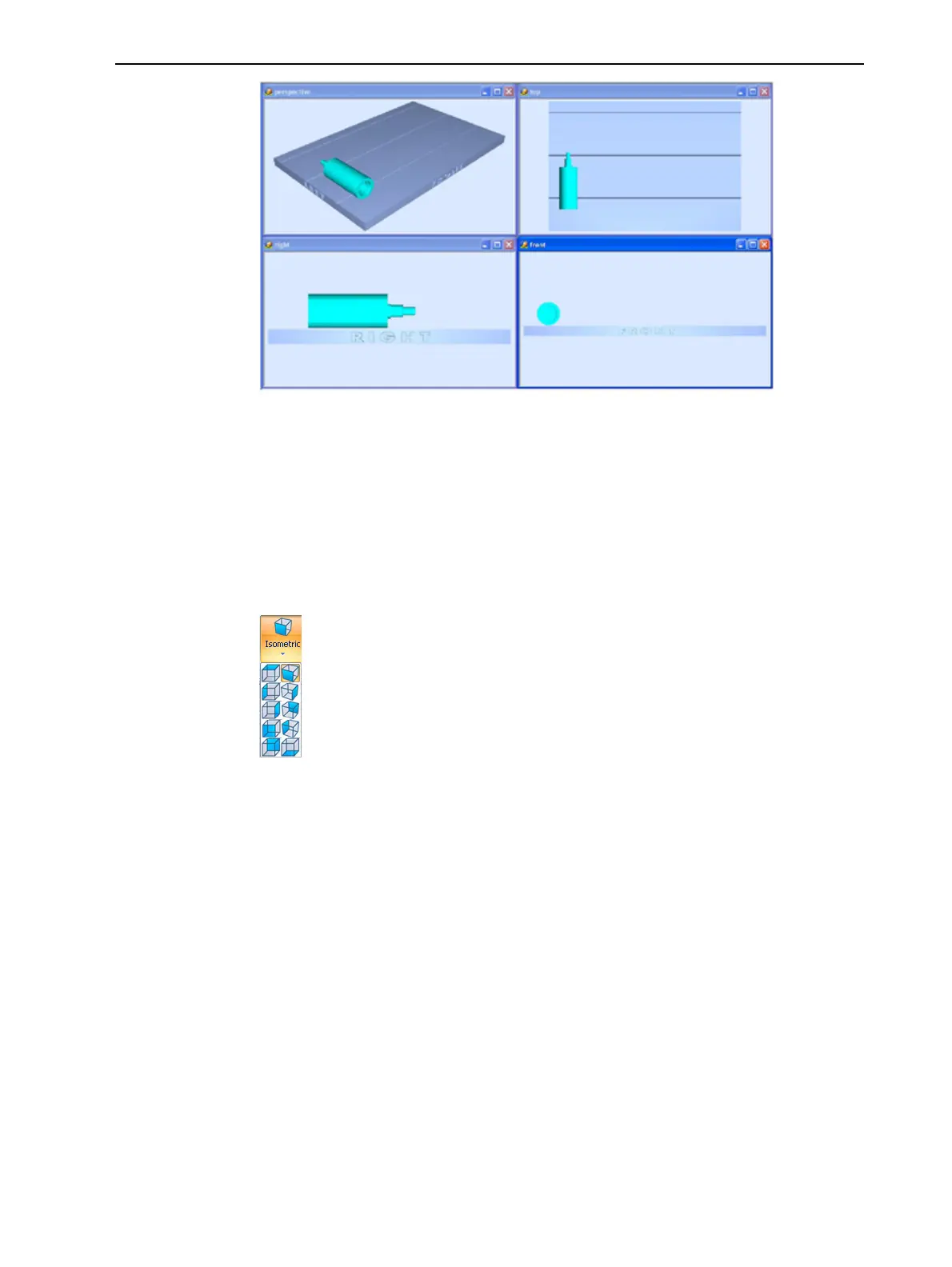
Figure 5-38 4-view screen layout
Tray Perspective
The default perspective of the build tray is “isometric.” You can change the
perspective of the active window with one of ten options.
To change the perspective of the build tray in the active window:
1. On the Tray Settings ribbon, open the Perspective flyout toolbar.
Figure 5-39 Perspective toolbar
2. Click the icon that represents the desired perspective.













 To Next Page