Objet30 User Guide 6 Operating and Maintaining the Printer
DOC-34025 Rev. I 6-106
7. Close the new waste container box.
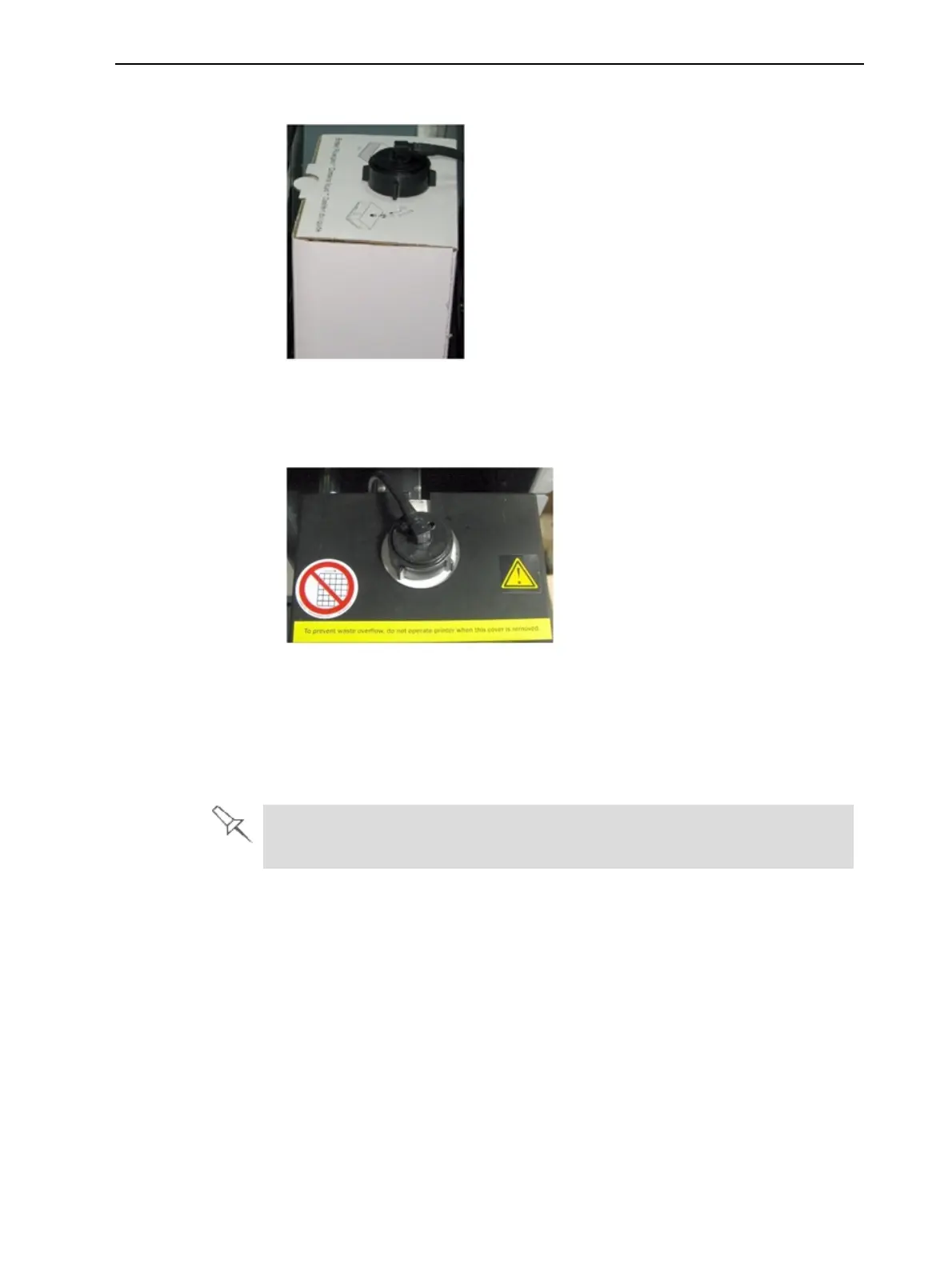
Figure 6-151 Waste container with drain tube attached
8. Place the cover over the waste container, making sure that the drain tube is
free and not bent.
Figure 6-152 Cover installed over the waste container
Note: Operating the printer without the waste-container cover results in an
inaccurate measurement of the waste weight, which will cause waste to
overflow into the printer.
9. Close the materials drawer.
Dispose of the full waste container in accordance with environmental and
safety requirements.
Cleaning the Exterior Panels
The painted exterior plastic panels of Objet30 printers have a durable finish,
offering excellent chemical resistance to common cleaning materials.
However, it is recommended that you use only a mild soap solution for routine
cleaning.
Cleaning the UV Screen
The transparent section of the cover is made of strong, acrylic material that
screens out harmful UV radiation. Use extreme care when cleaning it to
prevent the appearance of scratch marks.













 To Next Page