Objet30 User Guide 5 Using Objet Studio
DOC-34025 Rev. I 5-10
Preparing Models for Production
Model preparation involves the following basic steps:
1. Place objects on the build tray.
2. If necessary, manipulate the object’s orientation and position.
3. Select the materials and model finish.
OBJDF Files: Overview
An objdf file describes both the geometry of a single object and the material,
and finish required to print it.
You can use this file format to save a group of separate objects on the build
tray as one unit, together with their relative positions and material.
Further explanations of objdf files, and their features, appear throughout this
chapter.
Model Files
To produce models, you open one or more model files in Objet Studio and
position objects on the build tray. You can place objects on the build tray in two
ways:
• by inserting individual stl files.
• by pasting objects that you copied to the Windows clipboard.
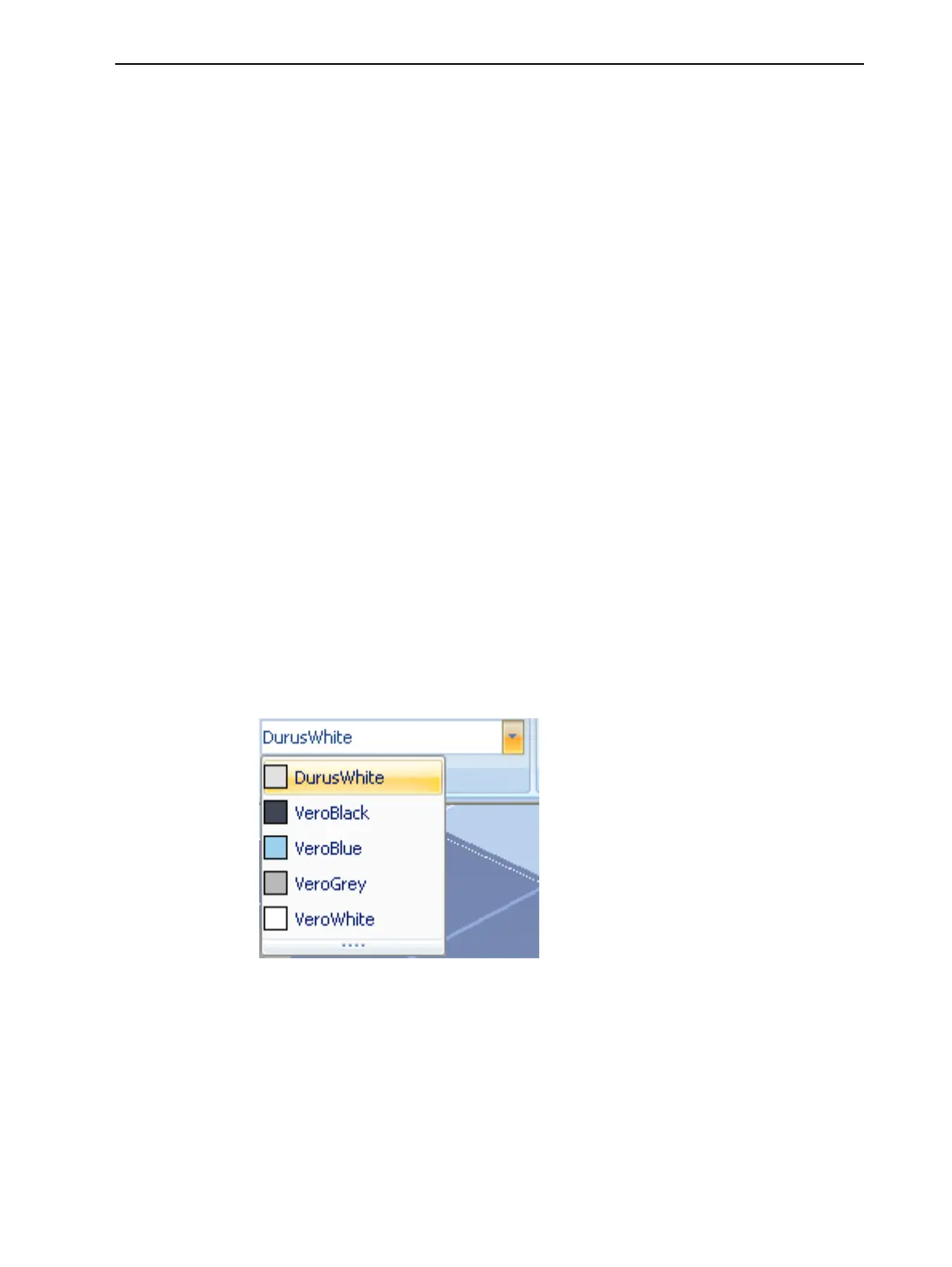
If you know what type of model material will be used to produce the models,
make sure it is selected from the material drop-down menu.
Figure 5-6 Model material selection toolbar
Note: It is not necessary to select the Model material now, but it is
recommended—each type of material has unique characteristics that may
affect the valid positioning of objects on the build tray. The material selected
can also affect printing time—printing with Objet VeroClear takes longer than
printing with other materials.













 To Next Page