Objet30 User Guide 5 Using Objet Studio
DOC-34025 Rev. I 5-19
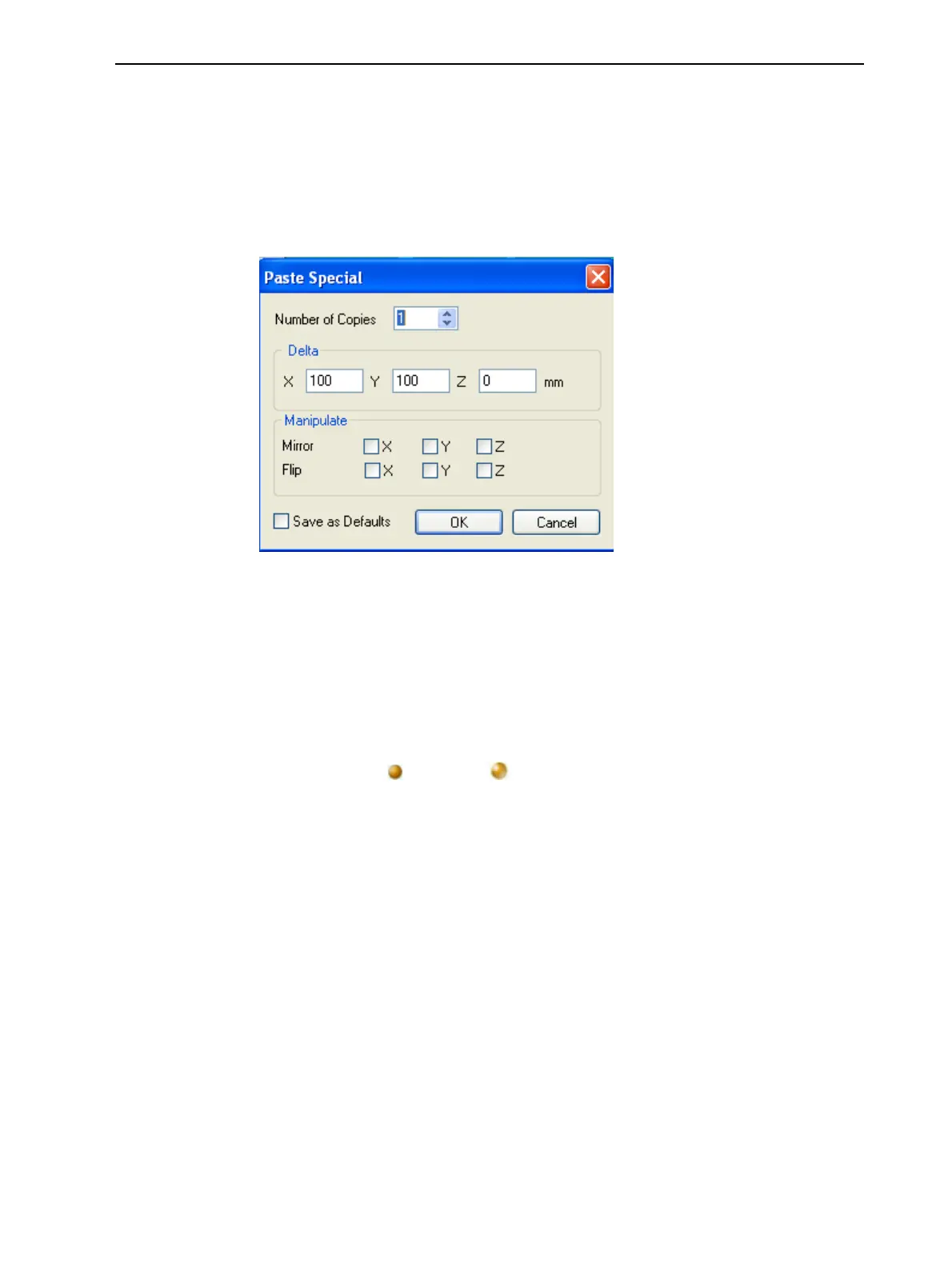
The Paste Special command (from the object’s right-click context menu)
enables you to place duplicate objects even more efficiently:
• You can specify the number of duplicates to place on the build tray at once.
• You can set the distance, on each axis, between the duplicate objects.
• You can manipulate mirror images of the original object, and flip them on
selected axes.
Figure 5-15 Paste Special dialog box
Surface Finish
Models can be printed with a matte or glossy surface finish. To create a matte
finish, the printer surrounds models with a thin layer of support material.
To set the model finish:
1. Select the model.
2. Select Matte or Glossy in one of the following places:
❒ Model Settings ribbon, Options group
❒ Model Toolbar
❒ right-click context menu (when selecting the model)
You can configure Objet Studio to distinguish between objects’ surface finish
on the build tray by color. To configure how Objet Studio displays objects, see
"Setting Object Colors" on page 5-39.













 To Next Page