Objet30 User Guide 5 Using Objet Studio
DOC-34025 Rev. I 5-28
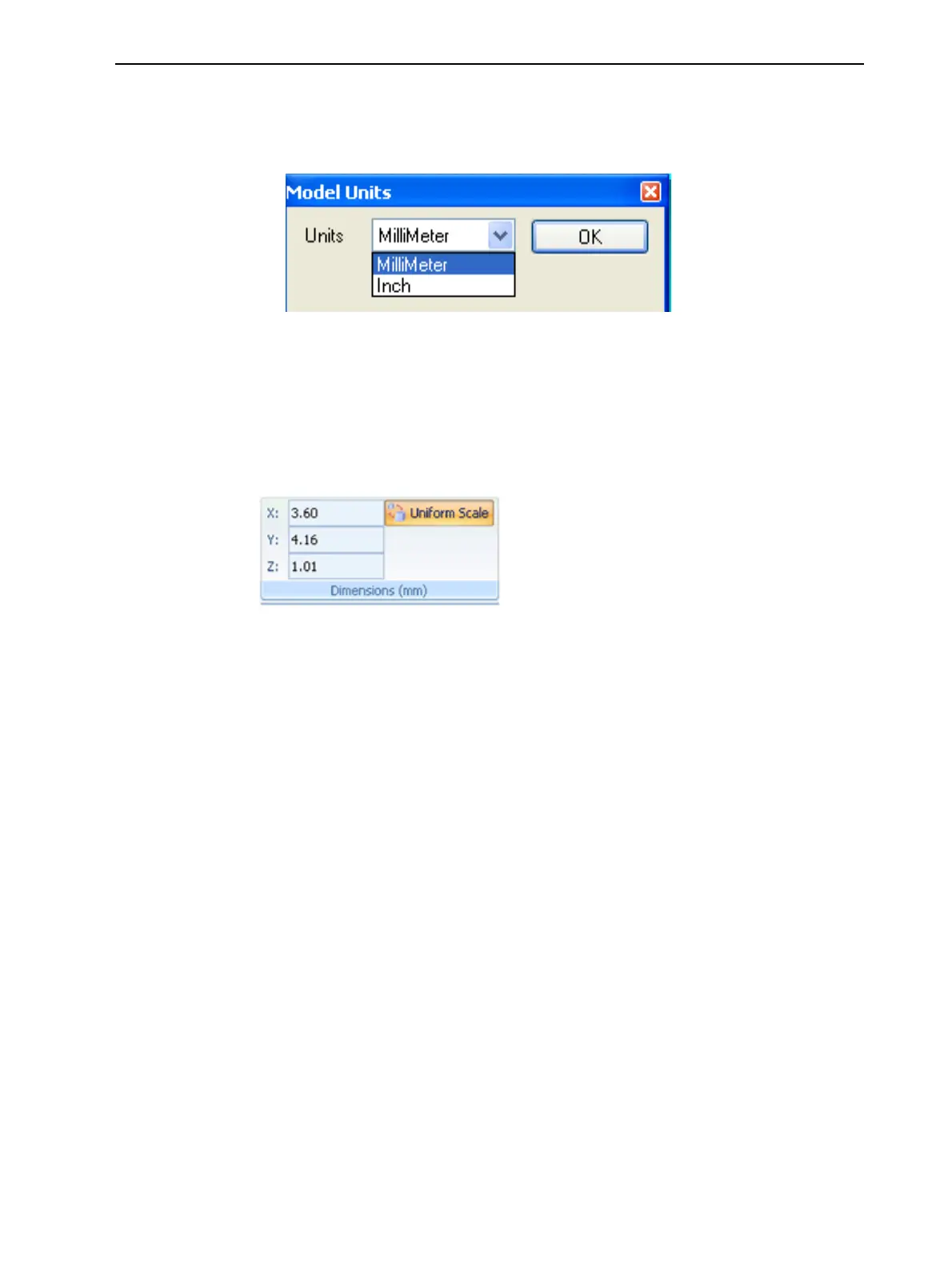
To change measurement units for a selected object from the standard
toolbar:
1. From the Object menu, select Change Units.
Figure 5-24 Model Units dialog box
2. In the Model Units dialog box, change the setting and click OK.
Setting Model Dimensions
You can change an object’s dimensions by changing its size on the X-, Y-, and
Z-axes, from the Dimensions group on the Model Settings ribbon.
Figure 5-25 Dimensions on the Model Settings ribbon
• If Uniform Scale is enabled, changing the object’s dimension on one axis
affects the other dimensions, proportionately.
• After changing a measurement, press Enter or click in another field in the
Dimensions group.
Note: You can change the height of the objects on the build tray only if this is
allowed by the Objet Studio settings (see "Positioning Objects on the Z-Axis"
on page 5-24).













 To Next Page