Objet30 User Guide 6 Operating and Maintaining the Printer
DOC-34025 Rev. I 6-47
Aligning the Print Heads
You should check the alignment of the print heads—
• once a month
• after replacing one or more heads
• if model quality is not acceptable even after cleaning the orifice plate on the
bottom of the print block (see "Cleaning the Print Heads and the Roller" on
page 6-34).
This procedure takes about 20 minutes.
To check the alignment of the print heads:
1. Prepare—
❒ a transparency sheet, at least 10.5 × 13 centimeters in size (4.5 × 5.5
inches)—about one-quarter of the standard A-4 or Letter size
❒ any type of adhesive tape, to fasten the transparency sheet to the build
tray
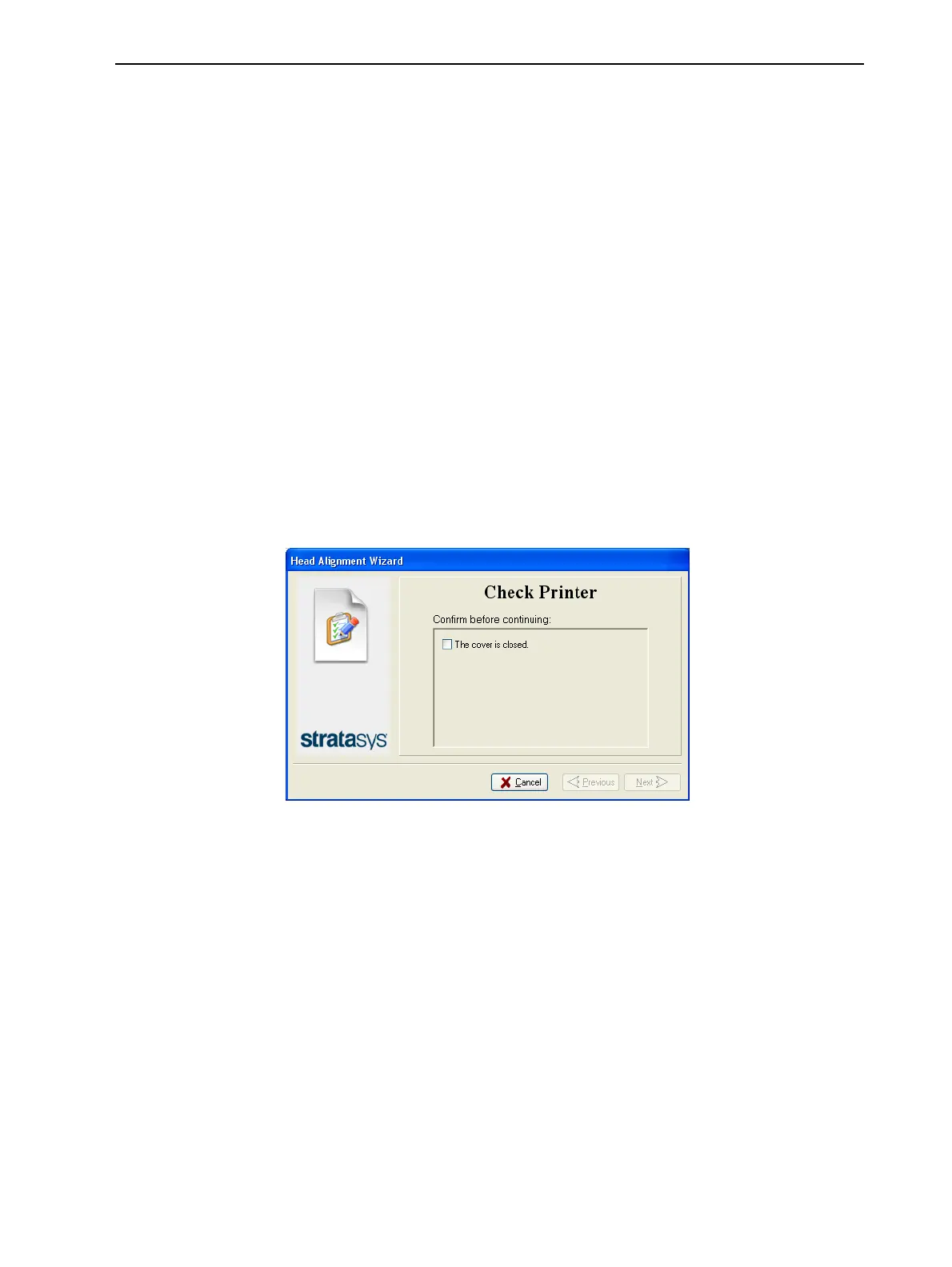
2. Start the Head Alignment wizard from the Options menu.
3. In the wizard screen, select the check box to confirm that the cover is
closed, and click Next.
Figure 6-60 Cover confirmation













 To Next Page