Objet30 User Guide 6 Operating and Maintaining the Printer
DOC-34025 Rev. I 6-48
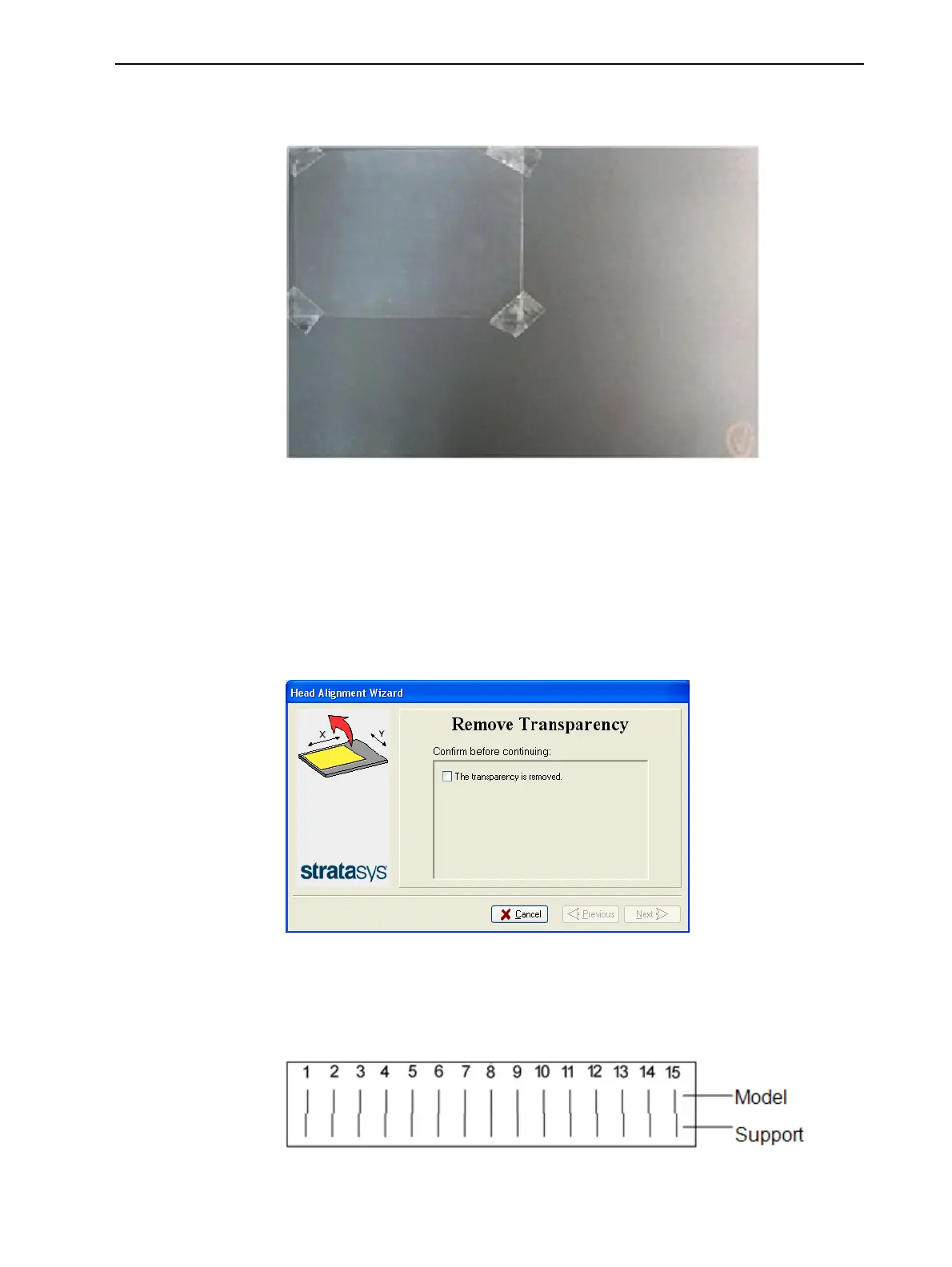
4. When instructed to do so, place the transparency on the build tray—near
the left and rear edges of the tray, as shown in the following figure.
Figure 6-61 Positioning the transparency on the build tray
5. Make sure that the transparency sheet is lying flat, and tape it to the tray.
6. Close the printer cover.
7. In the wizard screen, select the check box to confirm that the transparency
sheet is secured to the build tray, and click Next.
When you click Next, the printer prints the head alignment test on the
transparency. When printing is finished, the following screen appears.
Figure 6-62 Head Alignment wizard—steps 8–10
8. Open the printer and remove the transparency.
The transparency sheet is printed with sets of vertical lines in two rows,
each showing the results from a different print head.
Figure 6-63 Sample head-alignment test













 To Next Page