Objet30 User Guide 6 Operating and Maintaining the Printer
DOC-34025 Rev. I 6-37
Cleaning and Replacing the Wiper
A rubber wiper removes excess material from the print heads after the purge
sequence. This is done automatically before each print job, and performed
manually during maintenance tasks. You should clean the wiper and
surrounding area daily. If the wiper is damaged or worn, replace it.
To inspect and clean the wiper:
1. Prepare—
❒ 90% isopropanol (IPA—isopropyl alcohol) or ethanol (ethyl alcohol)
❒ disposable cleaning gloves
❒ a supplied cleaning cloth or equivalent
❒ a spare wiper
❒ an M2.5 hex (Allen) key
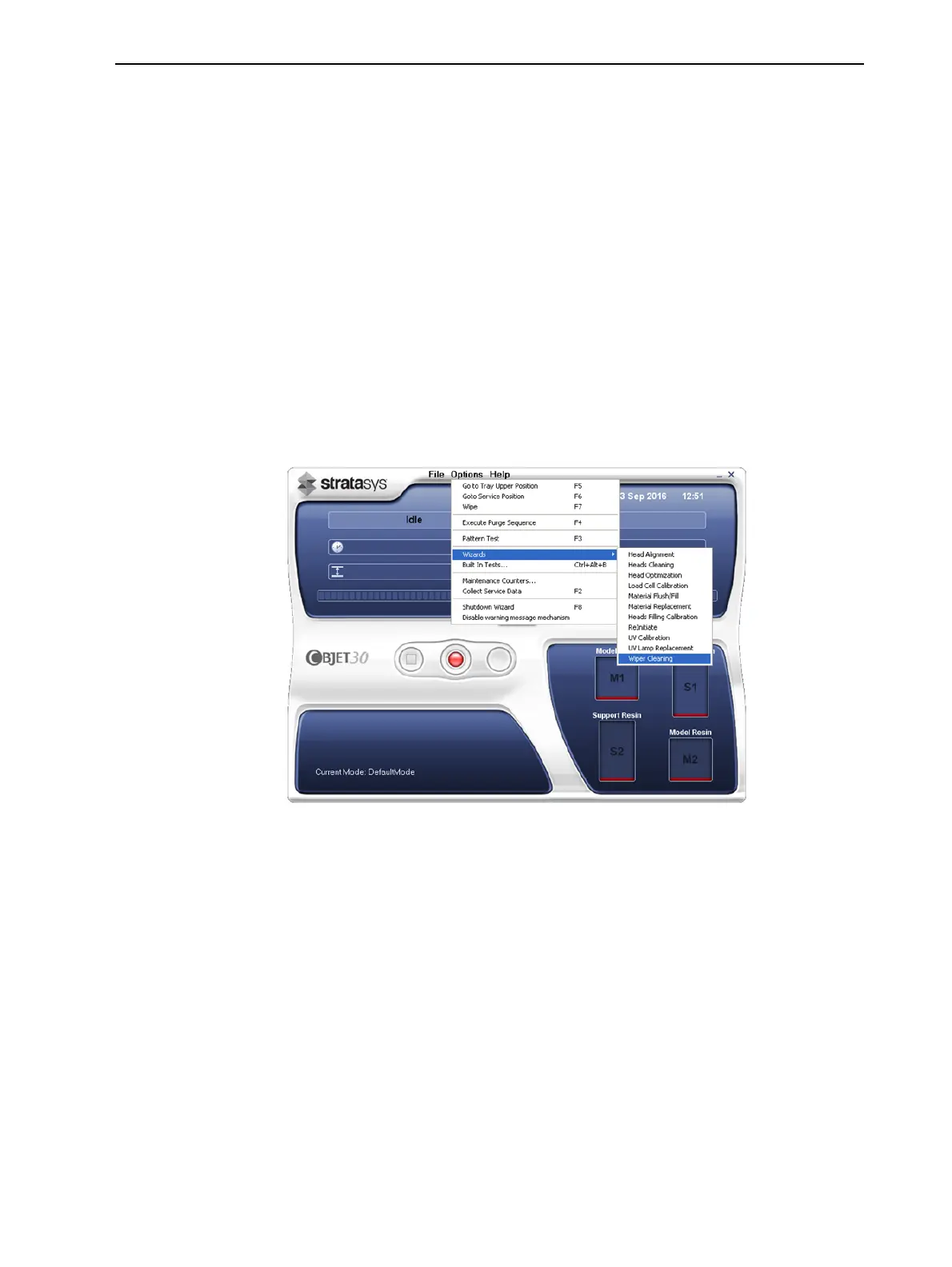
2. Start the Wiper Cleaning wizard from the Options menu.
Figure 6-43 Starting the Wiper Cleaning wizard
3. In the opening wizard screen, click Next.













 To Next Page