Objet30 User Guide 6 Operating and Maintaining the Printer
DOC-34025 Rev. I 6-5
Loading Model and Support Cartridges
Objet30 printers use two cartridges of Model material and two cartridges of
Support material, each weighing one kilogram when full. A graphical
representation of the cartridges loaded and their current weight appears in the
printer interface (see the figure on the previous page).
Note: The printer-control interface displays the type and weight of the
material cartridges loaded only if the materials drawer is closed.
The printer uses RFID technology to automatically identify cartridges of
printing material. Tampering with the RFID module will render the printer
inoperable and may void Stratasys warranties and service contracts.
Important: If you need to replace the printing material currently installed with
another type, see "Changing the Printing Material" on page 6-18. Otherwise,
make sure to replace the material cartridge with one containing the same type
of material.
To load Model and Support material:
1. On the front of the printer, push the materials drawer to release it and pull it
open (see the figure on page 6-3).
2. If you are replacing a cartridge, remove the old one by pulling it straight up.
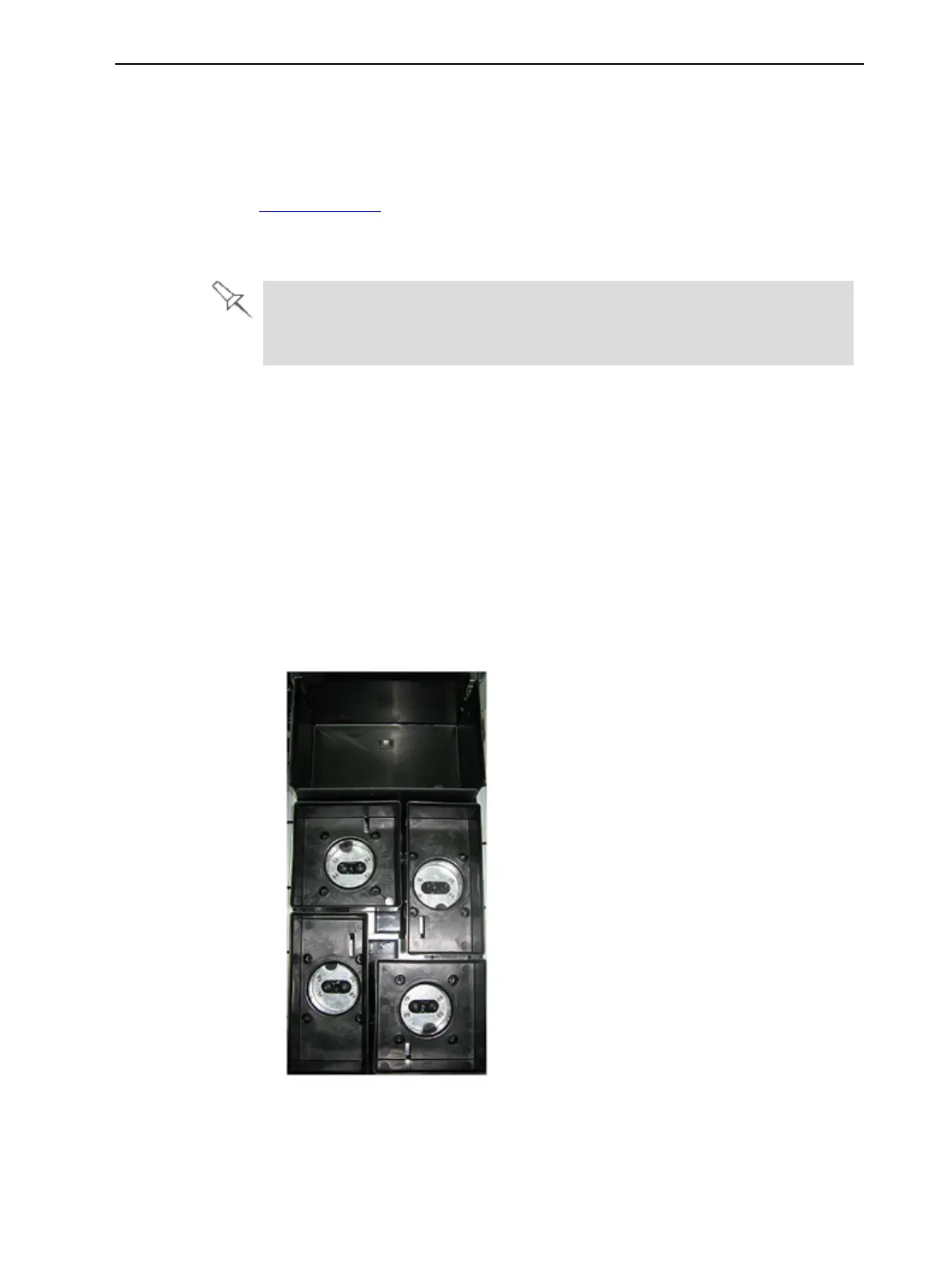
3. Load Model and Support cartridges into their respective compartments
(see Figure 6-4).
Figure 6-4 Materials drawer
4. Close the materials drawer.













 To Next Page