Objet30 User Guide 5 Using Objet Studio
DOC-34025 Rev. I 5-69
Material Consumption
• Actual—the amount of material used till now
• Required—the amount of material still needed to finish the job
Tray Preview
The Tray Preview panel displays the build tray view of the job selected in the
Job Queue or the History list.
On a server, you can open an enlarged preview window by clicking on the Tray
Preview display (see "Additional Server Features" on page 5-77).
Waste
The amount of waste appears when the cursor is over the Waste display.
Setting the Printer Connection
When your printer is installed, the server computer is connected to that printer.
Normally, there should be no reason to change this connection. Occasionally,
however, you may need to reset the connection, to connect the server to
another printer, or to use Objet Studio in offline mode (without a printer
connection).
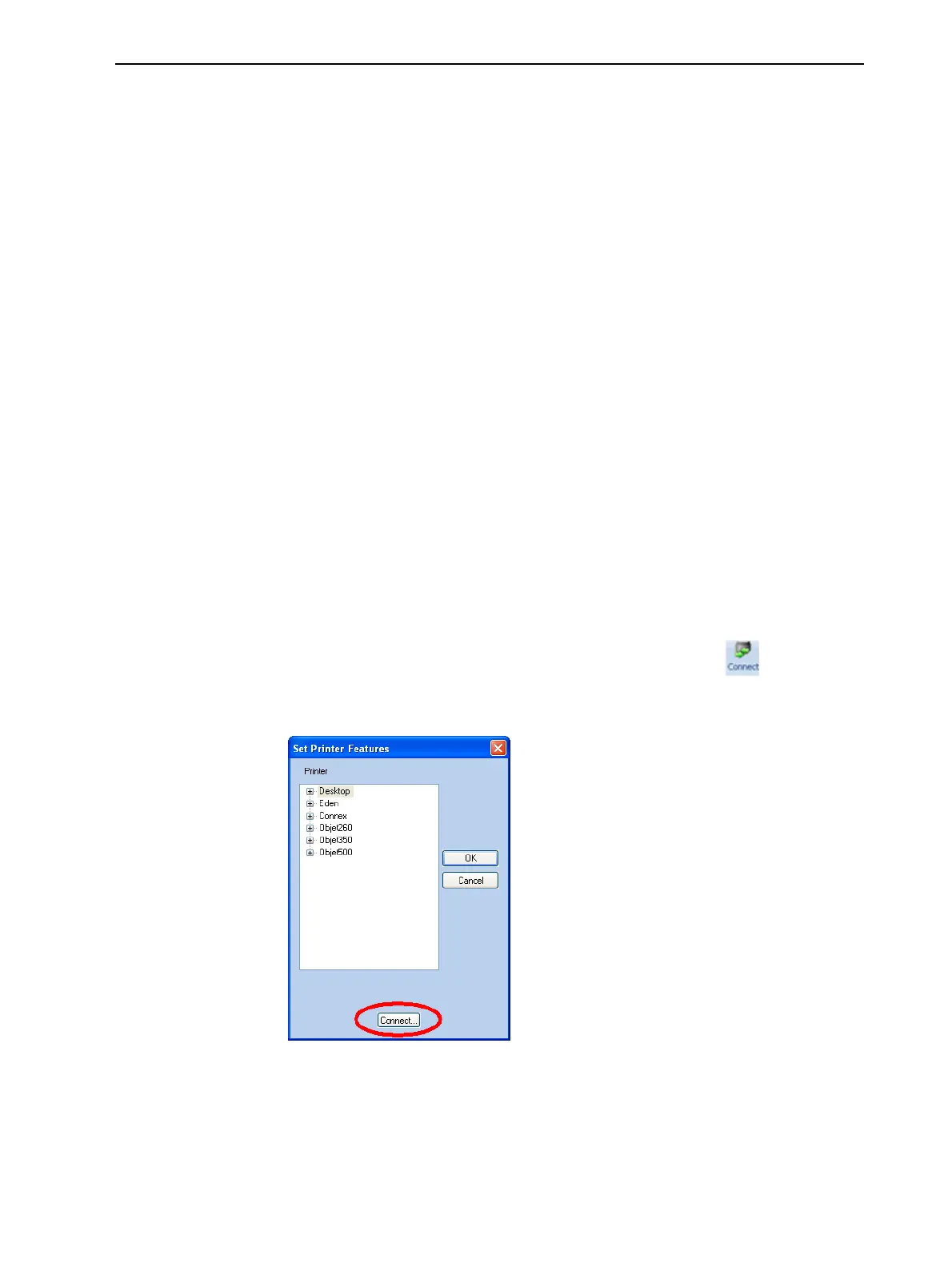
To set (or change) the printer connection:
1. On the Job Manager ribbon, in the 3D Printer group, click .
2. In the Set Printer dialog box, click Connect.
Figure 5-81 Connecting to a printer (A)













 To Next Page