Objet30 User Guide 6 Operating and Maintaining the Printer
DOC-34025 Rev. I 6-78
Replacing the Odor Filter
If the printer exhaust is not connected to an external ventilation system, a
built-in activated-carbon filter removes odors from printing materials. This filter
should be replaced regularly (as necessary) to keep your working environment
pleasant.
If the printer exhaust is connected to an external ventilation system, the
odor filter is not needed and should be removed from the printer.
Odor filter removal improves heat expulsion and system cooling.
To replace the odor filter:
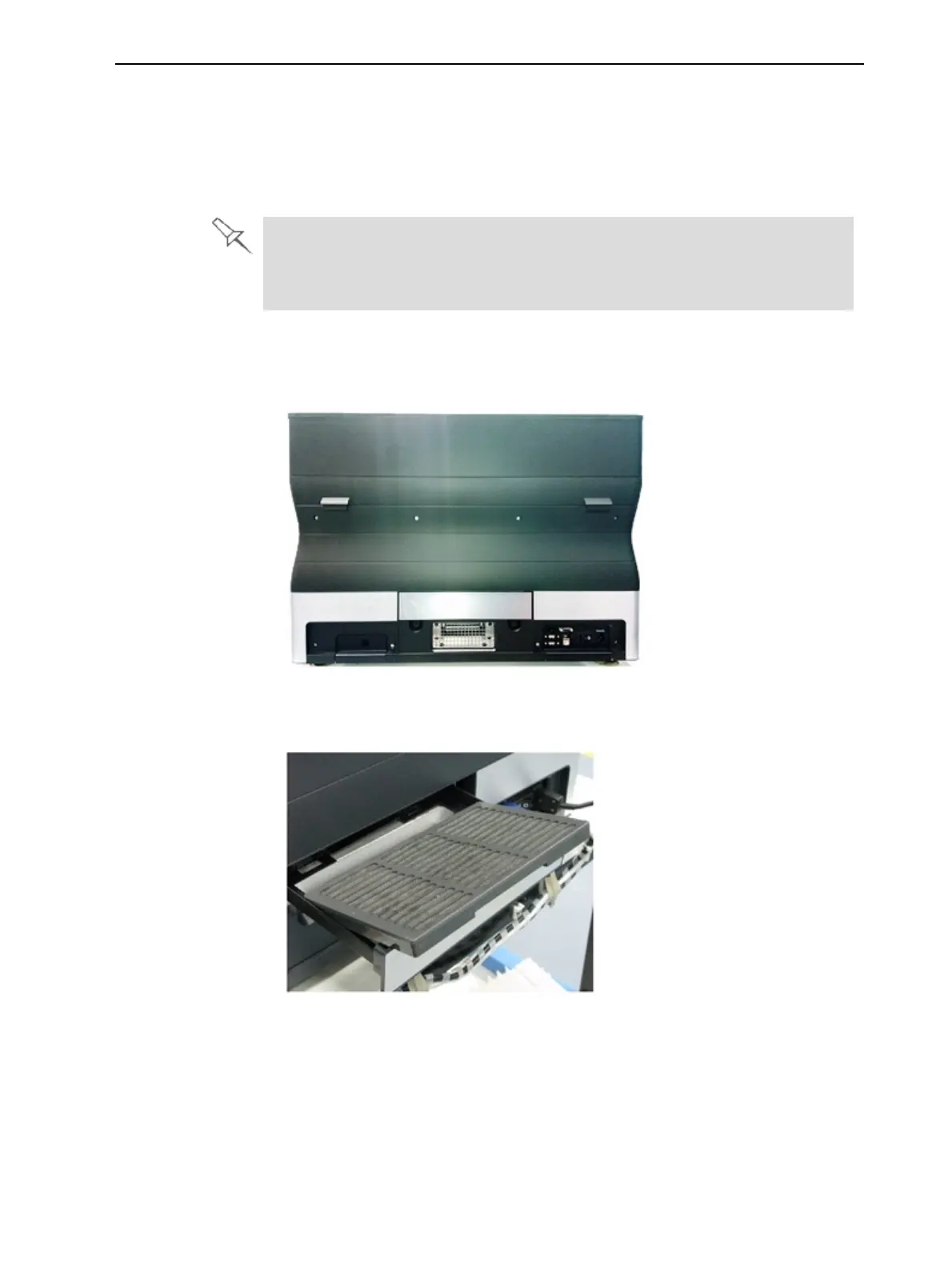
1. Locate the filter drawer at the rear of the printer and pull it open.
Figure 6-103 Rear of the Objet30 printer
2. Remove the used filter. (You can push it out from underneath the drawer.)
Figure 6-104 Odor filter in drawer
3. Insert a new filter and close the drawer.













 To Next Page