Objet30 User Guide 6 Operating and Maintaining the Printer
DOC-34025 Rev. I 6-34
UV Lamp Check
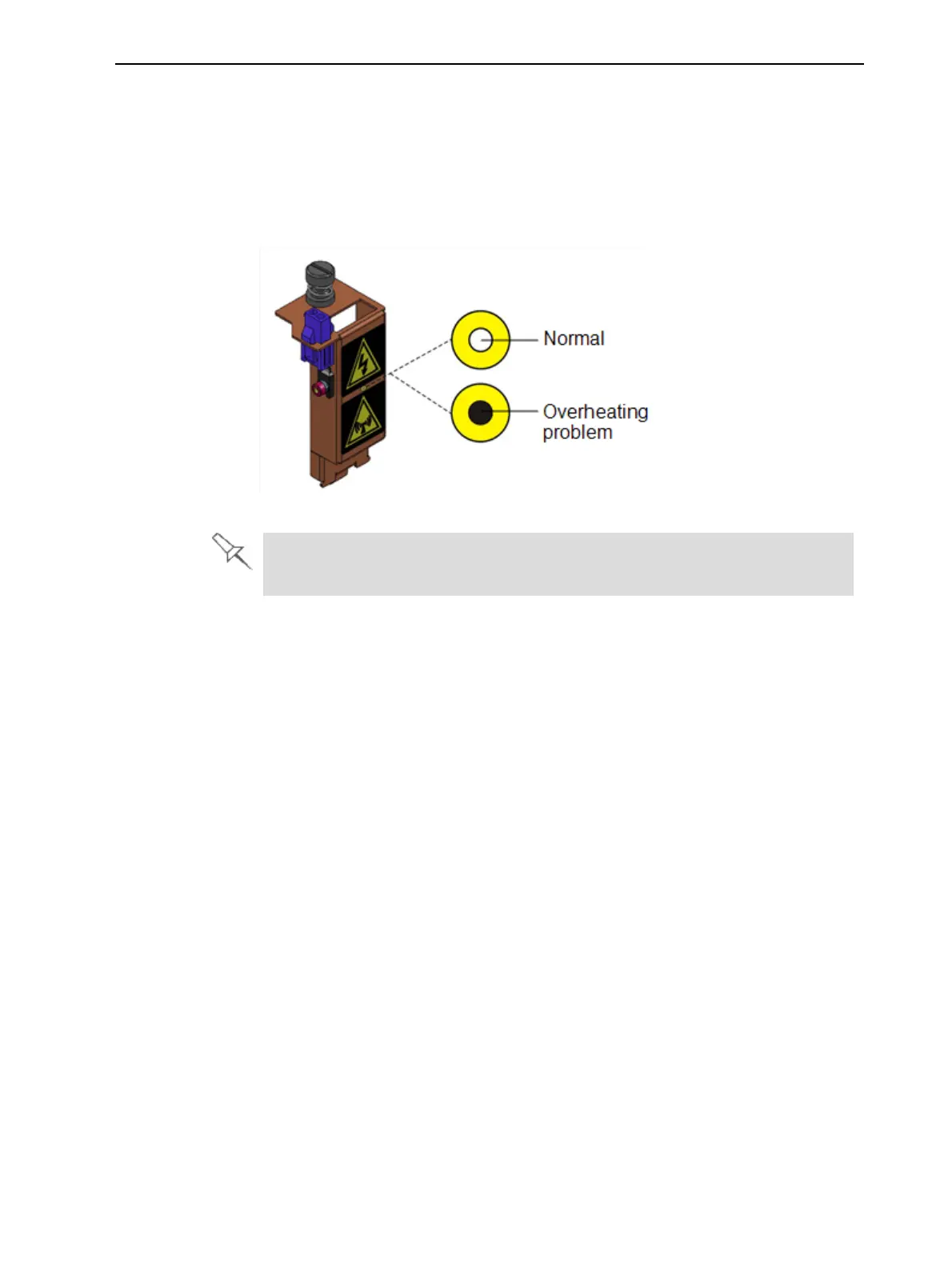
A heat-sensitive label is fixed to the UV lamp covers as a warning against
overheating. Its center changes from white to black if the temperature of the
cover reaches 65°C (150°F). If this occurs, do not use the printer, and call your
service provider. As a precaution, it is recommended that you check the label
before and after printing.
Figure 6-38 Heat-sensitive label on UV lamp cover
In the unlikely event that this occurs, the printer cannot be used until it is
serviced by an authorized service engineer.
Cleaning the Print Heads and the Roller
Periodic inspection and cleaning of the orifice plates on the bottom of the print
block ensures that the print nozzles are not clogged. A wizard guides you
through the procedure, and adjusts components of the printer to enable you to
perform it. To maintain the Objet30 printer in optimum condition, clean the print
heads after every print job, when you remove the model from the build tray.
This procedure takes about 20 minutes.
To clean the print heads and the roller:
1. Prepare—
❒ 90% isopropanol (IPA—isopropyl alcohol) or ethanol (ethyl alcohol)
❒ disposable cleaning gloves
❒ a supplied cleaning cloth or equivalent
❒ a mirror
2. Start the Head Cleaning wizard from the Options menu (see Figure 6-43 on
page 6-37).













 To Next Page