Objet30 User Guide 6 Operating and Maintaining the Printer
DOC-34025 Rev. I 6-71
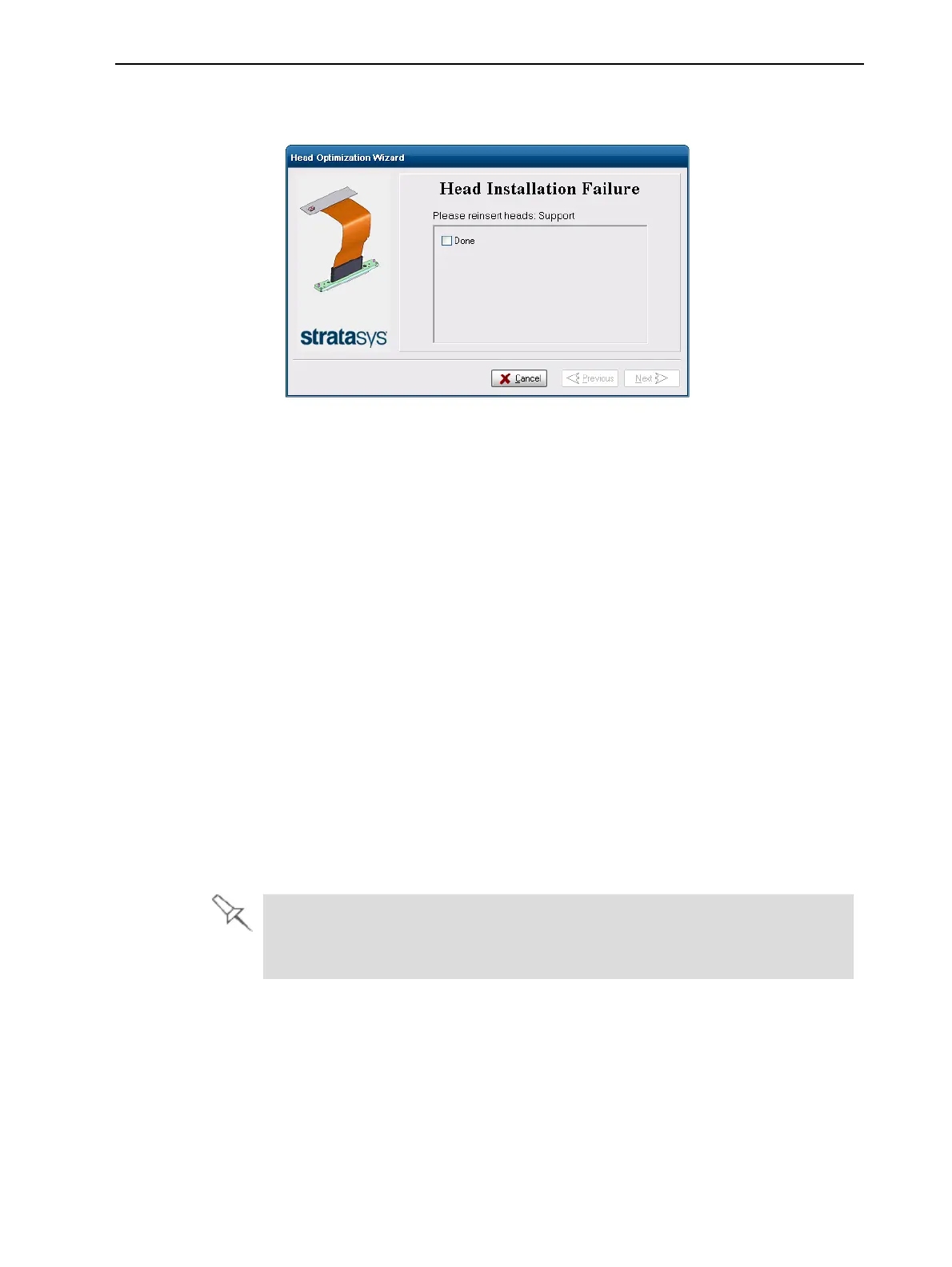
• If the printer software does not detect the replaced head, the following
warning screen appears.
Figure 6-91 Re-insert-heads message
If this happens:
a. Re-insert the print-head driver card into its socket.
b. In the wizard screen, select the check box to confirm that you have re-
inserted the card, and click Next.
Testing and Calibrating the UV Lamp
The effective UV radiation from the lamp used for curing models can change
over time. Too little UV curing can cause some of the printing material to
remain in a liquid state, on models, when printing has finished. Test the lamp
and calibrate its effective UV radiation after every 300 hours of printing, or
when you suspect that this is necessary, by running the UV Calibration wizard.
The wizard compares the measured radiation to the recommended radiation
level. When calibrating the lamp, the wizard attempts to adjust the radiation
level, if necessary.
• If the reading is within the acceptable range, the wizard continues.
• If further adjustment is necessary, the test is repeated.
• If the UV radiation is too low to be properly adjusted, the wizard indicates
that the lamp’s radiation for the printing mode is unacceptable.
Before testing and calibrating the UV lamp, make sure the glass lens is
clean. For easy access, run the Head Cleaning Wizard, and use the special
cleaning pad supplied.













 To Next Page