Objet30 User Guide 5 Using Objet Studio
DOC-34025 Rev. I 5-40
Large File Manipulation
If you need to work with a detailed model that is composed of a large number of
polygons, you can speed up its display and manipulation in Objet Studio by
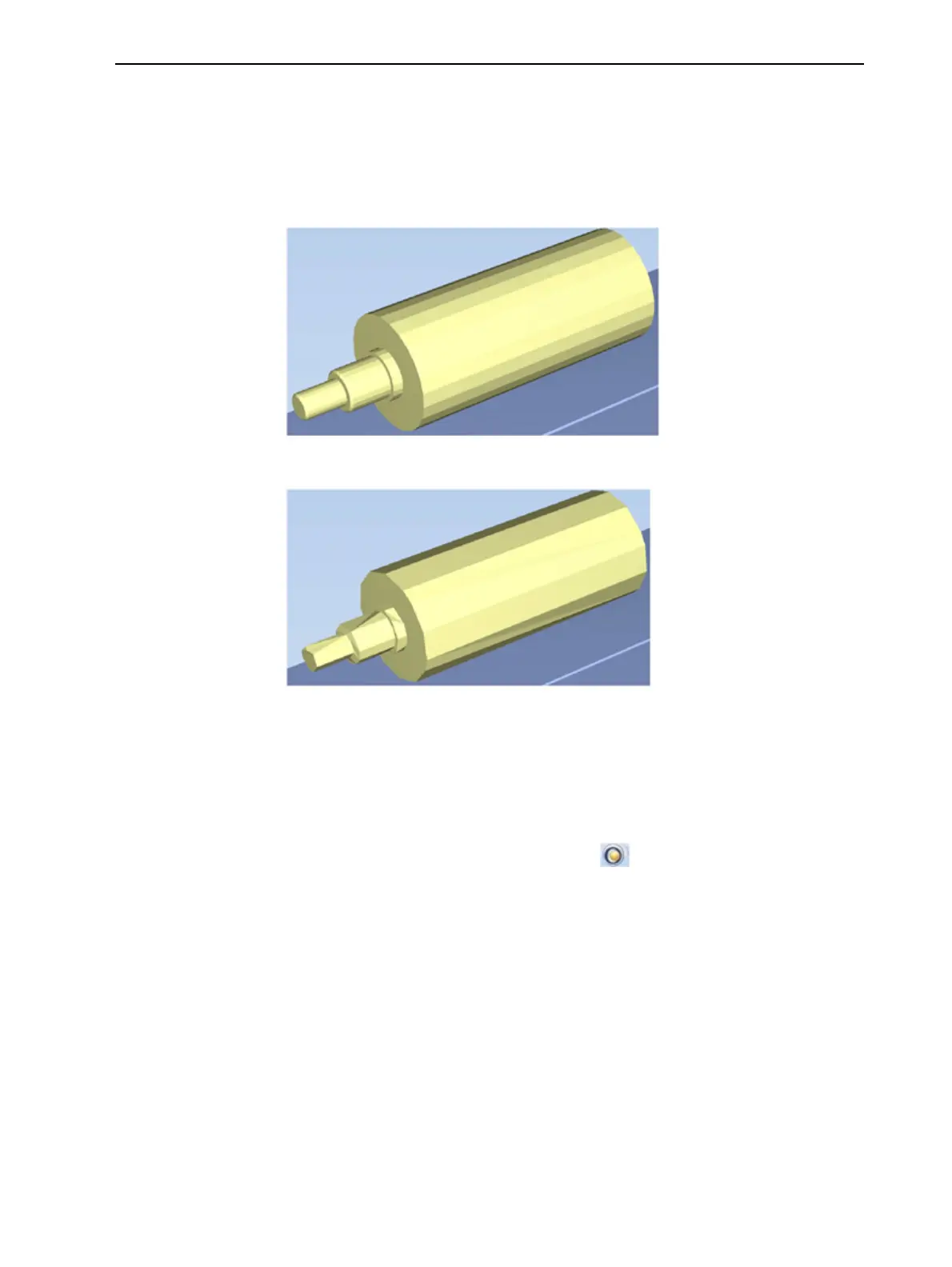
reducing the number of polygons on the screen. Although this may reduce the
resolution on the screen, it has no affect on the printed models.
Figure 5-44 Object displayed without polygon reduction
Figure 5-45 Object displayed with only five percent of its polygons
showing
To use polygon reduction:
1. From the Tools menu, select Options.
or—
From the Objet Studio Commands menu , click Options.













 To Next Page