Objet30 User Guide 5 Using Objet Studio
DOC-34025 Rev. I 5-15
Opening Objet Tray Files
You can open trays that were saved as objtf files. (Saving objtf files is
described in "Saving Build Trays" on page 5-51).
To place an object saved as an Objet Tray File (objtf) file on the build
tray:
1. From the File group, click .
or—
From the Objet Studio Commands menu , select Open.
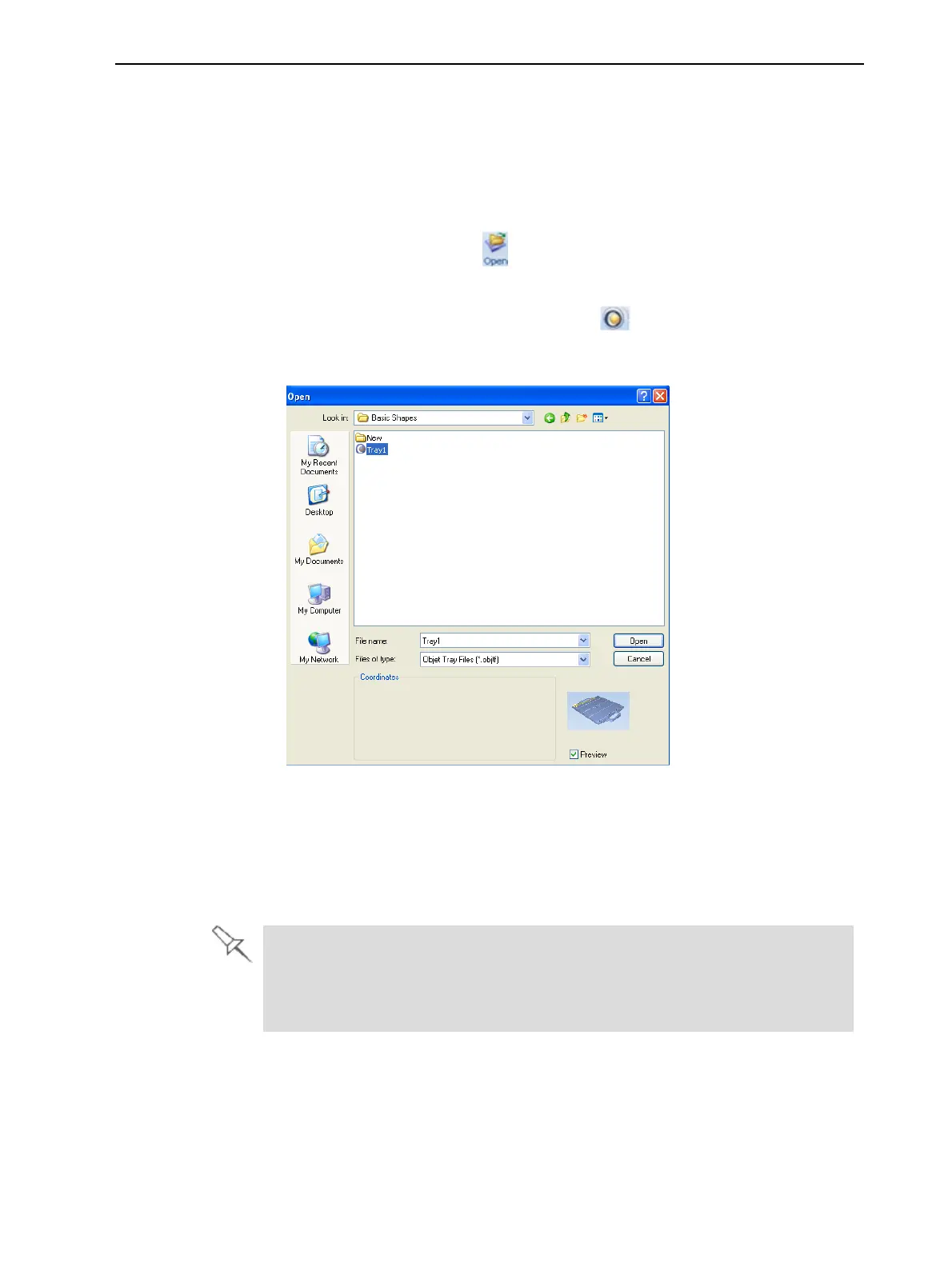
The Open dialog box is displayed.
Figure 5-11 Objet Tray File Open dialog box
2. Select the desired file, and make sure that it appears in the File name field.
If the Preview check box is selected, the object is displayed.
3. Click Open.
Objet Studio opens the tray file.
The objtf file is actually a file containing instructions for printing—which stl
files to print and their position on the build tray. Because the objtf file
references the stl files used, they must remain in the same file location as
when the objtf file was saved.













 To Next Page