Objet30 User Guide 5 Using Objet Studio
DOC-34025 Rev. I 5-14
Opening objdf Files
Before placing objdf files on the build tray, Objet Studio must extract the
component stl files together with information about their relative position and
model materials. To do this, Objet Studio creates a folder with the same name
as the objdf file, in the same location.
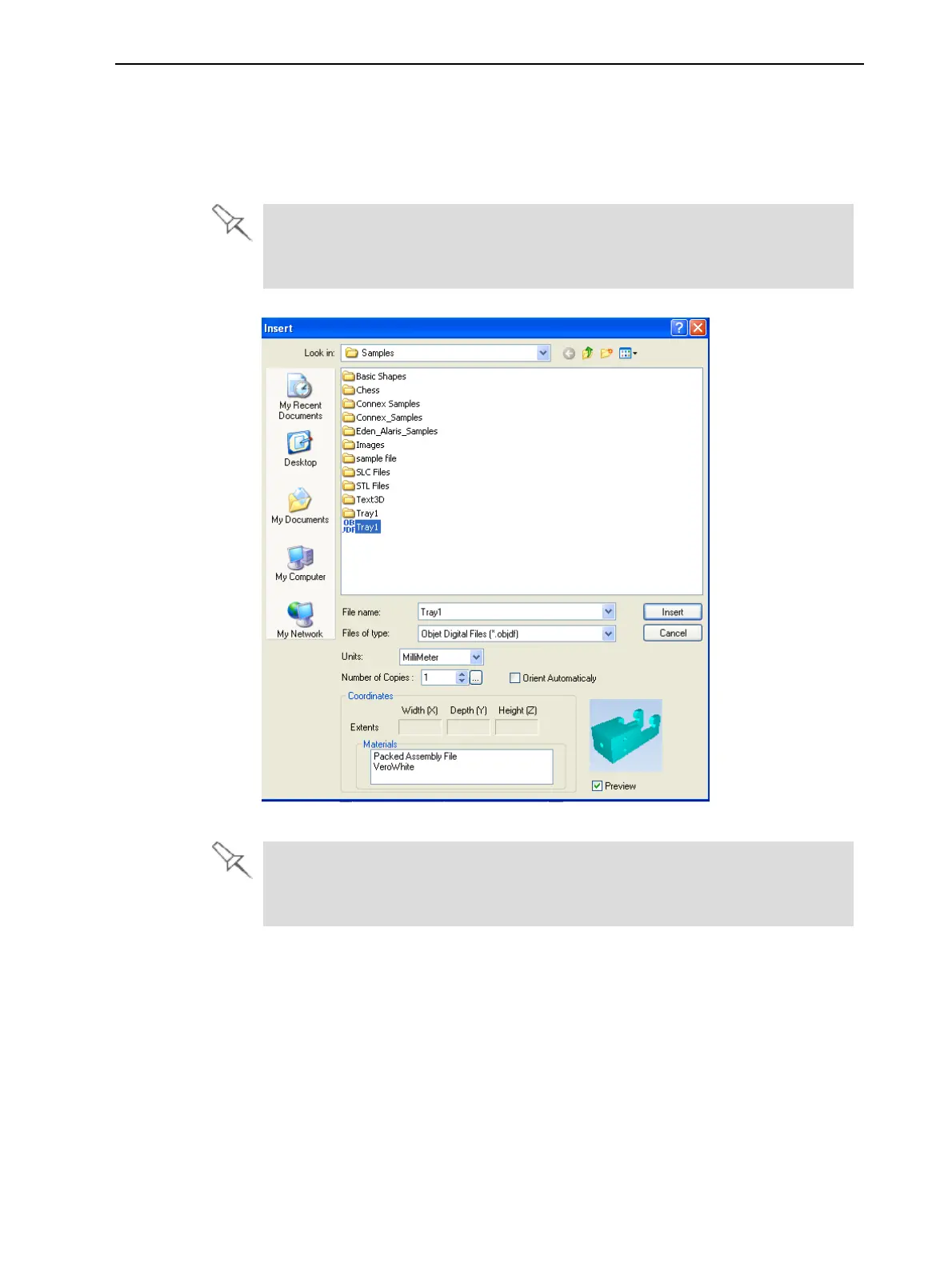
If you are opening an objdf file, the Insert dialog box also includes a
Materials field that shows the object’s printing material assignment (see
below).
Figure 5-10 Insert dialog box (objdf file)
A warning message appears if a part is defined with materials not supported
by your system, or if an object already on the build tray uses different
materials.













 To Next Page