Objet30 User Guide 6 Operating and Maintaining the Printer
DOC-34025 Rev. I 6-75
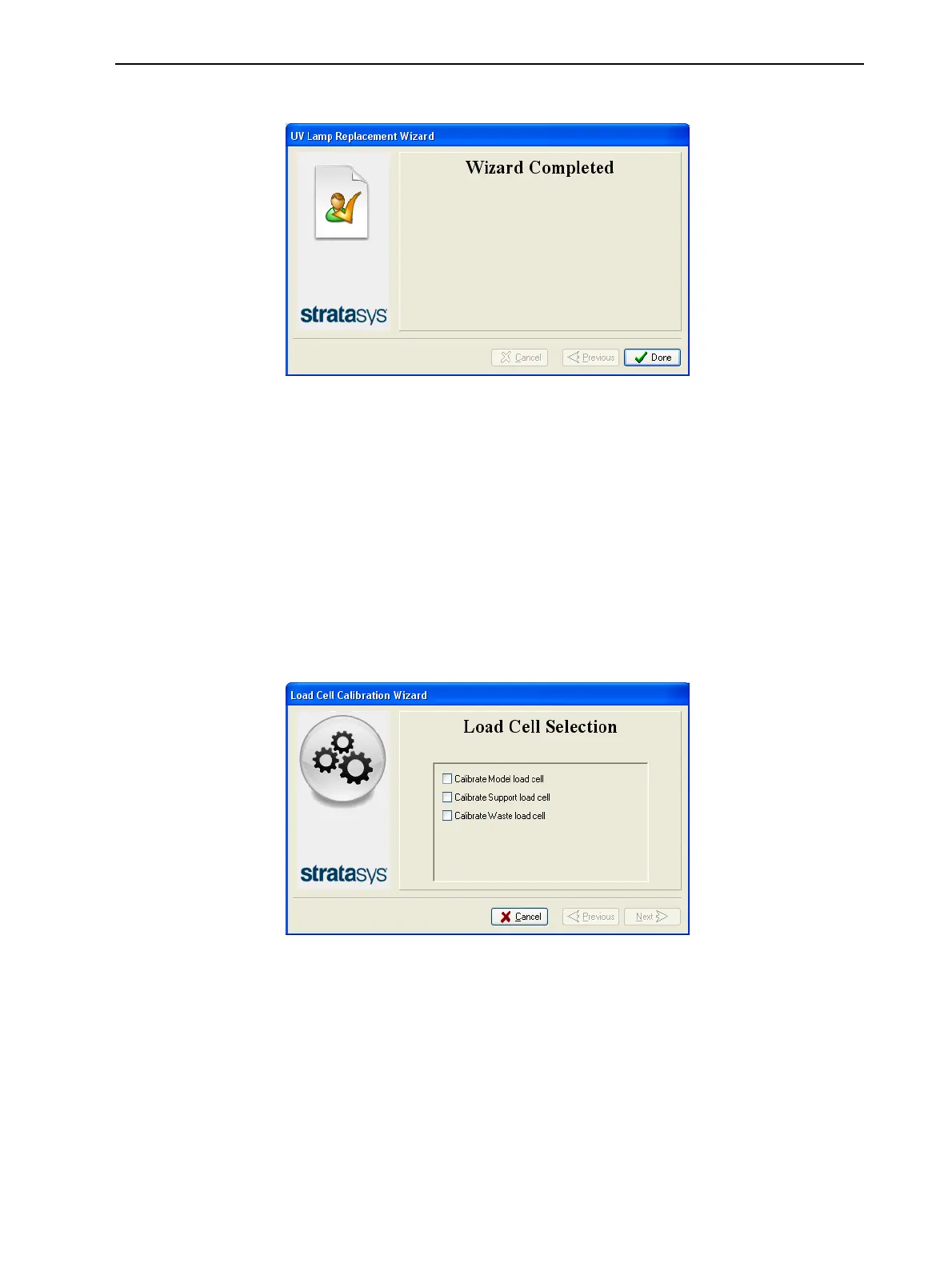
10. Click Done in the final wizard screen.
Figure 6-98 Final wizard screen
Calibrating the Load Cells
Load cells are sensors that measure the weight of the material cartridges and
the waste container in the printer. It is important that you periodically check that
the weight measurements are accurate to prevent unnecessary waste of
printing materials or printer malfunctions. It is recommended that you calibrate
the load cells after 500 hours of printing, or every six months.
To calibrate load cells:
1. Start the Load Cell Calibration wizard from the Options menu.
2. Select one or more load cells that you want to calibrate, and click Next.
Figure 6-99 Load cell selection
3. Remove the cartridge, as instructed by the wizard, and close the materials
drawer.
Important: Make sure that the materials drawer is closed before
continuing. Otherwise, calibration will be affected.













 To Next Page