Objet30 User Guide 6 Operating and Maintaining the Printer
DOC-34025 Rev. I 6-76
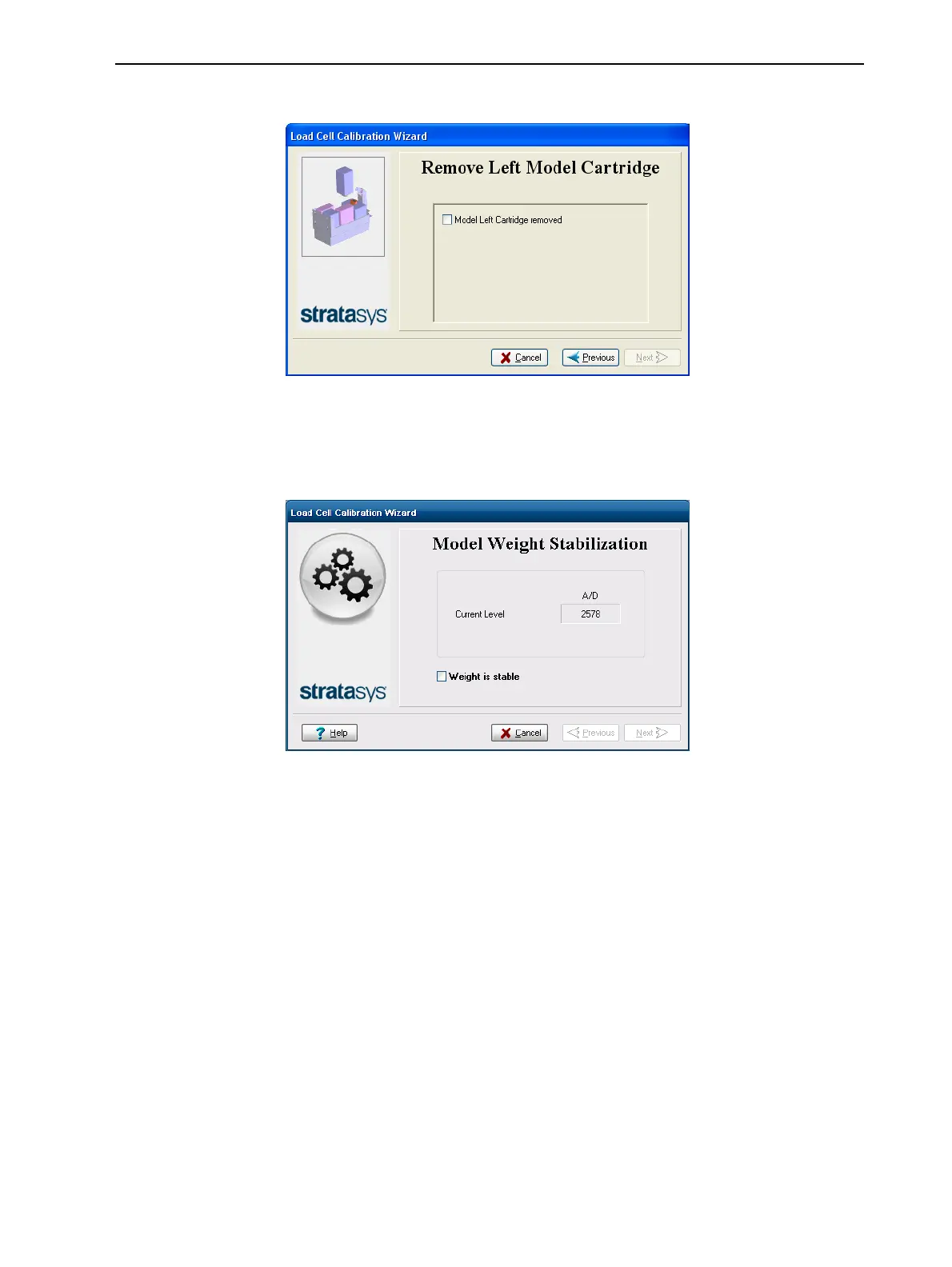
4. Select the confirmation check box, and click Next.
Figure 6-100 Confirmation of cartridge removal
5. In the next wizard screen, observe the numbers and wait until the weight
level is relatively stable—two units above or below the average level
shown.
Figure 6-101 Weight stabilization
6. Select the check box, and click Next.
If you need to calibrate more than one load cell, the next calibration screen
appears. Repeat steps 5 and 6 until all of the load cells are calibrated.













 To Next Page