Objet30 User Guide 5 Using Objet Studio
DOC-34025 Rev. I 5-29
Manually Repositioning Objects
You can manually move and rotate an object on the build tray with the arrow
keys, or by dragging it with the mouse.
To manually manipulate an object:
1. Select an object by clicking it on the build tray, or in the model tree pane.
2. Click on the Model Toolbar, or on the Model Settings ribbon.
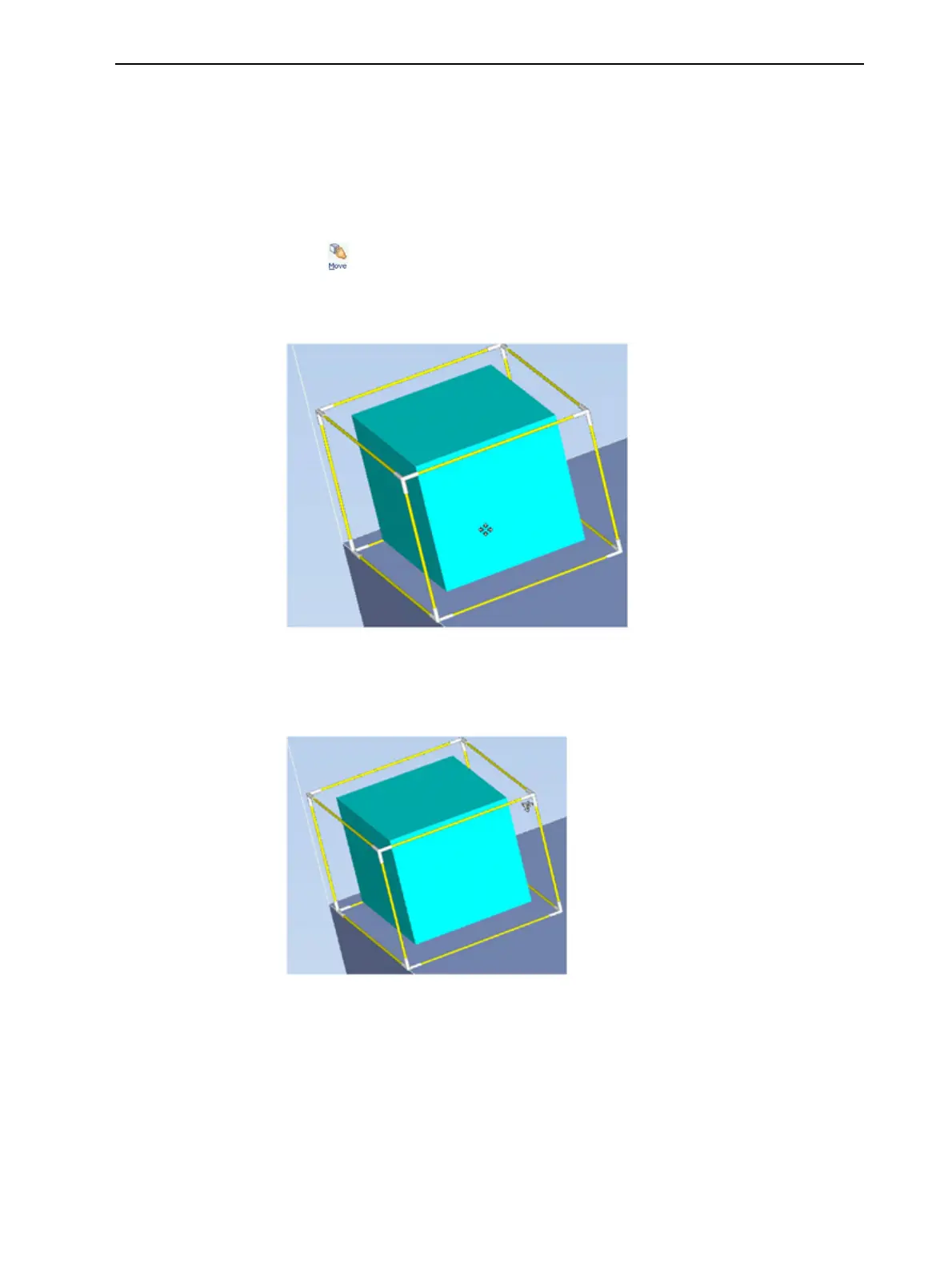
A frame appears around the object, and the cursor changes to indicate that
the object can be moved.
Figure 5-26 Manually moving an object
3. If you click on a corner of the frame, the cursor changes to indicate that the
object can be rotated.
Figure 5-27 Manually rotating an object
4. Manipulate the object with the arrow keys or with the mouse.













 To Next Page