Objet30 User Guide 5 Using Objet Studio
DOC-34025 Rev. I 5-67
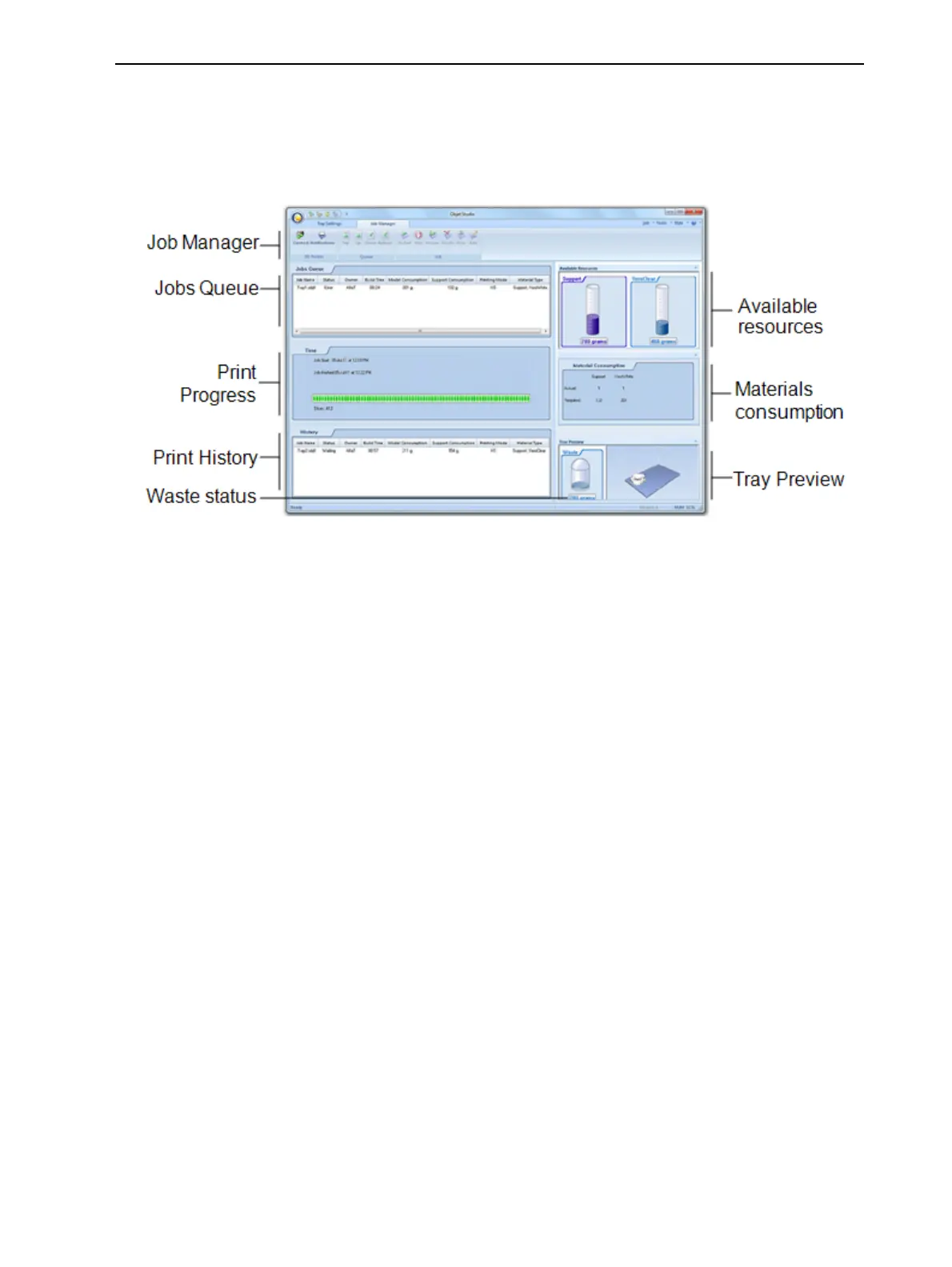
Job Manager Screen
The Job Manager screen on the client and server workstations looks identical.
The only difference is that options only relevant to the server workstation are
disabled for client installations.
Figure 5-80 Job Manager screen
The Job Manager screen is divided into panels:
• Jobs Queue
• Printing Progress
• History
• Available Resources
• Material Consumption
• Tray Preview
• Waste













 To Next Page