Objet30 User Guide 6 Operating and Maintaining the Printer
DOC-34025 Rev. I 6-32
Frequency Task For More
Information
Once a year Inspect the activated-carbon odor filter, and
replace if necessary.
See "Replacing the
Odor Filter" on
page 6-78.
Once in two years Calibrate the UV sensor Performed by a
Stratasys Service
Engineer.
Maintenance Counters
The printer computer application records the dates and frequency for each
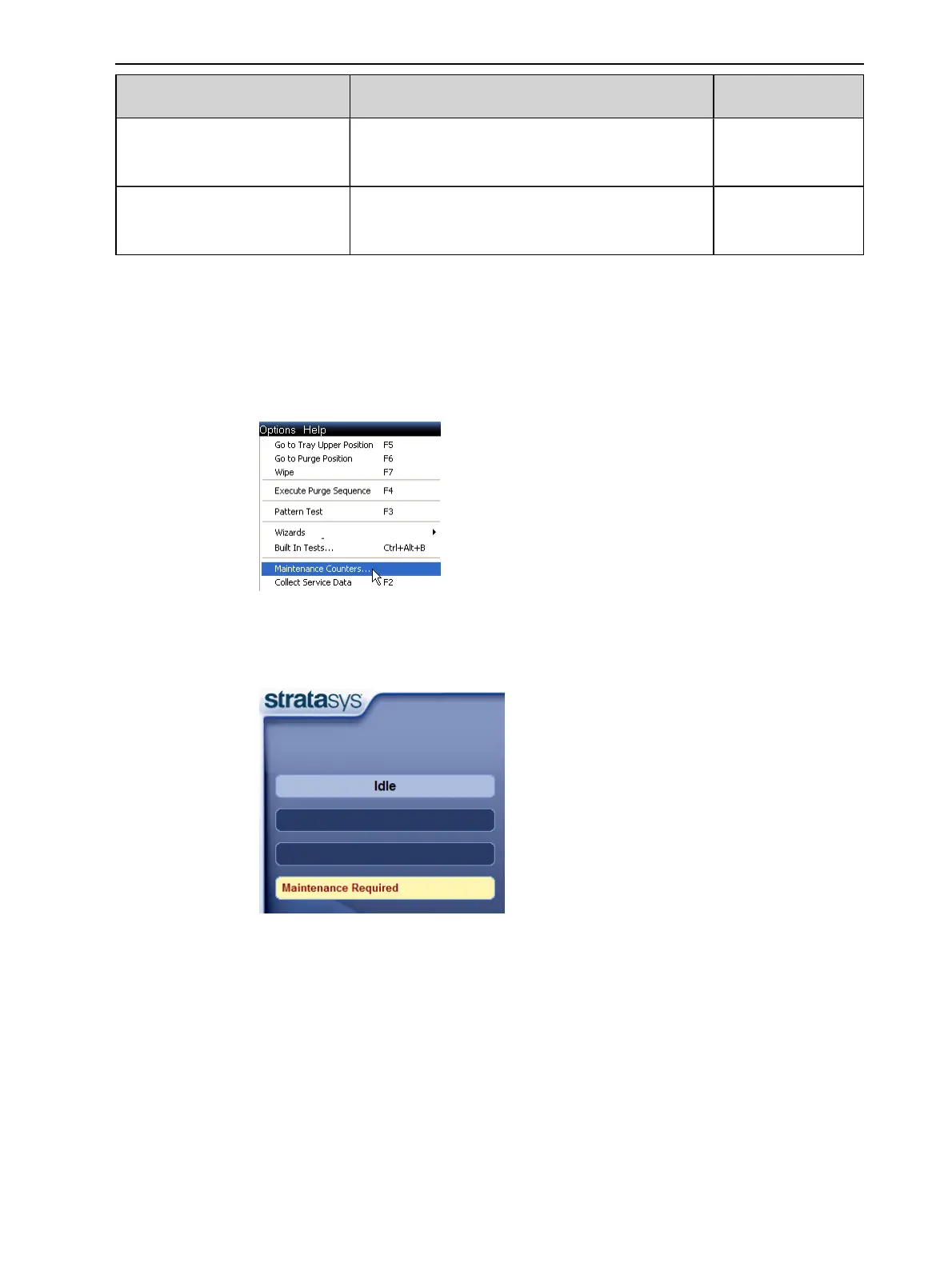
maintenance task. You can display the Maintenance Counters screen from the
Options menu.
Figure 6-35 Selecting Maintenance Counters
If there is a maintenance task due, this is indicated on the main interface
screen.
Figure 6-36 Maintenance Required indicator
If this indicator appears, you can display the Maintenance Counters screen by
clicking on it.













 To Next Page