Objet30 User Guide 6 Operating and Maintaining the Printer
DOC-34025 Rev. I 6-33
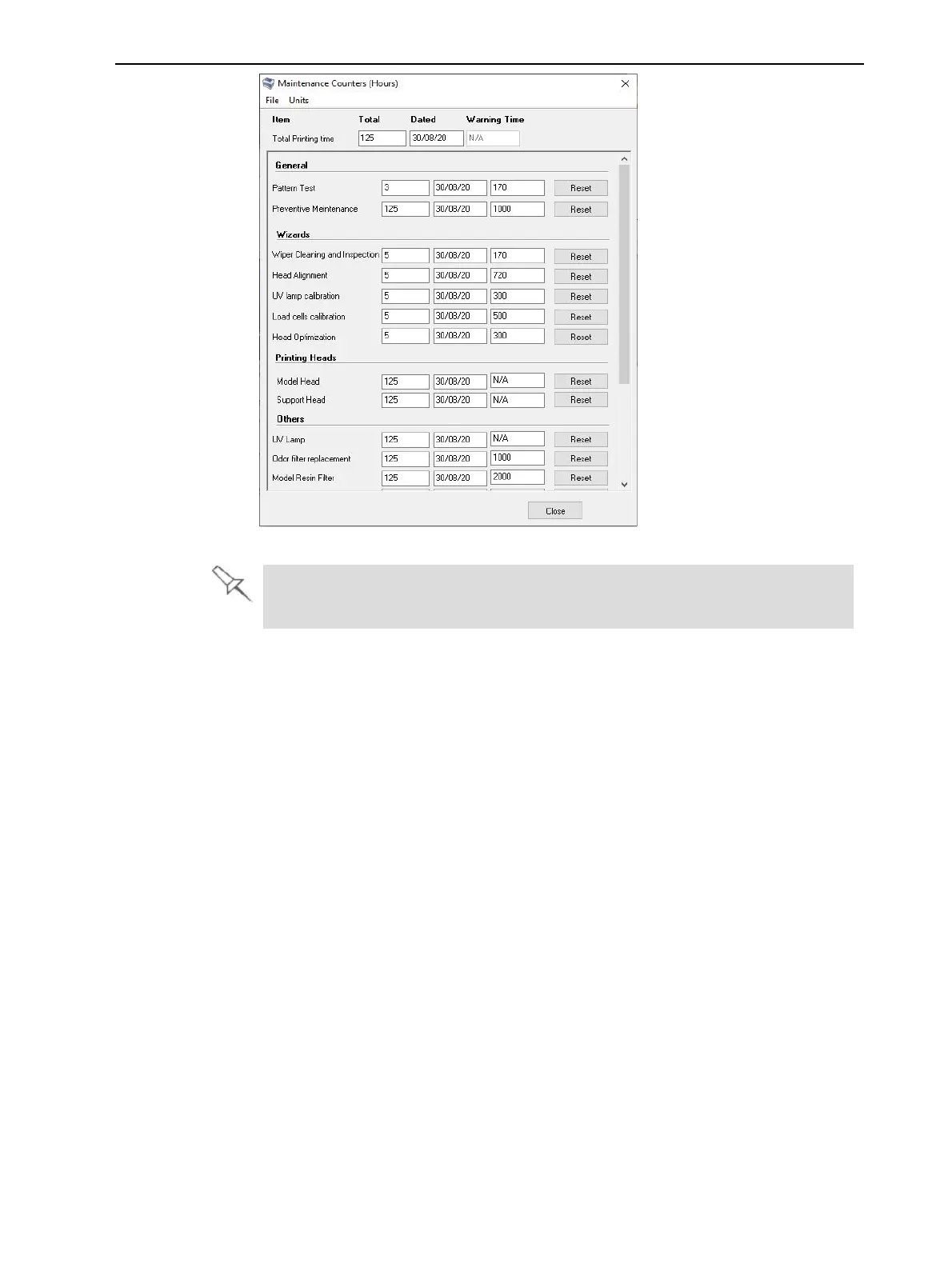
Figure 6-37 Maintenance Counters screen
The Maintenance Required indicator appears by default for most operator-
performed maintenance tasks.
For maintenance tasks that are controlled by wizards, the dates and printing
times are reset automatically when the relevant wizard is run and completed
successfully. Manual maintenance tasks (for example, roller inspection and
wiper replacement) are reset by clicking the reset button in the Maintenance
Counters screen.













 To Next Page