Objet30 User Guide 5 Using Objet Studio
DOC-34025 Rev. I 5-34
Display Options
Viewing Objects
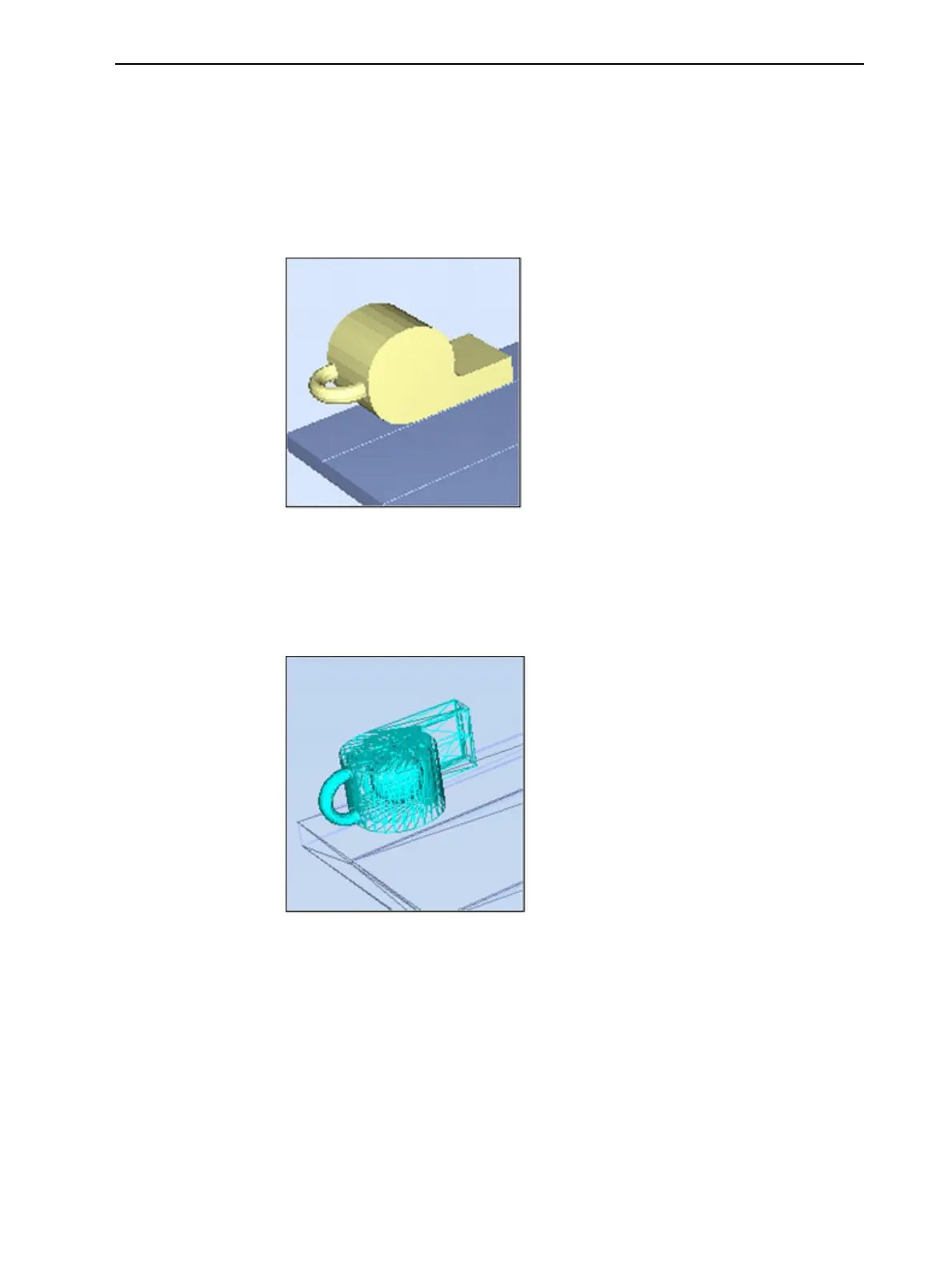
From the View menu, you can change the way objects are displayed. The
default method for displaying models on the build tray is as solid (“shaded”)
objects.
Figure 5-31 Tray and model displayed in Shaded view
The other display options are WireFrame and Points.
To display the build tray in WireFrame view:
➢ From the View menu, select WireFrame.
Figure 5-32 Tray and model displayed in WireFrame view
To revert to the shaded view:
➢ From the View menu, select Shaded.













 To Next Page