Objet30 User Guide 5 Using Objet Studio
DOC-34025 Rev. I 5-55
Hiding the Ribbon
To make more room for displaying the build tray, you can hide the Objet Studio
ribbons.
To hide the ribbons:
1. Right-click anywhere on the ribbon or on the menu bar, or in the Objet
Studio Commands menu .
2. Select Minimize the Ribbon.
The ribbons disappear, but you can temporarily display the ribbon icons by
clicking Tray Settings or Job Manager on the menu bar. When you next
click outside of the ribbon, it disappears again.
To return the permanent ribbon display:
➢ Repeat the steps above to cancel Minimize the Ribbon.
Display Colors
You can customize some of the colors used for displaying Objet Studio
screens and for displaying objects on the build tray.
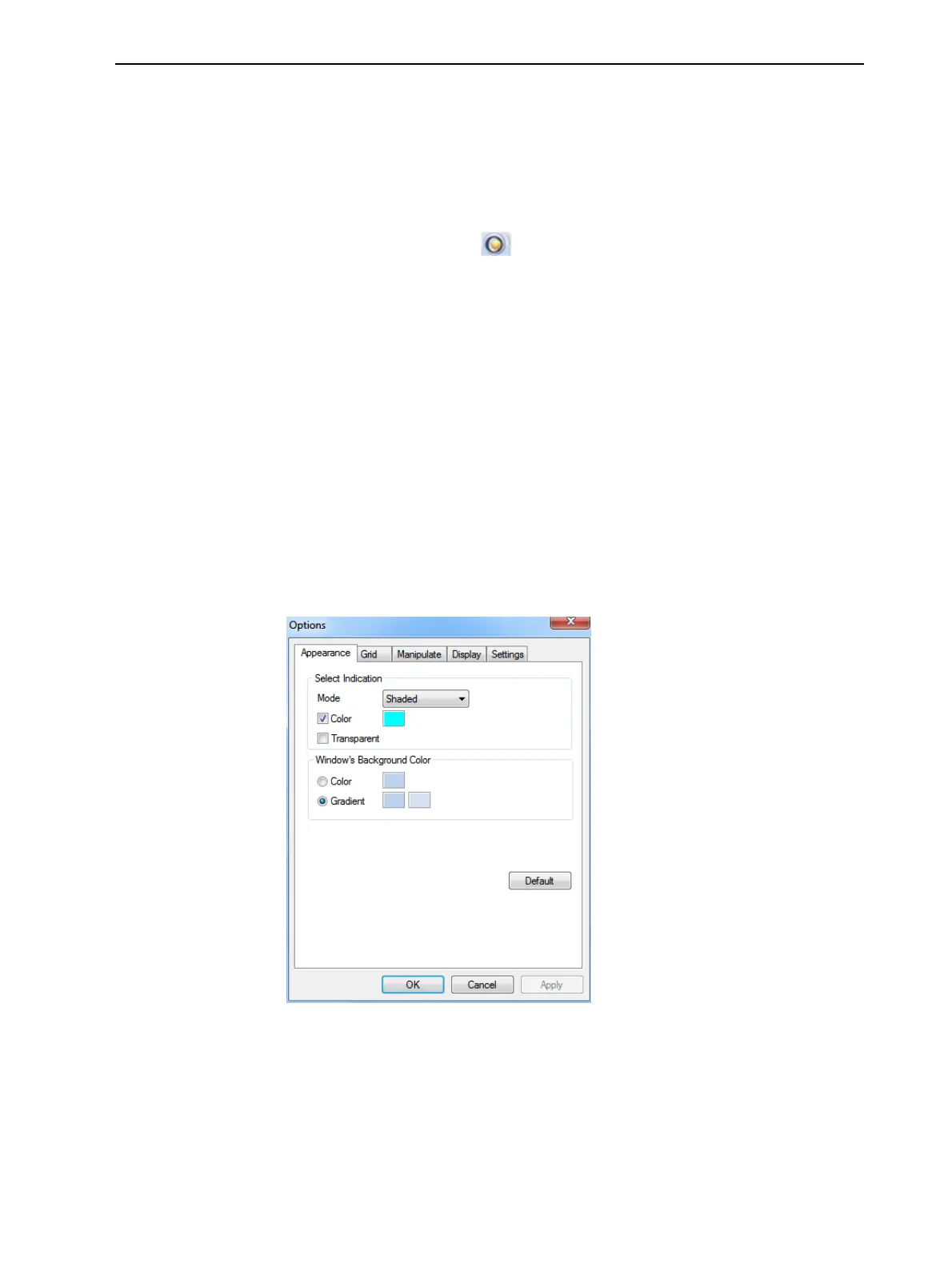
To change the colors used in Objet Studio screens:
1. From the Tools menu, select Options.
Figure 5-63 Display settings













 To Next Page