Objet30 User Guide 5 Using Objet Studio
DOC-34025 Rev. I 5-56
2. In the Appearance tab of the Options dialog box, you can configure the
display.
❒ The Mode selection determines how models appear on the build tray.
The default method for displaying models on the build tray is as solid
(“shaded”) objects. The other options are WireFrame and Points.
❒ If Shaded is selected, you can display the model on the tray as a see-
through object.
Figure 5-64 Transparent display
❒ Double-click the color patches to customize colors.
❒ The Windows Background Color settings enable you to change the
color behind the build tray—with either a solid or a two-color gradient.
❒ To return to the default display settings, click Default.
Changing Color Themes
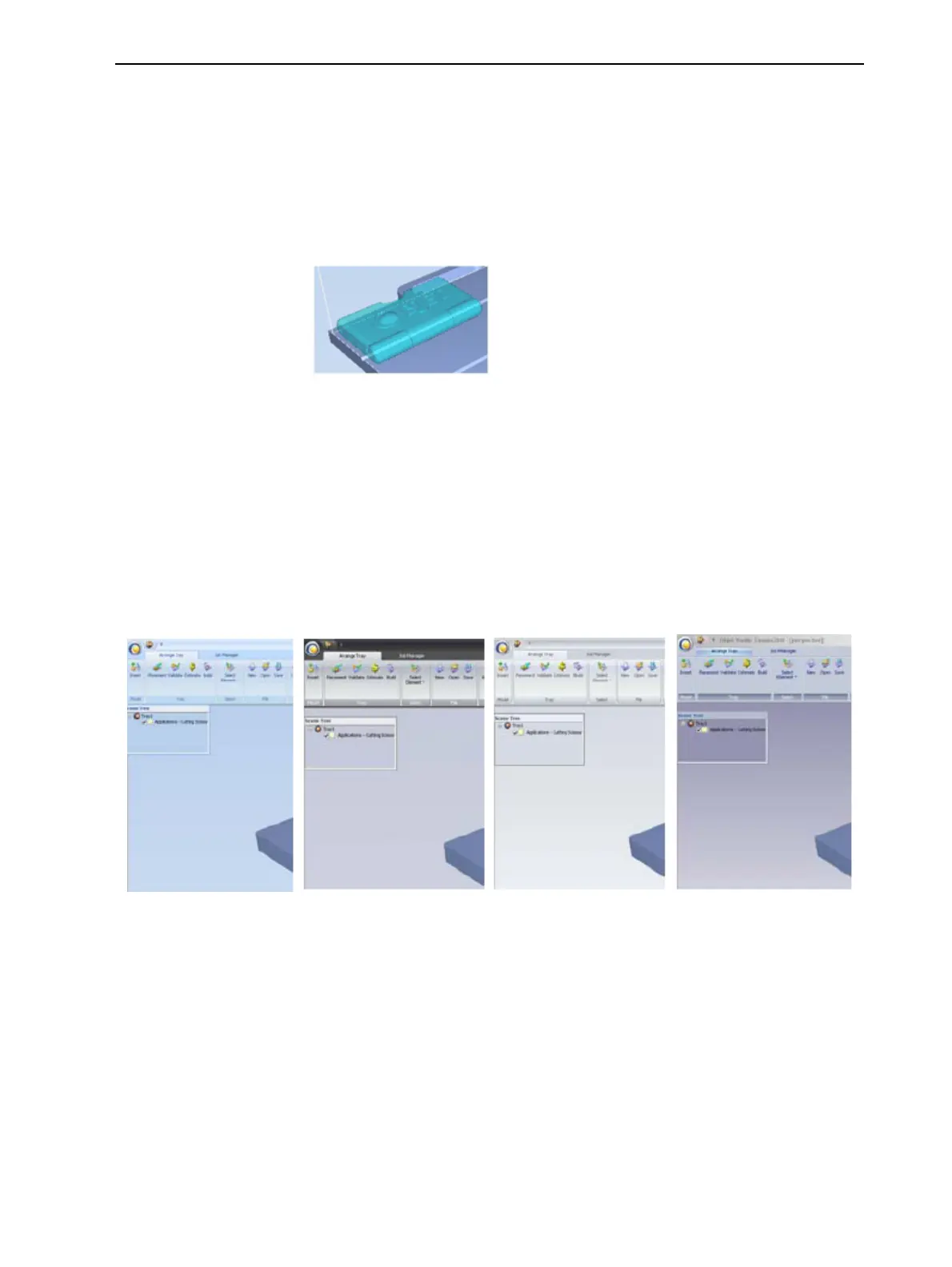
Objet Studio offers a choice of four background color themes—blue, black,
silver and aqua.
Figure 5-65 Background color themes
To change the color theme:
➢ From the Style menu, select one of the options.













 To Next Page