Objet30 User Guide 5 Using Objet Studio
DOC-34025 Rev. I 5-36
To display objects without the build tray:
➢ From the View menu, clear (de-select) the Display Tray option.
Screen Layout
Objet Studio automatically adjusts the default screen layout to display the
optimum views of the build tray and the model tree. You can view models from
different perspectives by changing the screen layout.
To change the screen layout:
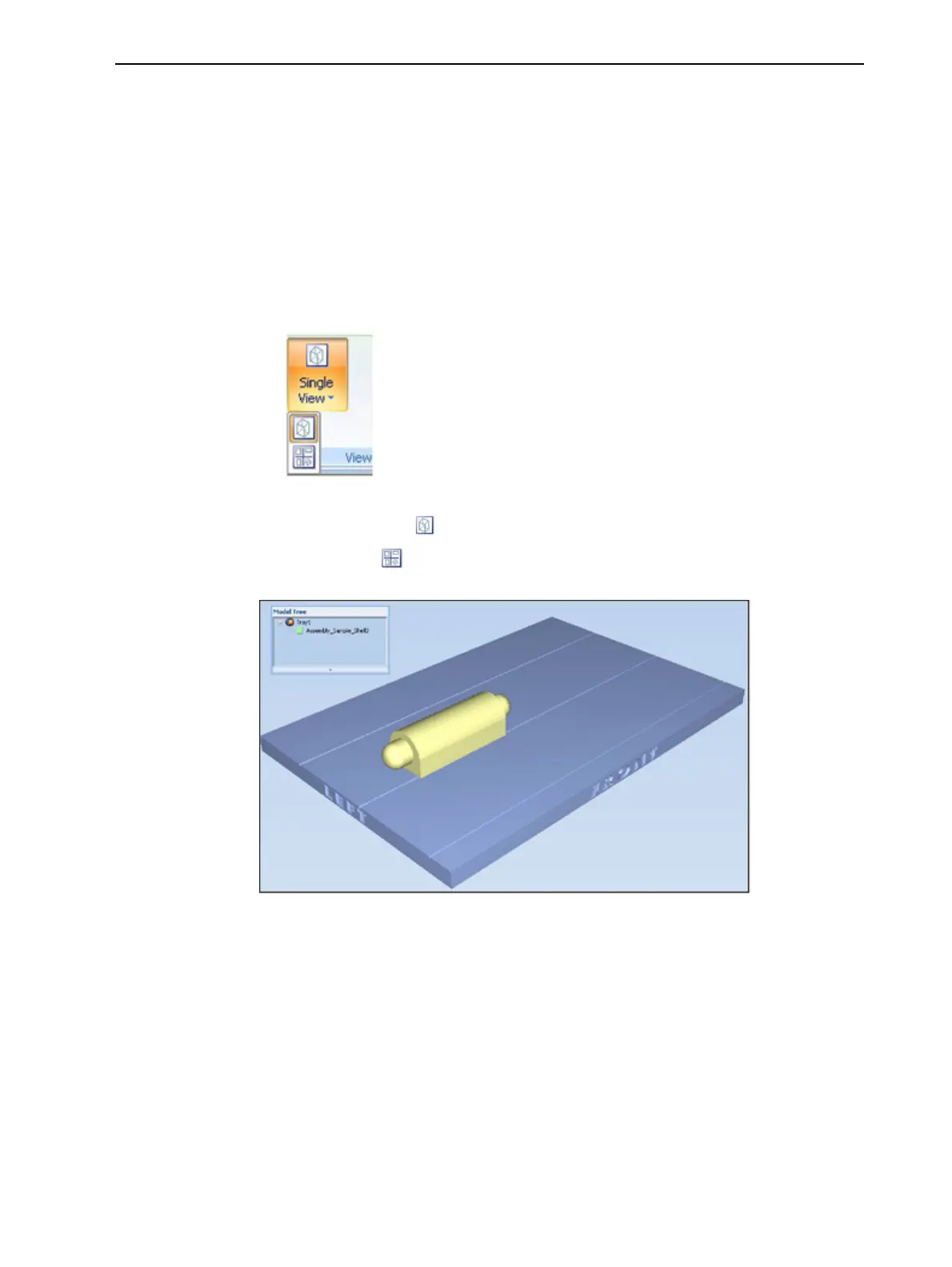
➢ On the View flyout toolbar, select Single View, or 4 Views.
Figure 5-36 Screen layout icons
❒ Single View is the default screen layout.
❒ 4 Views displays perspective, top, front and right views.
Figure 5-37 Single-view screen layout













 To Next Page