Objet30 User Guide 6 Operating and Maintaining the Printer
DOC-34025 Rev. I 6-3
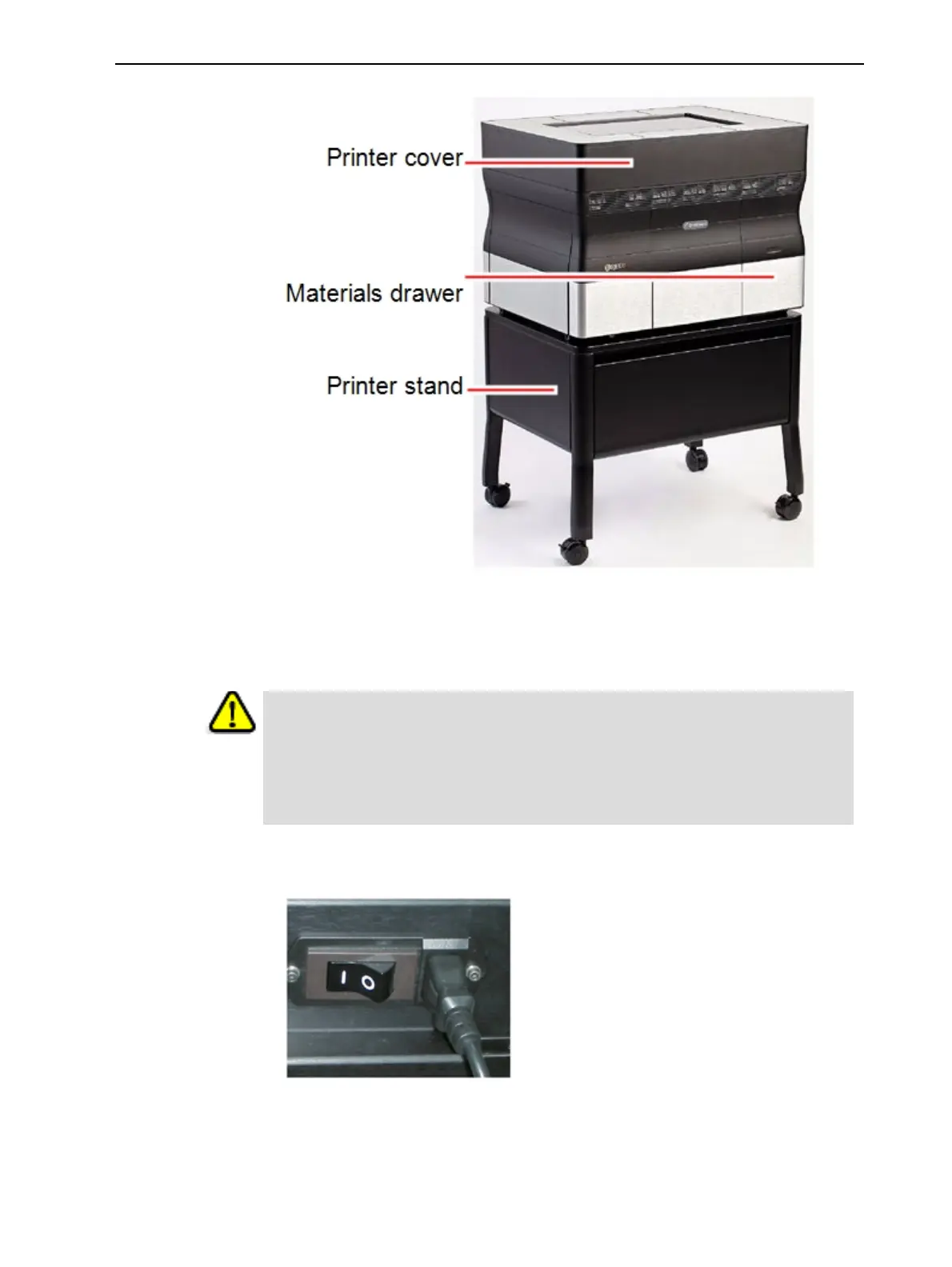
Figure 6-1 The Objet30 3D Printer
Starting the Printer
Caution
l Do not attempt to operate the printer before being trained by an authorized
Stratasys representative.
l Observe all safety warnings and follow the safety guidelines described in
Chapter 2.
1. Turn on the main power switch, located at the back of the printer.
Figure 6-2 Main power switch and cable
The main power switch turns on the Objet30 printer, which includes the
built-in computer.













 To Next Page