Objet30 User Guide 6 Operating and Maintaining the Printer
DOC-34025 Rev. I 6-43
Cleaning and Replacing the Roller Waste Collector
Normally, you do not have to inspect and clean the roller waste collector. This
is done by your Stratasys service provider during regular maintenance visits.
Occasionally, however, a blockage or damaged scraper may cause material
leakage on the build tray. If this happens, remove the roller waste collector to
inspect it.
To remove the roller waste collector:
1. Start the Head Cleaning wizard from the Options menu.
This wizard prepares the printer for removing the roller waste collector.
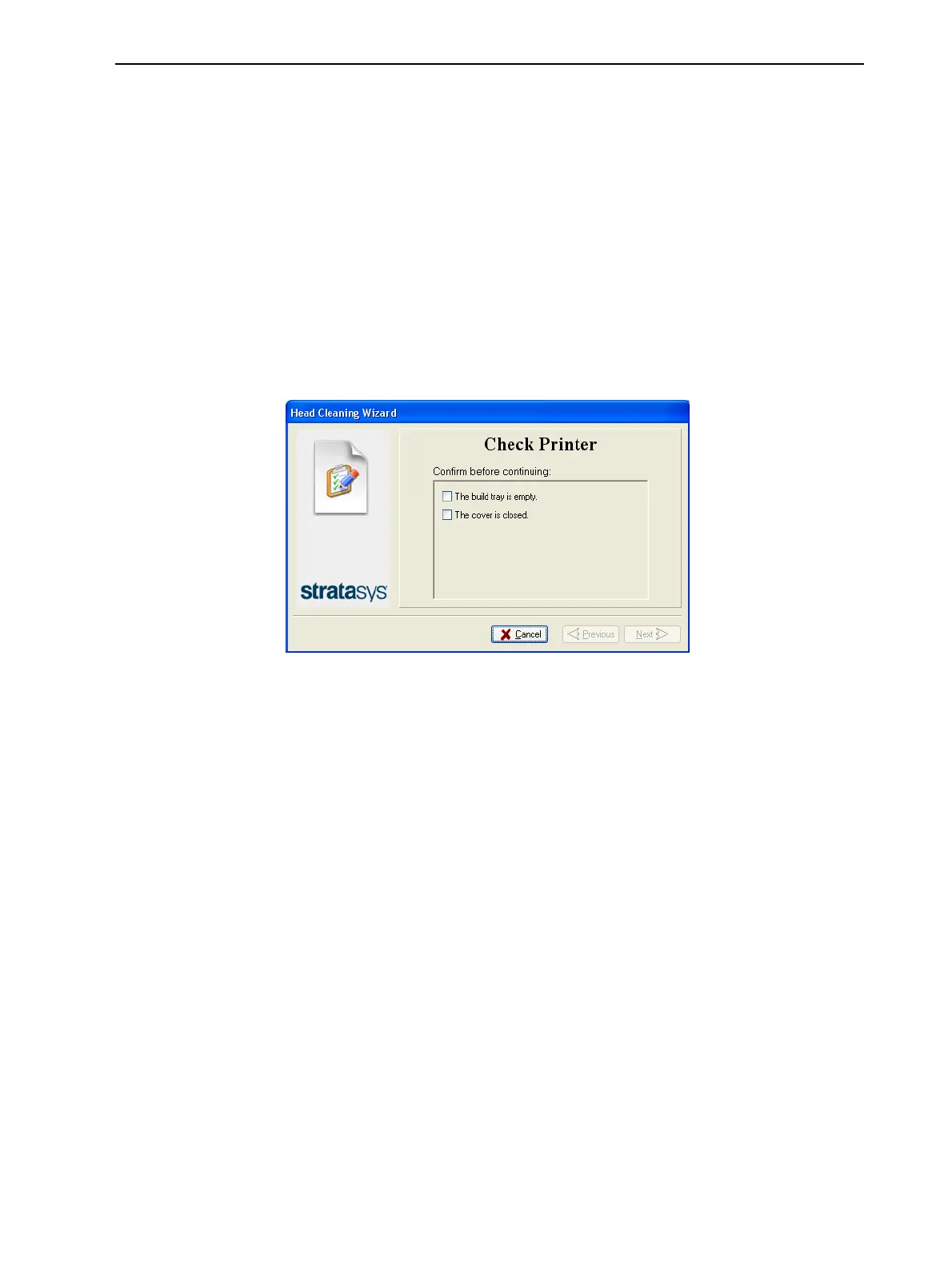
2. When the following screen appears, confirm that the tray is empty and that
the printer cover is closed, then click Next.
Figure 6-52 Tray and cover confirmation
The print block moves to the center of build tray, and the tray lowers.













 To Next Page