Objet30 User Guide 5 Using Objet Studio
DOC-34025 Rev. I 5-58
4. Select command Categories to display all the commands in that category,
for example, all the Model Settings commands.
Current shortcut keys are displayed.
5. Enter the shortcut key in the Press new shortcut key field, and click Assign.
6. If you want to redefine all shortcut keys, click Reset All.
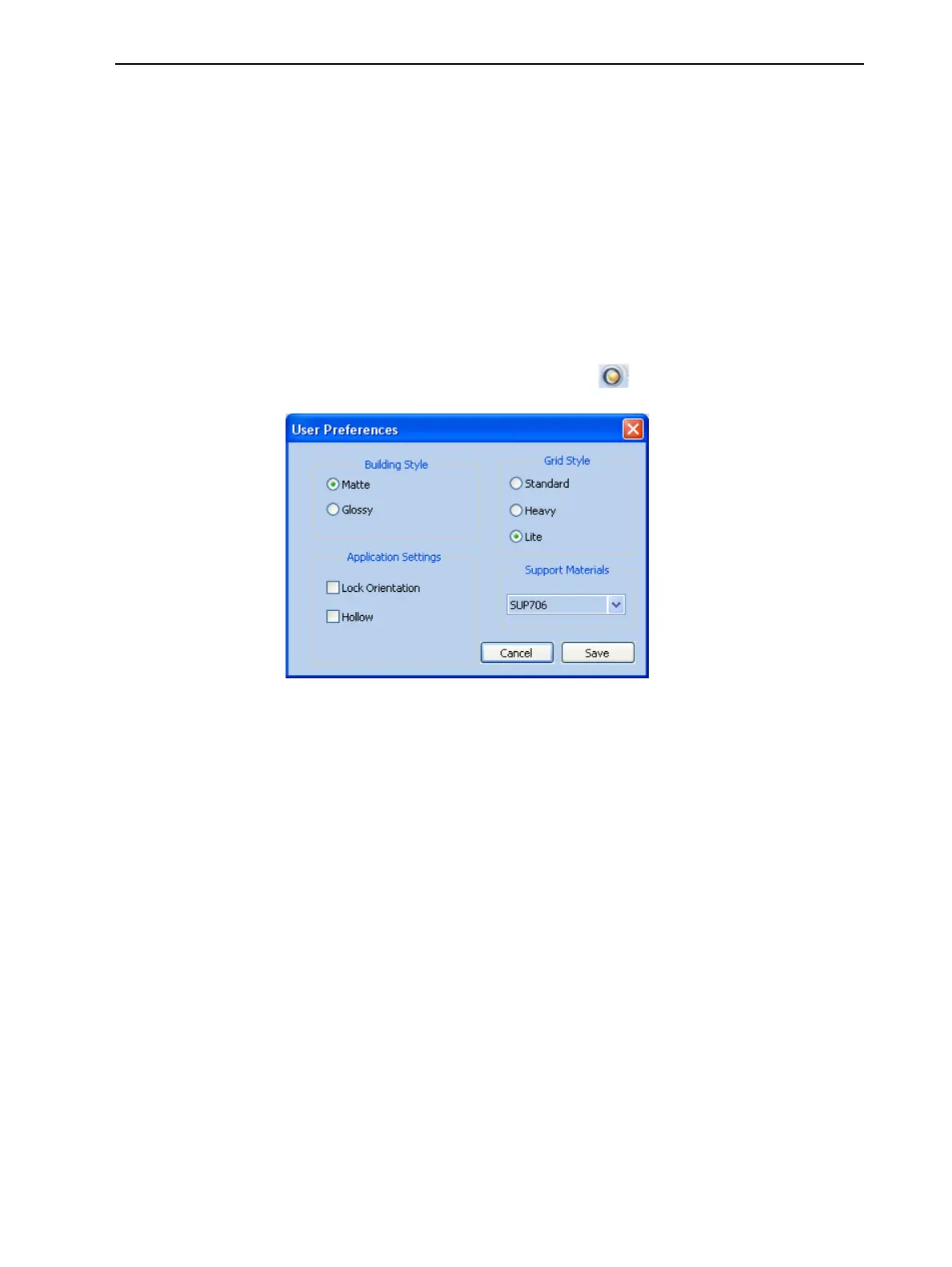
Setting User Preferences
You can change several Objet Studio settings that affect objects placed on the
build tray.
To change default settings:
➢ From the Objet Studio Commands menu , select User Preferences.
Figure 5-68 Setting work preferences
• Building Style—see "Surface Finish" on page 5-19.
• Grid Style—see "Choosing the Support Strength" on page 5-48.
• Application Settings:
❒ Lock Orientation—see "Freezing Model Orientation" on page 5-32.
❒ Hollow—see "“Hollow”— Filling Models with Support Material" on
page 5-49.













 To Next Page