Objet30 User Guide 5 Using Objet Studio
DOC-34025 Rev. I 5-21
Automatic Positioning
After placing several objects on the build tray, you can let Objet Studio arrange
them before printing. This ensures that the objects are positioned properly, and
that they will be printed in the shortest time and with a minimum of material.
To automatically arrange objects on the build tray:
➢ On the Tray Settings ribbon, click .
or—
From the Tools menu, select Automatic Placement.
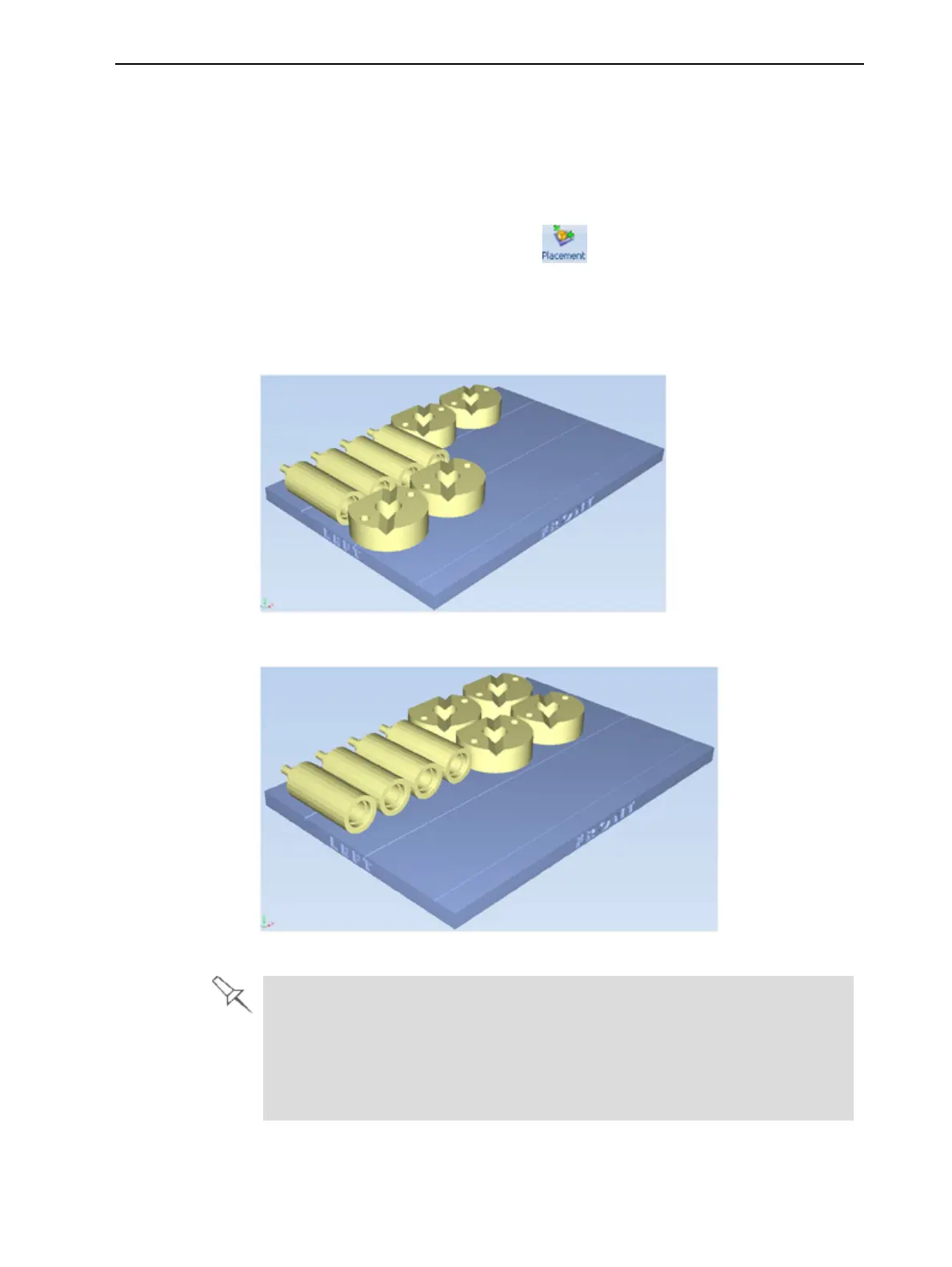
The effects of automatic positioning are shown in the figures below.
Figure 5-17 Tray before objects are properly arranged
Figure 5-18 Tray arrangement after applying Automatic Placement
l For best results, arrange the tray with Automatic Placement,on the
TraySettings ribbon, even if you inserted the objects with the Orient
Automatically option.
l The physical characteristics of each type of Model material you use can
affect the positioning of objects on the tray. Therefore, select materials
before running Automatic Placement.













 To Next Page