Objet30 User Guide 5 Using Objet Studio
DOC-34025 Rev. I 5-42
Object display options
The display format affects how quickly objects display. For example, if you
select Bounding Box, objects display faster than they do when you select
Entire Object. You can choose display formats for objects when they are
stationary (static view) and for when you are dragging them (changing view).
To select the object display preference while changing view, and in
static view:
1. Select to display objects:
❒ With a Bounding Box (see Figure 5-33 on page 5-35)
❒ With Adaptive Polygon Reduction (changing view only)
❒
WithPolygon Reduction (static viewonly)
❒
Entire Object
2. Click OK when done.
Zoom Options
While manipulating objects, you often need to view them at different zoom
levels.
To change the zoom level:
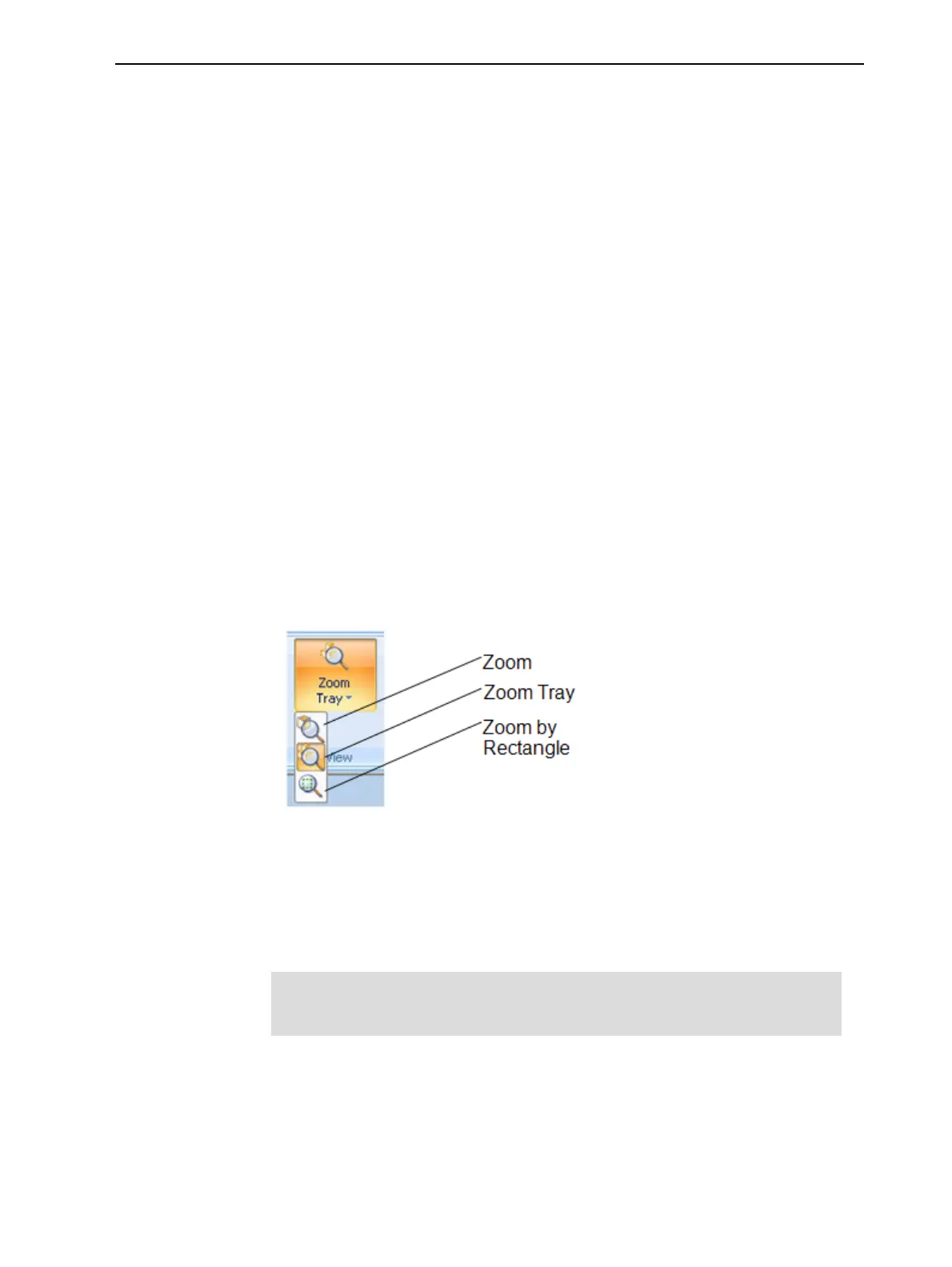
➢ On the ribbon, open the Zoom flyout toolbar and select an option:
Figure 5-47 Zoom flyout toolbar
❒ Zoom Object focuses on the selected object.
❒ Zoom Tray displays the whole tray.
❒ Zoom by Rectangle allows you to display a section of the tray by
selecting it with the mouse.
You can also zoom in and zoom out with the mouse wheel.
You can configure Objet Studio to automatically zoom in on the objects
placed on the build tray. See "Automatic Zoom" on page 5-61.













 To Next Page