Objet30 User Guide 6 Operating and Maintaining the Printer
DOC-34025 Rev. I 6-101
4. Attach the right printer panel.
Make sure that the materials drawer is open while you attach the panel.
5. Close the materials drawer.
6. Make sure that the right panel and the drawer are aligned properly.
7. Switch on the printer.
Important:
Switching on the printer activates the waste pump and stops working when
you open the printer application. If you hear unusual noises from the pumps
when switching on the printer, verify that the waste pump tube holder is
installed properly. If necessary, remove the tube holder and re-install it.
8. Open the printer control application.
Important:
If you hear unusual noises from the area of the pumps during printing verify
that the Model pump or Support pump tube holders are installed properly. If
necessary, remove the tube holders and re-install them.
Built-in Tests
A sanity check of the software parameters is available from the Built-in Tests
interface. Because this affects the operation of the printer, you can only open
the Built-in Tests interface when the system is not printing.
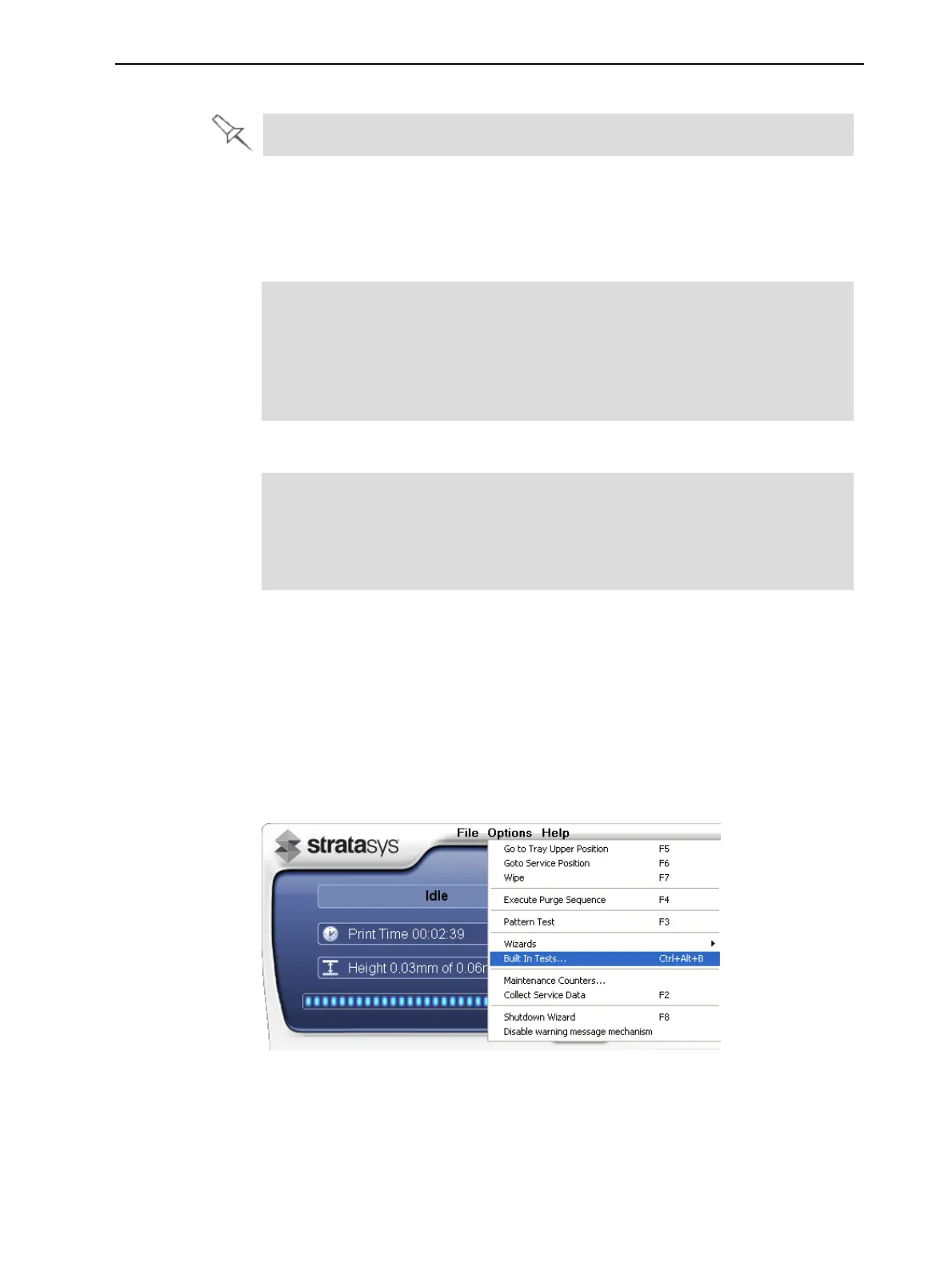
To open the Built-in Tests screen, do one of the following:
• From the Options menu, select Built-In Tests.
• Press Ctrl+Alt+B.
Figure 6-146 Selecting Built-In Tests from the Options menu













 To Next Page