Objet30 User Guide 5 Using Objet Studio
DOC-34025 Rev. I 5-17
Quick-Access Model Commands
You can access common commands for working with objects on the build tray
with the convenient Model Toolbar and context menus.
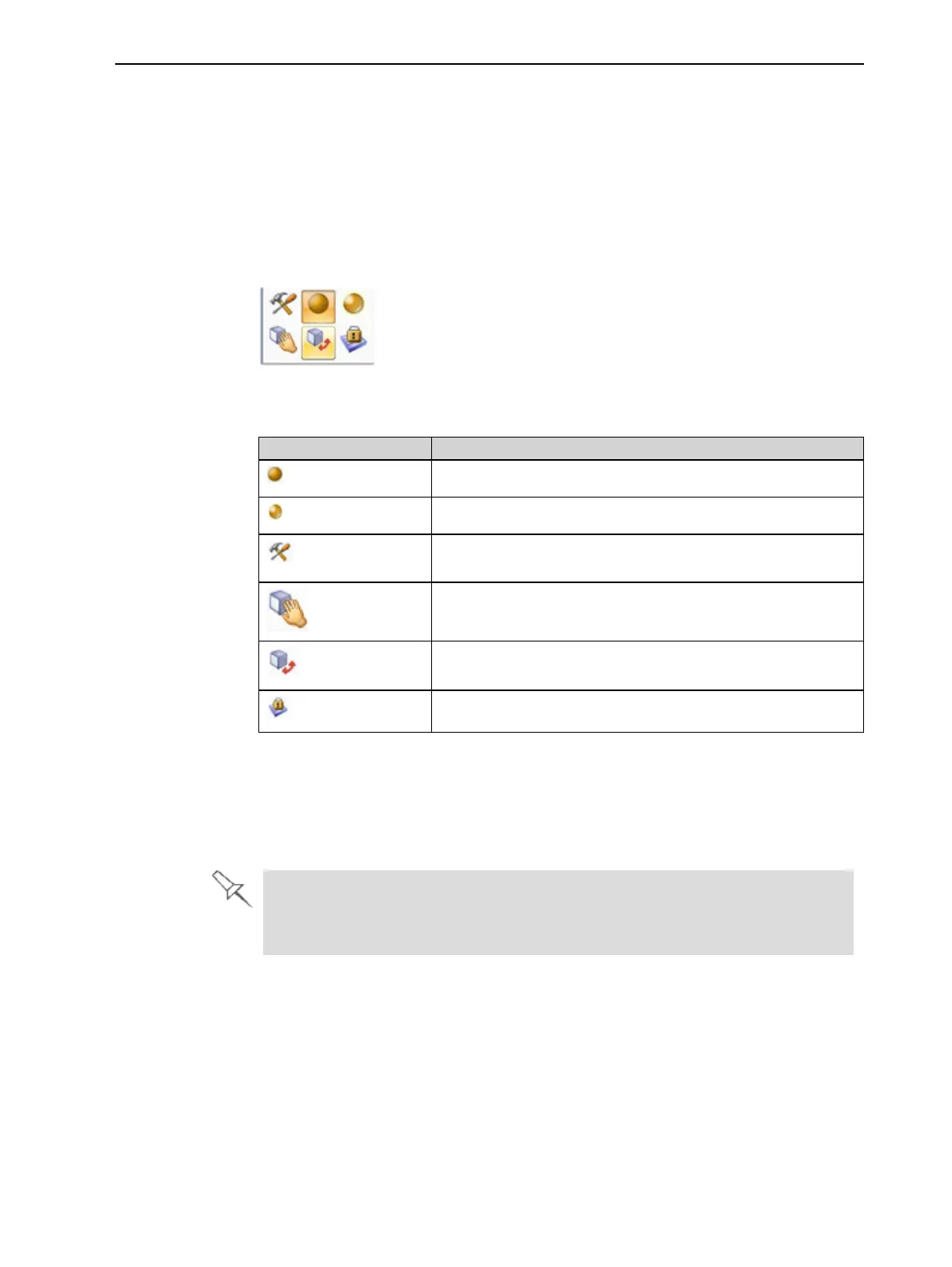
Model Toolbar
Select an object in the tray to display the Model Toolbar that contains icons to
perform common tasks.
Figure 5-13 Model Toolbar
The table below describes the Model Toolbar icons.
Icon Description
Applies a matte finish to the model.
Applies a glossy finish to the model.
Opens the Advanced Properties dialog box for setting the
Grid Style and the Hollow option.
Enables dragging an object (see page 5-29).
Opens the Transform dialog box for changing the object’s
position and scale.
Toggles the Lock Model Orientation setting.
Right-click model menu
If you right-click on an object, a pop-up context menu is displayed from which
you can also select the model finish, change its position and scale, and set the
Grid Style and Hollow options.
You can also create a Quick Access toolbar with your most commonly used
icons grouped together. See "Creating a Quick Access Toolbar" on page 5-
53.













 To Next Page